
1. Backpack: The Base of Your Mobile Study Setup
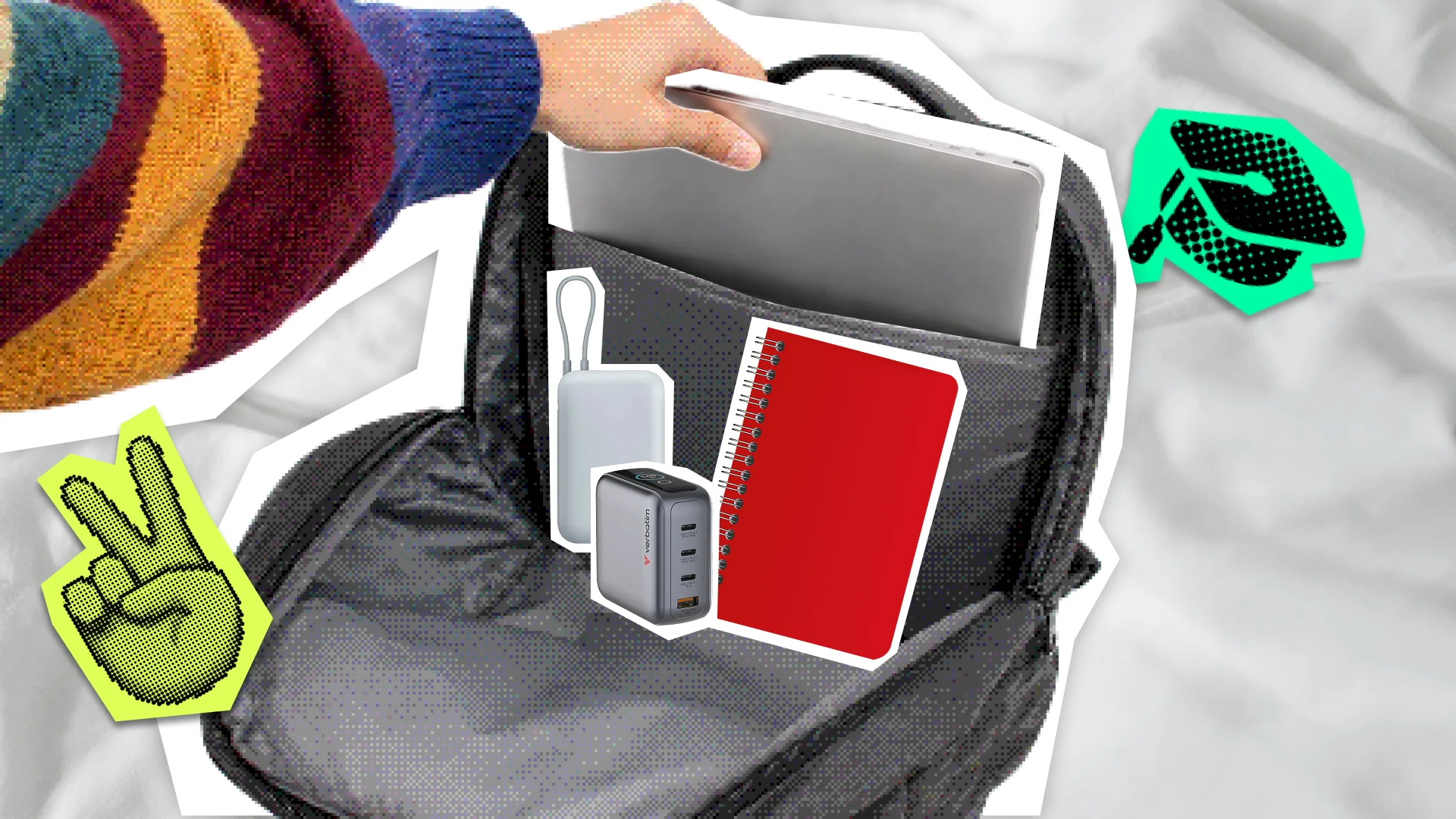
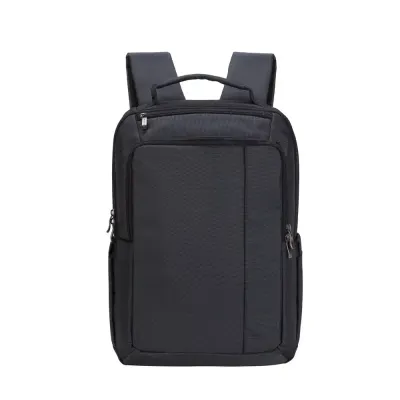
A good backpack keeps your laptop, charger, study materials, and accessories organized and easy to reach throughout the day.
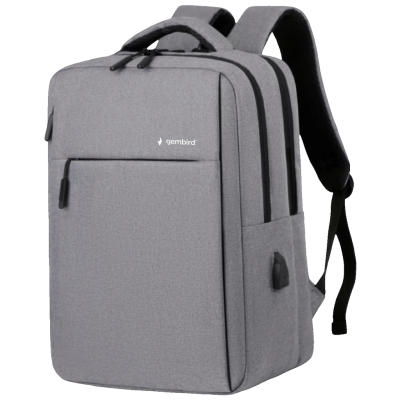
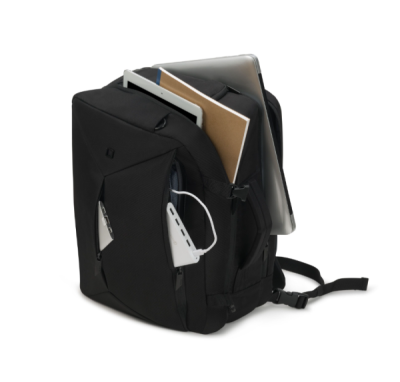
If you carry a laptop to class every day, start with a dedicated padded compartment. A backpack designed for laptops up to 15.6 inches will suit many standard models. Comfortable shoulder straps, a lightweight design, and a well-organized interior are just as important.
Think about what you normally carry: smart internal organization is often more useful than simply having more space. Separate pockets for your charger, cables, and power bank are especially practical when you move between home, campus, and the library every day.
2. Power Bank: Extra Battery Life for a Full Day

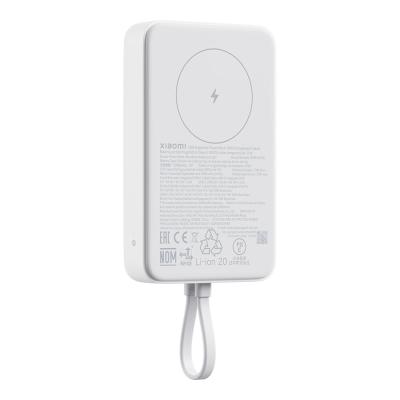
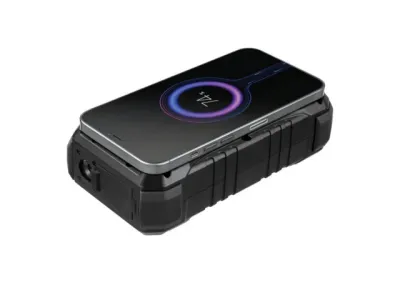
When your university day runs from morning to evening, extra battery power gives you more freedom to use your phone for schedules, navigation, study apps, notes, and course materials.
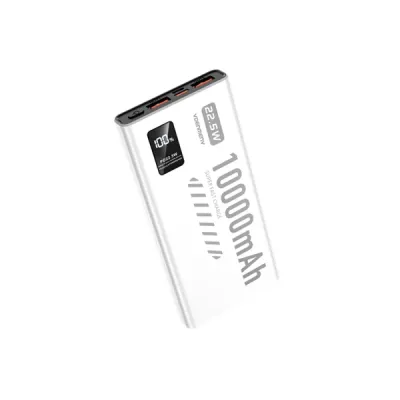
For most students, 10,000 mAh is a good starting point: it offers useful extra capacity while remaining compact enough for an everyday backpack. 20–30 W works well for many smartphones and smaller devices. If you also want to charge a tablet or compatible USB-C laptop, consider a higher-output model.
Choose according to the devices you actually plan to charge. For a smartphone, portability is usually the priority; for multiple devices, look for more capacity and higher power output.
3. GaN Charger: One Adapter for Multiple Devices
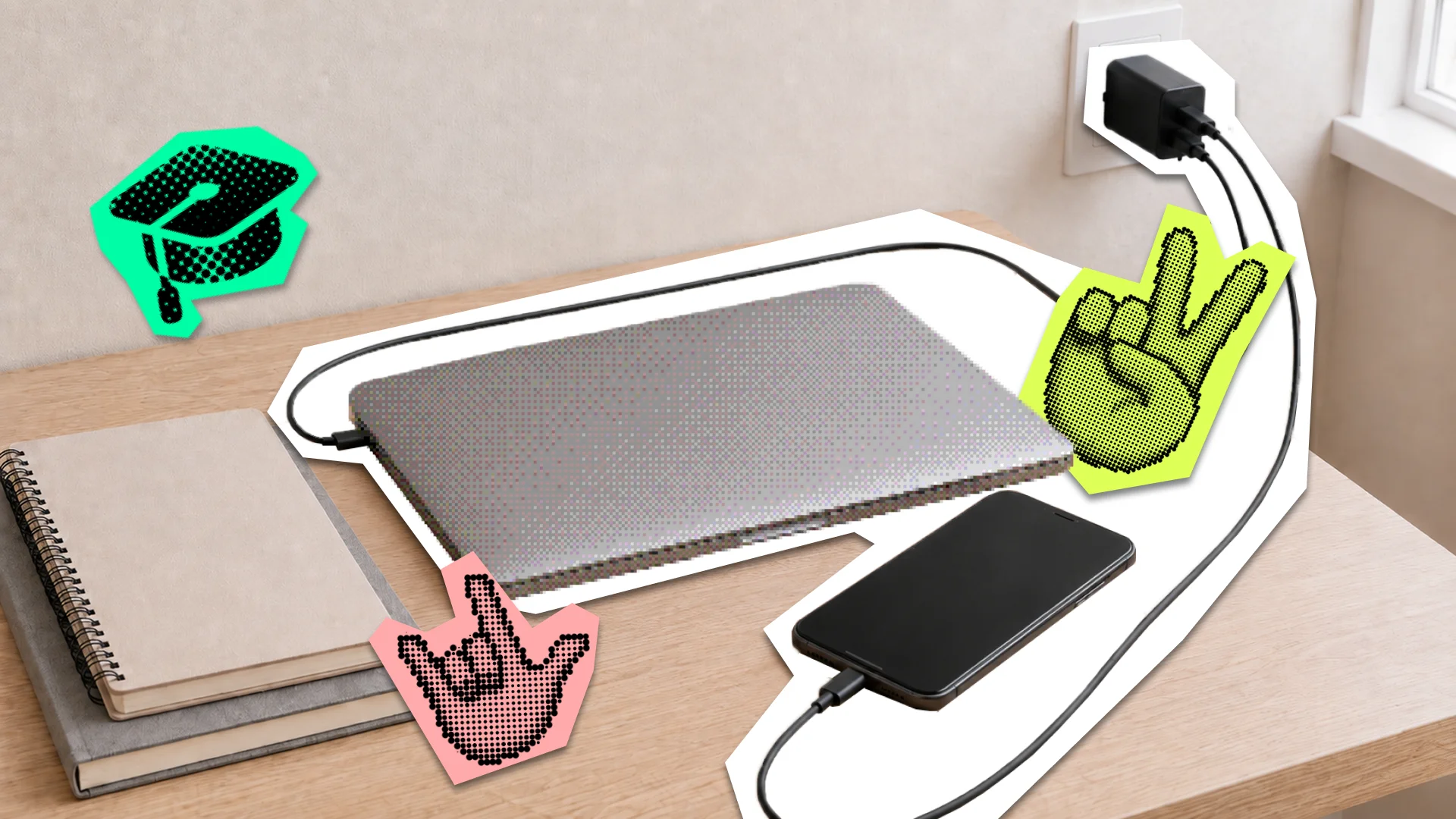
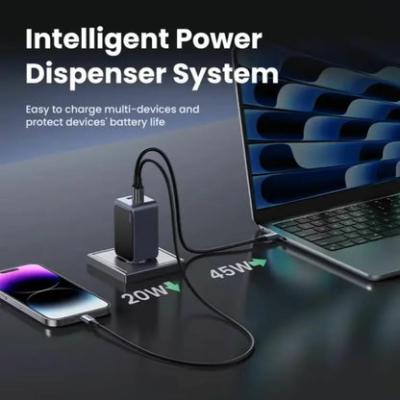
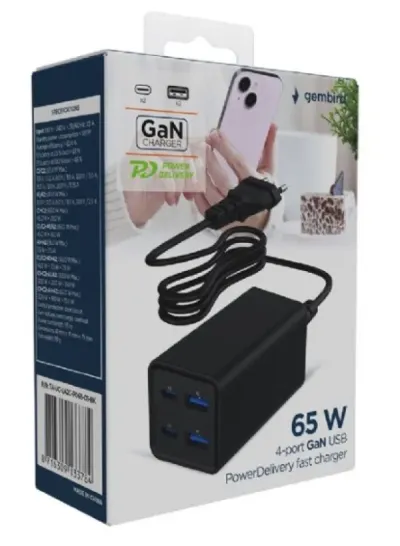
A laptop, smartphone, headphones, and sometimes a tablet can all be part of a student’s everyday tech setup. A multi-port GaN charger lets you charge several of them from one compact adapter.
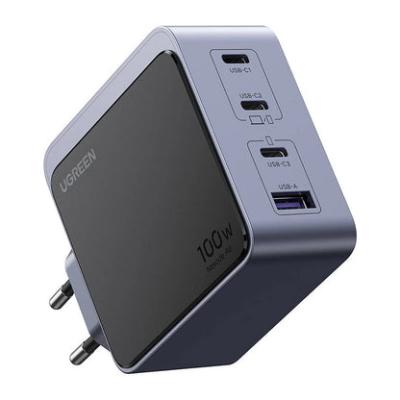
If your laptop charges via USB-C, 65 W is enough for many models, but check the recommended charging power for your specific laptop first. Chargers rated at 100 W or more are particularly useful for higher-performance laptops or for charging several devices at the same time.
Focus on total power, the number of ports, and the port mix. If most of your devices already use USB-C, a charger with multiple USB-C ports will usually be the most practical choice.
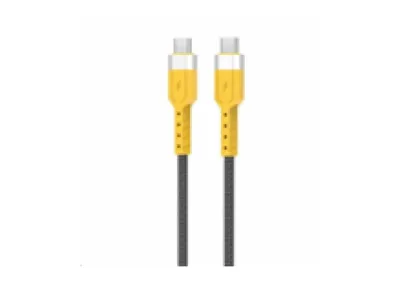
4. USB-C Cable: A Small Accessory That Matters
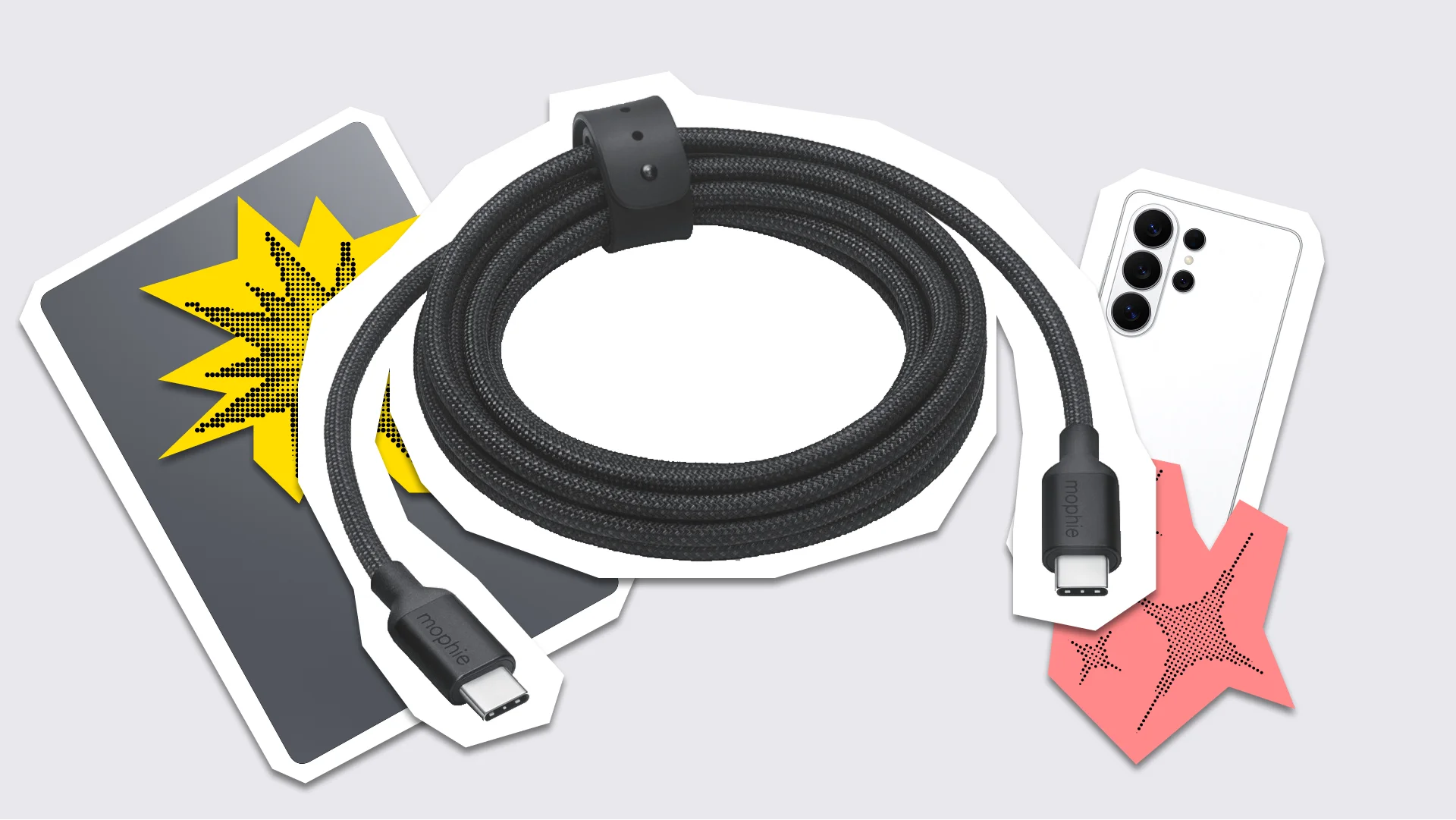
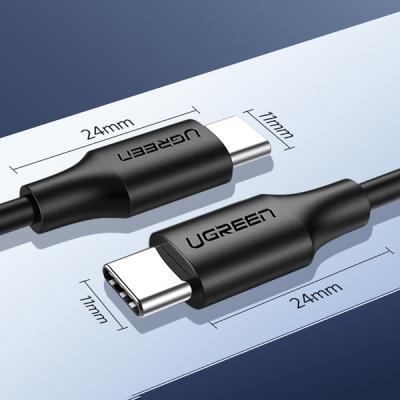
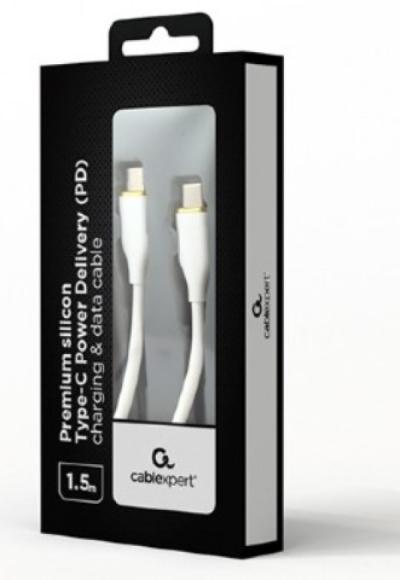
USB-C cables may look similar, but they can support very different charging power levels and data transfer speeds. One cable may work well for a smartphone, another may be better suited to a laptop, while faster models are useful for external SSDs and docking stations.
Check three things before buying: supported charging power, data transfer speed, and cable length. For laptop charging, power is the main priority. If you regularly use fast external storage, data speed matters too.
Match the specification to your actual needs. For everyday charging, the right power rating may be all you need, while USB4 is particularly useful with fast storage and other high-performance peripherals.
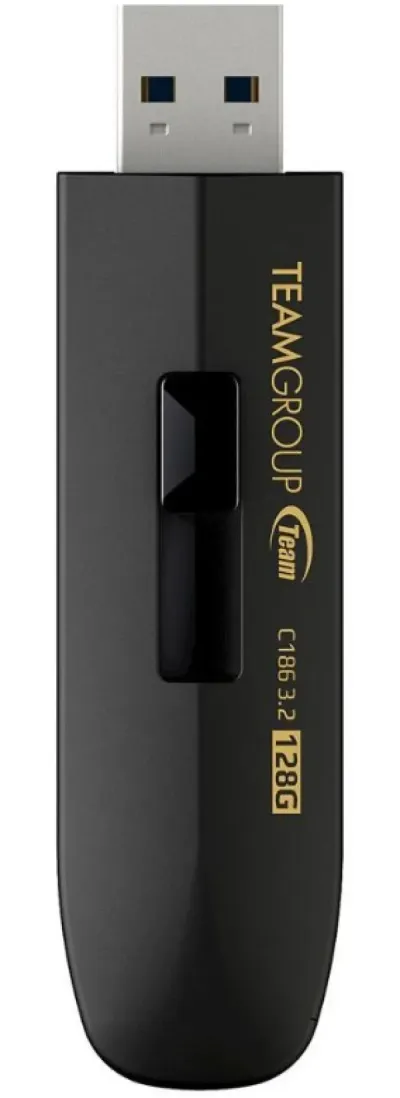
5. USB Flash Drive: Simple Local Access to Your Files
Cloud storage covers most everyday needs, while a USB flash drive is a useful addition when you want quick local access to presentations, documents, projects, or offline copies.
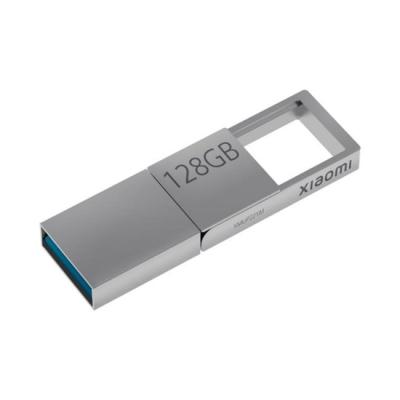
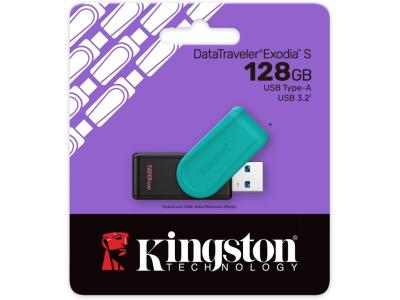
If you regularly switch between your own laptop and university computers, 128 GB is a practical starting capacity. Models with both USB-A and USB-C are especially versatile because they work with newer devices as well as computers with standard USB-A ports.
Bonus: Wireless Mouse

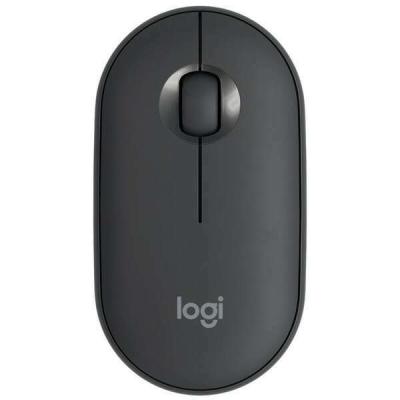
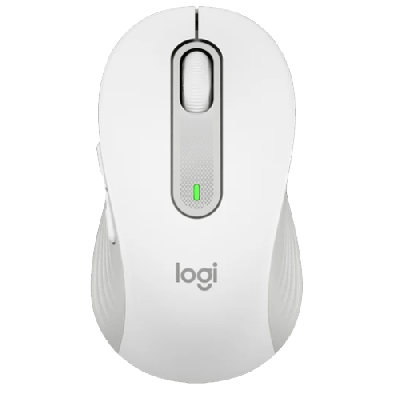
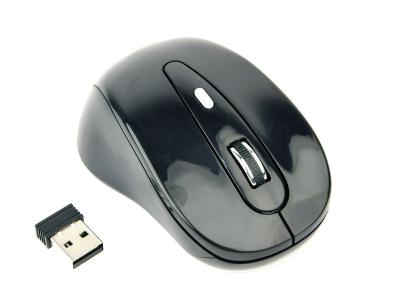
A touchpad works well for quick tasks, but a mouse offers more control and comfort during longer sessions with presentations, spreadsheets, documents, or graphics software.
For a student backpack, a compact model with a reliable wireless connection and good battery life is usually enough. If you mainly use your laptop for short sessions between classes, the touchpad may already cover everything you need.
What About the Laptop Itself?
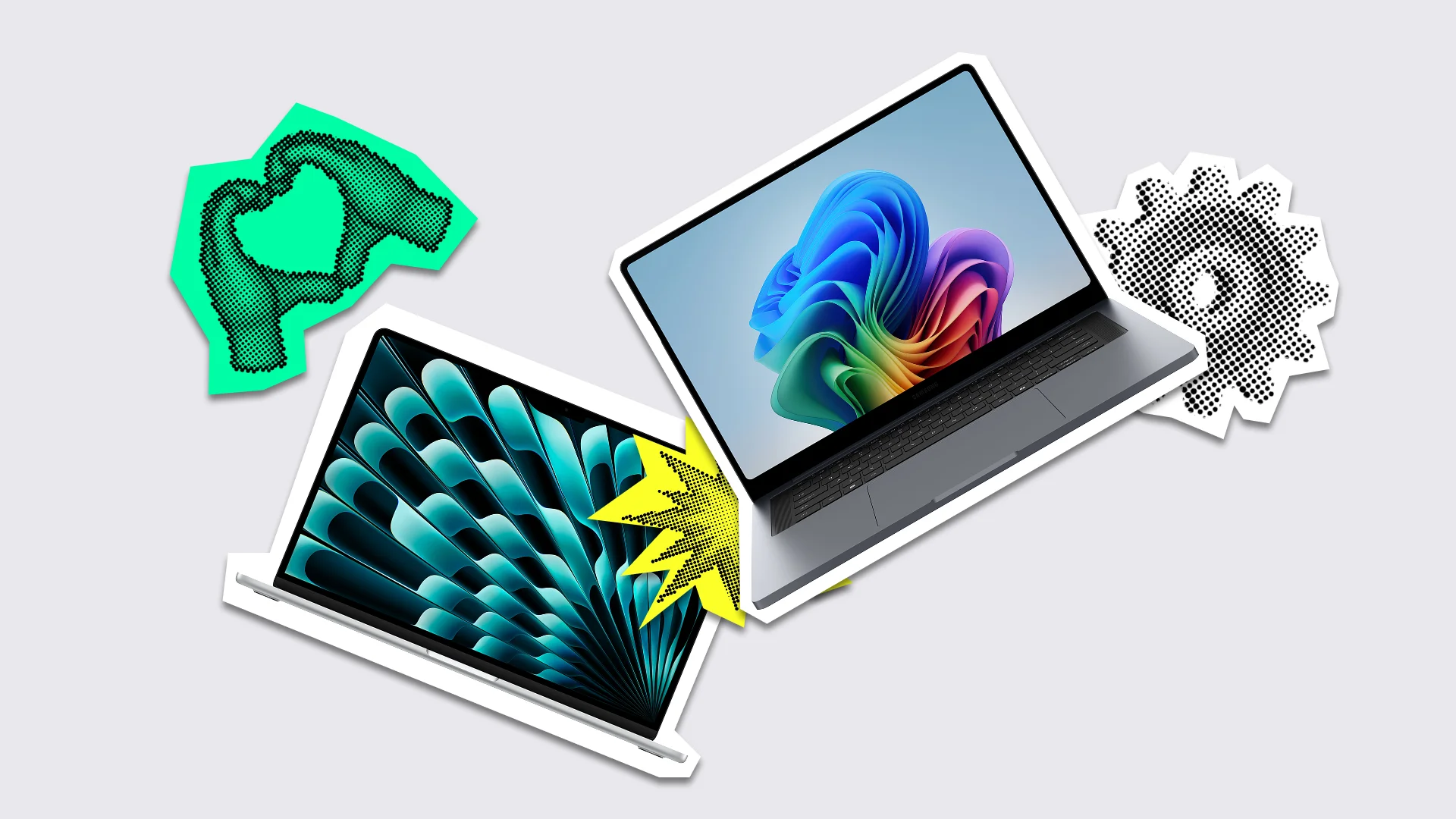
The right student laptop depends heavily on your field of study. For web browsing, documents, video calls, and lectures, battery life, portability, and everyday comfort matter most. For programming, design, engineering software, 3D work, or video editing, you’ll generally need more performance.
Start with the software and tasks your studies require, then choose the specifications around them. Read more in our guide to the How to Choose a Laptop for School or University in 2026: A Practical Guide.
How to Build a Back-to-School Tech Kit That Fits Your Needs
Start with your normal study day and choose accessories you are likely to use regularly. A power bank is useful if you rely on your phone throughout the day, a GaN charger is practical when you regularly charge several devices, a flash drive is handy when you work across different computers, and a wireless mouse adds comfort during longer laptop sessions.
The key is to build the setup as a system: your charger should provide the power your laptop needs, your cable should support that power level, and your power bank should match the devices you plan to charge during the day.
Before buying, check compatibility, how often you are likely to use the accessory, and whether it is practical to carry every day. You can build your Back-to-School tech kit gradually, starting with the items that are most useful for your routine.
This gives you a compact Back-to-School tech kit in which the accessories work well together and fit the way you actually study.
FAQ
What Wattage GaN Charger Do I Need for My Laptop?
Check the recommended charging power for your specific model. For many USB-C laptops, 65 W is a good general-purpose option, while higher-performance devices may require 100 W or more.
Is a 10,000 mAh Power Bank Enough for University?
For a smartphone and other small devices, 10,000 mAh is a practical everyday capacity. If you also want to charge a tablet or laptop, check the power bank’s output as well as its capacity.
When Is a USB Flash Drive Most Useful?
A flash drive is particularly useful if you work on several computers, regularly move files between devices, or want important study materials available offline.
How Do I Know If a USB-C Cable Is Suitable for My Laptop?
Compare the cable’s supported power rating with your laptop’s charging requirements. If you also use external SSDs or docking stations, check the supported data transfer speed.