
Categories









Featured products
View all


Useful articles
All articles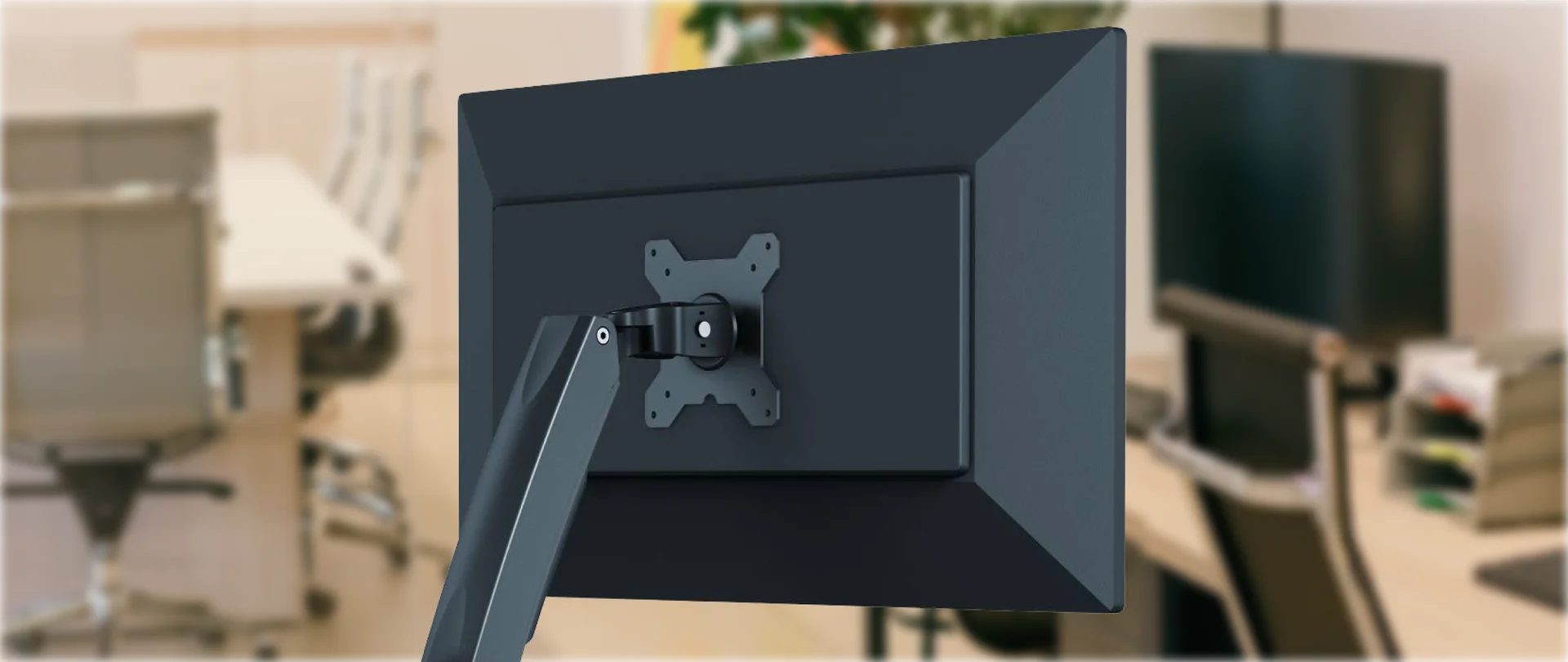
What Is a VESA Mount? Create a Clean and Ergonomic Desk Setup in 5 Simple Steps
A VESA mount is a standardised mounting interface that allows a monitor or television to be attached to a compatible desk mount, wall mount or stand. Look at your desk. Your monitor probably works perfectly well, but its factory stand takes up space that could be used for a keyboard, laptop or docking station, or simply left clear. On most office monitors, the VESA interface consists of four mounting holes on the back of the screen. VESA stands for Video Electronics Standards Association. This standard allows screens to be securely attached to desk mounts, wall mounts, stands or mobile carts. The most common mounting patterns for monitors are 75 × 75 mm and 100 × 100 mm. M4 screws are normally used, but the exact screw length should always be checked in the manufacturer’s instructions. These patterns are included in the VESA specification and are widely used for office monitors.
NVIDIA RTX Spark: N1X, a new superchip for work, AI and gaming
On October 16, NVIDIA celebrated the retail launch of laptops powered by the RTX Spark platform at Berlin’s XPERION. Visitors tried the devices in games and creative applications, while AI demonstrations showed how models perform tasks directly on a laptop. NVIDIA founder and CEO Jensen Huang made a surprise appearance. He spoke with visitors, posed for photos and gave away five laptops bearing his signature. During the Festival of Lights, the Berlin TV Tower featured RTX Spark-themed lighting. The platform was unveiled in May, followed by device demonstrations at IFA in September. The first models are now on sale. The new laptops combine a Grace CPU, Blackwell RTX graphics and up to 128 GB of unified memory for work, local AI and gaming. The launch brings updates to creative applications, simpler AI assistant setup and new developer tools. The laptops also support DLSS 5 for gaming. NVIDIA plans to release further updates in October and November.
An Office Ready for Work from Day One: How to Build a Standardized IT Kit for New Employees in 5 Steps
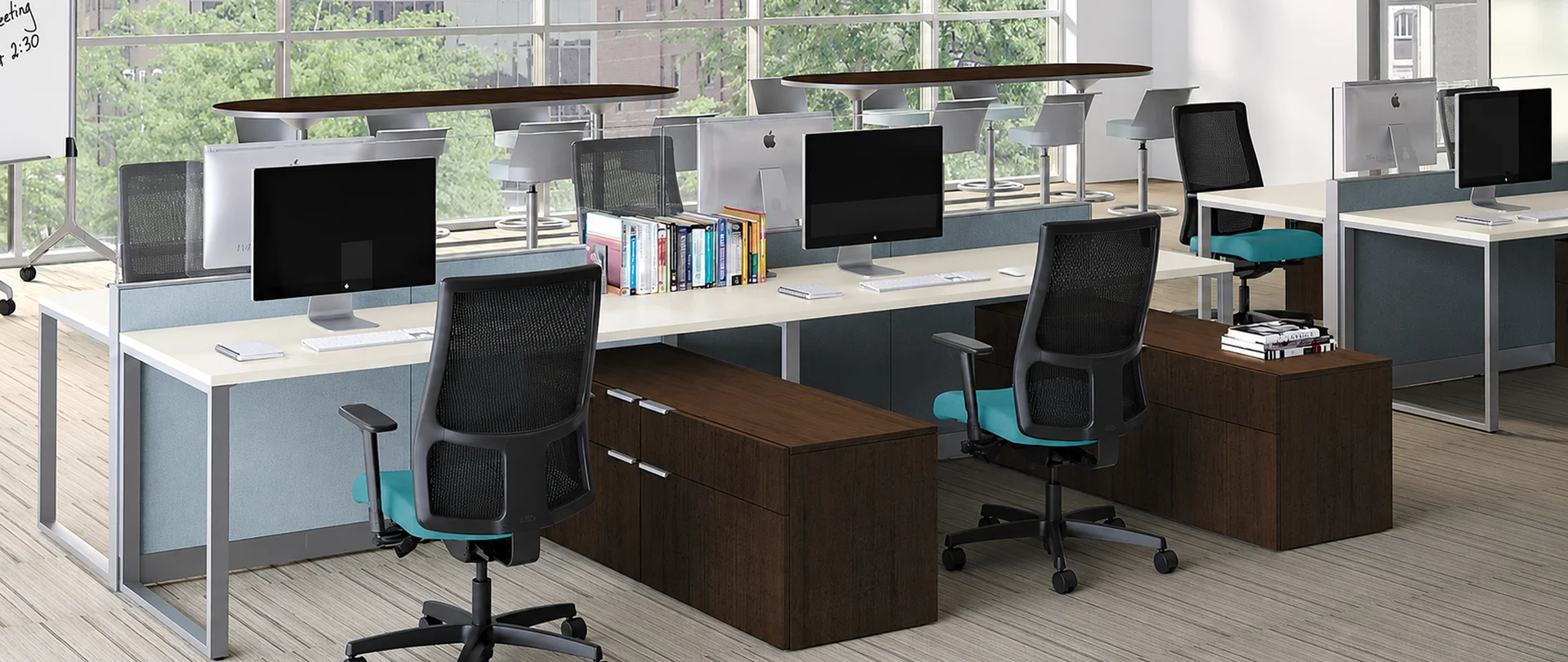
A new employee’s first day sets the tone for how they perceive your company, its processes and its culture. A fully equipped and configured workstation from the outset shows that the company is organized, prepared for their arrival and invested in their success. In B2B companies, effective IT processes for onboarding new employees rely on a repeatable approach: equipment is prepared in advance, workstations follow a common standard, and device setup does not require urgent decisions on the first day. This reduces manual work, simplifies purchasing, helps control the total cost of ownership (TCO) and prepares every team member to work from day one.
Apple unveils HomeView, HomePod mini 2 and Apple TV 4K: what's new for the connected home
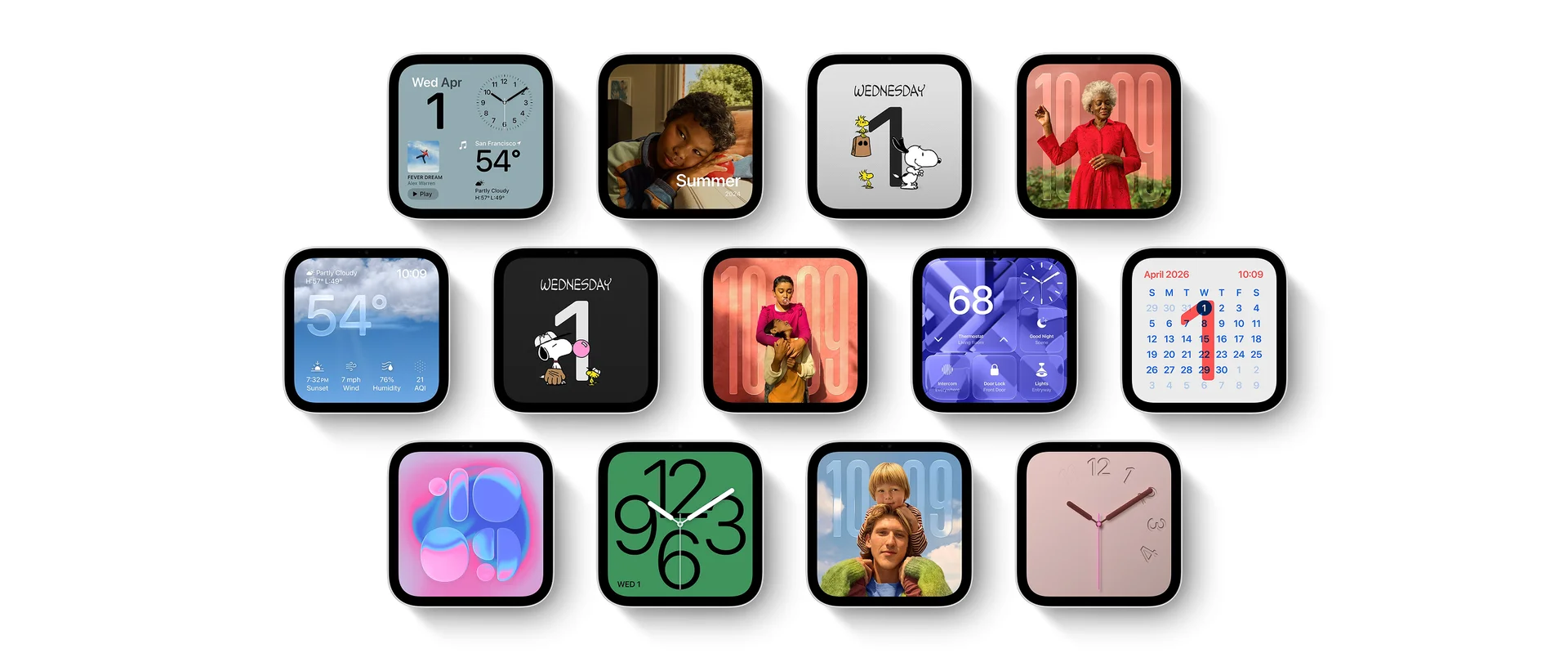
On October 13, 2026, Apple announced the HomeView display, HomePod mini 2, the fourth-generation Apple TV 4K and Apple Home Collection accessories developed with LG Electronics and Schneider Electric. The standout newcomer is HomeView: a shared screen that recognizes family members and helps each with their own tasks. Updated speakers and Apple TV expand home audio and voice control, while cameras, a lock and thermostats bring new routines to Home, Apple's smart-home app. Hardware releases and feature availability follow different timelines.
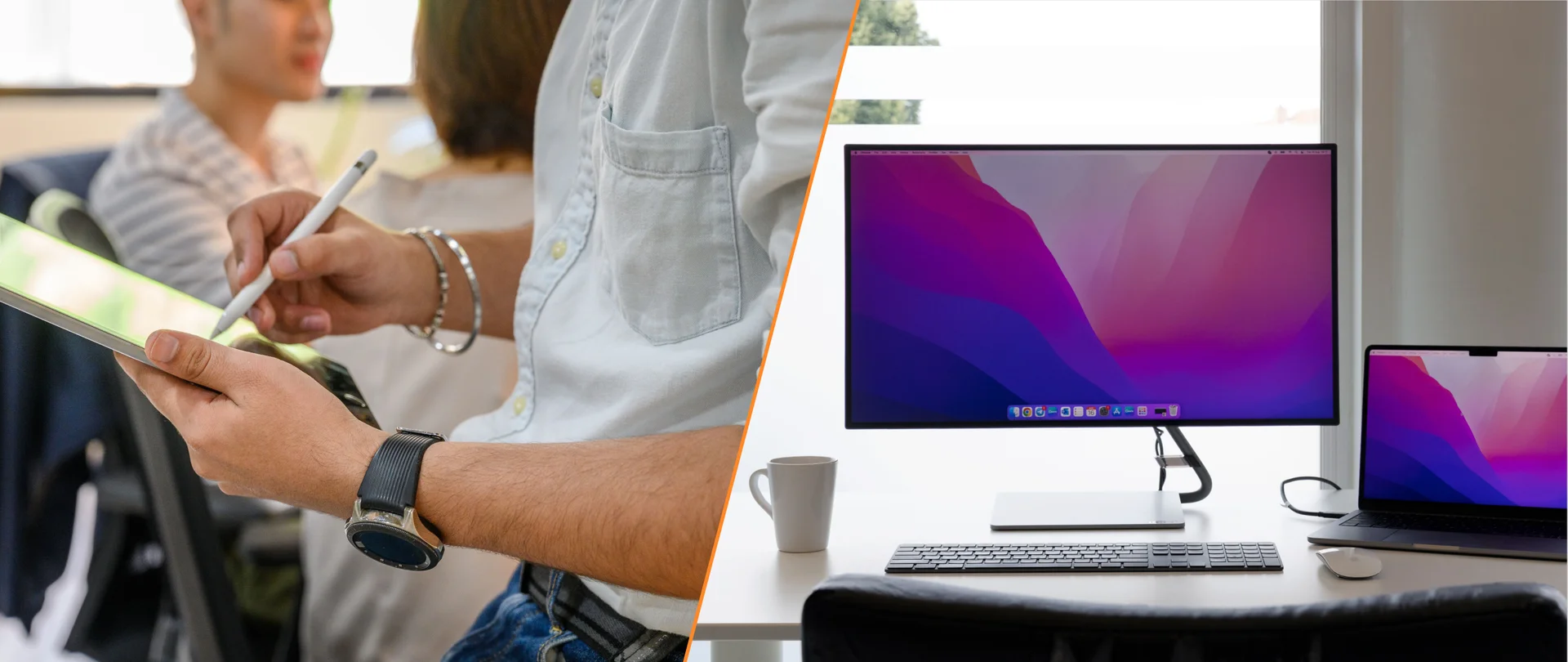
Business Tablets vs Laptops: Build a Practical Work Setup for Your Team
Choosing a device for your team depends on employees’ tasks and the applications they use. In many companies, employees move between desks, meeting rooms and shared workstations, and visit clients. Business tablets with docking stations for connecting a monitor, keyboard and mouse can make this work more convenient and provide the same connection setup at different workstations. The setup should be convenient at a desk, in meetings and outside the office. For employees who move frequently between locations, tablets can serve as primary devices. Laptops are preferable for extended work under heavy loads.
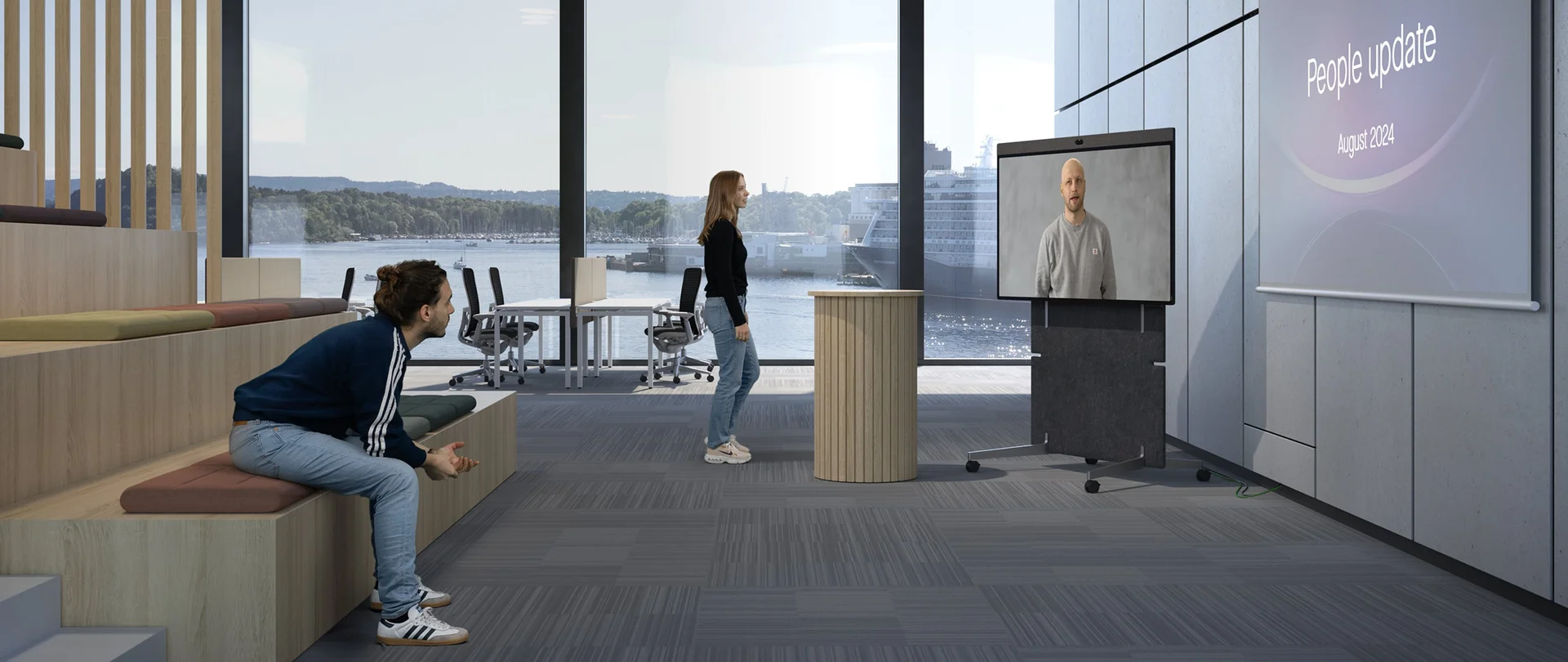
How Neat Grew from a Small Team in Oslo into a Global Video Conferencing Company
In February 2019, a small team in Oslo began working on Neat’s first devices. Seven years later, the company reported its first quarter with $100 million in revenue and double-digit profitability. Between those two milestones lies a story of growth that coincided with major changes in how we work. Video meetings stopped being a temporary substitute for meeting in person. They connected employees, offices and countries, becoming a permanent part of the working day. Neat grew alongside this shift. By 2026, the company had shipped more than 500,000 devices to customers worldwide. Yet its guiding idea remained the same: a meeting room should support the conversation, not make people focus on the technology.