The Beginning in Oslo
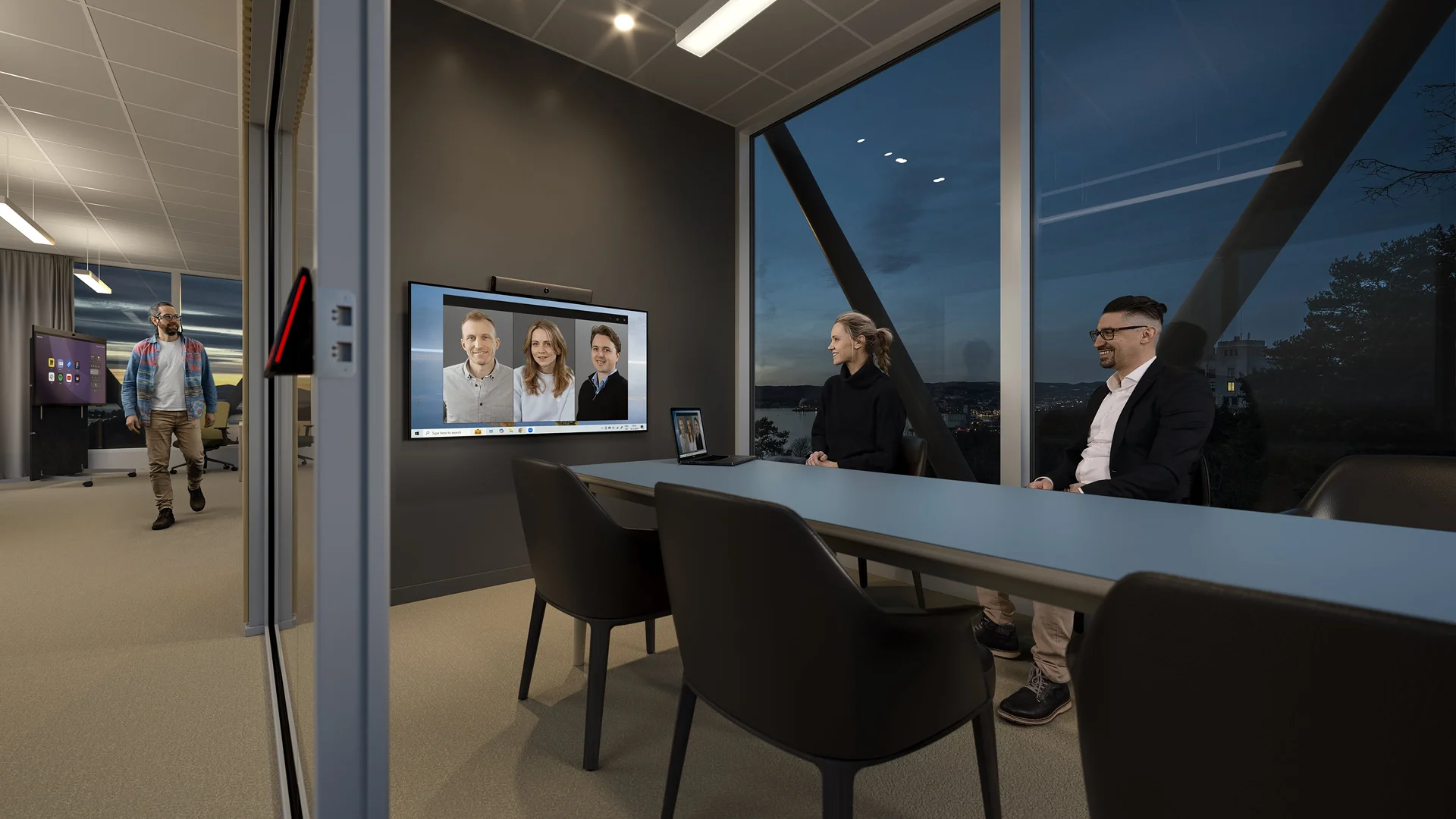
Neat was founded in February 2019 by a team with experience developing video conferencing solutions. The company officially launched in October of that year.
Its first products, Neat Bar and Neat Pad, were designed for meeting rooms using Zoom Rooms. From the start, the hardware, software and interface were developed as parts of one system.
According to Neat, development took nine months. During that time, the team held 1,821 work meetings lasting a total of 171,633 minutes. Every day, the developers used the environment they wanted to improve and encountered the same difficulties as their future users.
Before a meeting, people had to connect a laptop, find the right cable, select a microphone and check the sound. Neat proposed a different experience: walk into the room and start talking.
Zoom supported the company’s growth. In September 2021, it invested a further $30 million in Neat, bringing its total investment to $41 million. Neat remained an independent company. These figures were published in an official announcement by Zoom.
From Devices to a Complete Meeting Environment
After Neat Bar and Neat Pad, the company began developing solutions for rooms of different sizes and different ways of working. Neat Board, Neat Frame, Neat Bar Pro and Neat Center joined the product range.
More important than the number of models was the shift in approach. Neat gradually moved from individual devices toward a unified environment in which the camera, audio, display and software work together.
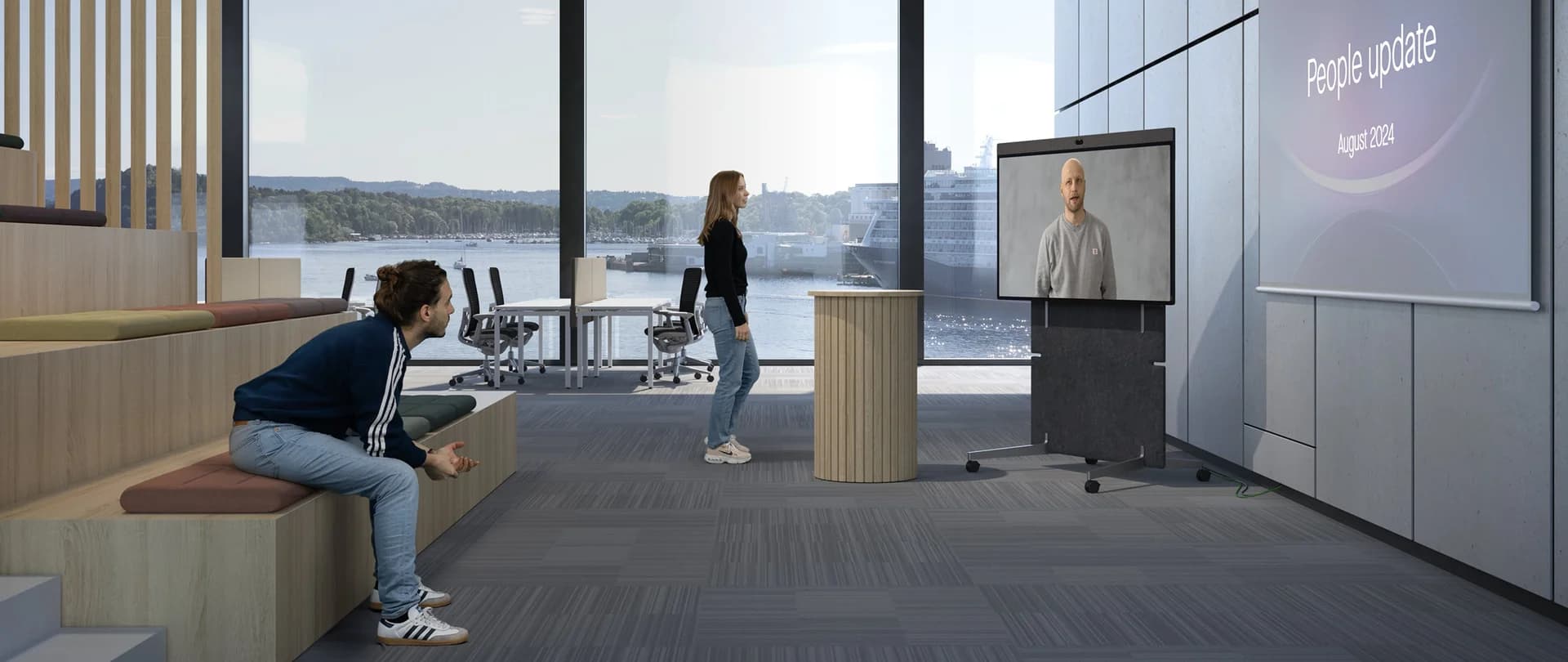
This shift coincided with the spread of hybrid work. One participant might be in a meeting room, another working from home and a third joining from another country. Everyone was technically in the same meeting, but their experiences were different.
Someone in the room could see colleagues sitting in front of them. A remote participant often saw only a wide shot of the table and had to work out who was speaking. Neat therefore developed automatic framing, active speaker detection and additional camera angles.
The main goal became more than transmitting video and audio: it was to help everyone participate fully in the conversation.
Neat Expands Platform Support
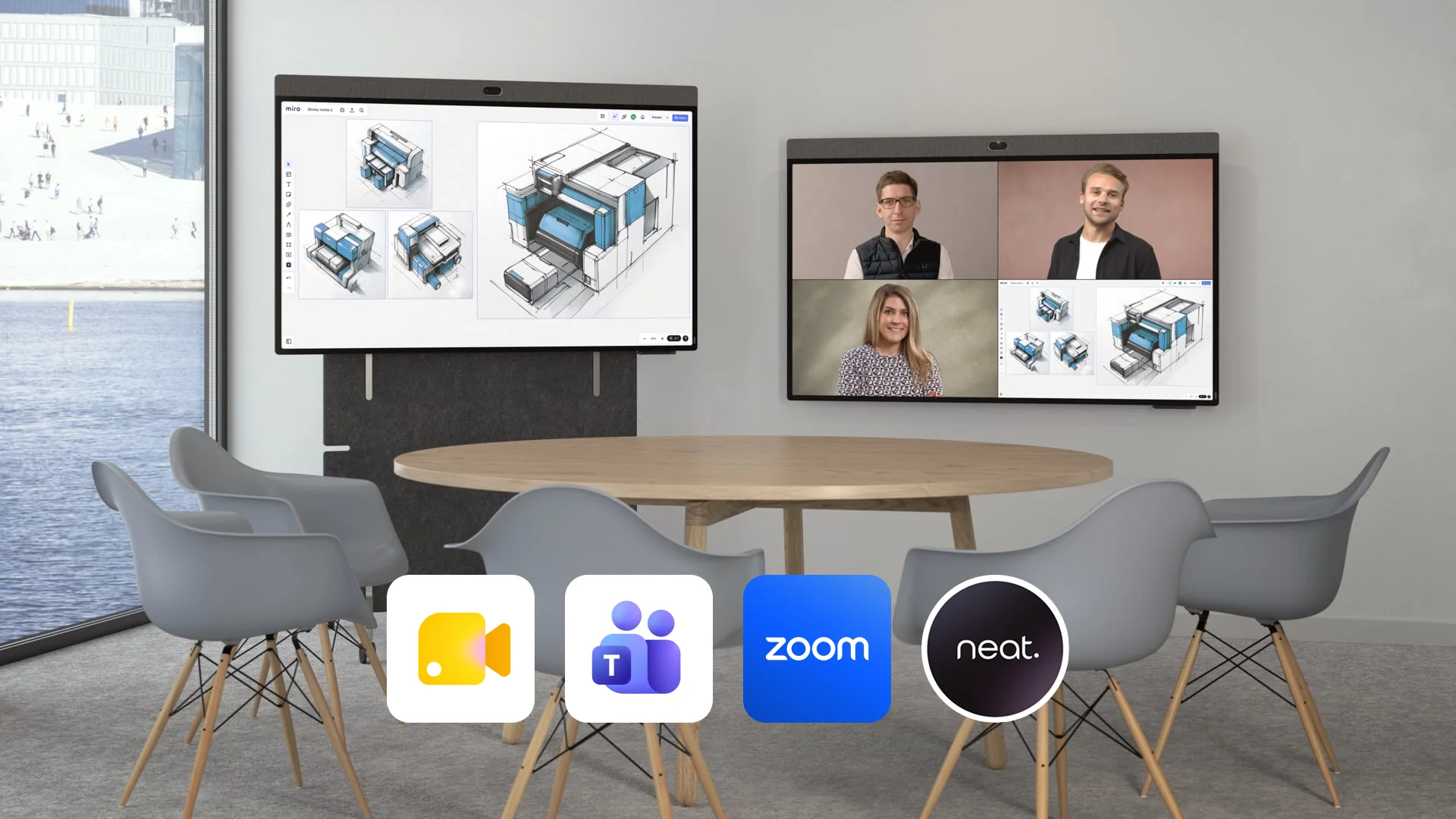
Its connection with Zoom helped Neat enter the market quickly with a deeply integrated solution. To grow further, however, the company needed to expand beyond a single ecosystem.
In June 2021, Neat announced a collaboration with Microsoft. Its first devices for Microsoft Teams became available in early 2022. Support for Google Meet followed later.
In 2026, Google Cloud named Neat its Partner of the Year in the Google Workspace Innovation category. Neat published the news in an official announcement.
Broader platform support changed Neat’s position in the market. The company maintained its relationship with Zoom while developing solutions for multiple video conferencing platforms.
Neat Open marked another step. It lets users join meetings from a laptop while using the camera and audio on Neat devices, as well as run applications on the devices themselves. More about Neat Open.
For Neat, this was a move from a strong product within one ecosystem toward an independent position in the global market. For businesses, choosing meeting-room equipment no longer necessarily meant committing every room to one platform.
Growth in Numbers
Frost & Sullivan’s 2025 report on the global video conferencing equipment market examined 15 manufacturers, including Cisco, Logitech, HP Poly, Lenovo, Huawei and Yealink.
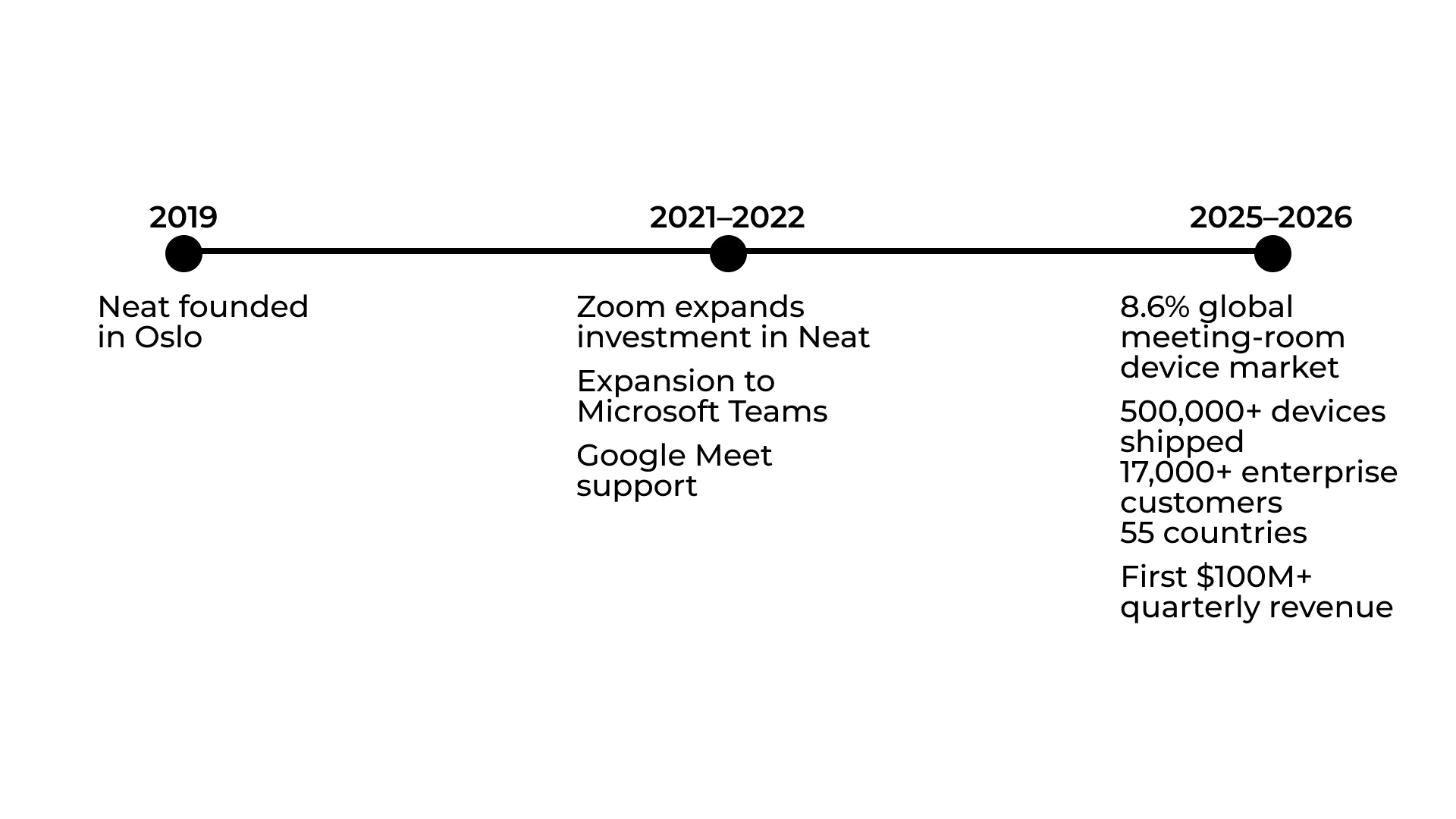
According to Neat’s published summary of the findings, its revenue grew by 40% in the first half of 2025 compared with the same period a year earlier. With an 8.6% market share measured by revenue, Neat ranked fourth in the global meeting-room equipment market.
By February 2026, Neat had shipped more than 500,000 devices. Over 17,000 corporate customers worldwide used its solutions. In August, the company reported its first quarter with $100 million in revenue.
The sales and revenue figures were published by Neat and come from its corporate reporting. Together with the Frost & Sullivan research, they show that the company continued to grow after the period of sharply increased demand for video conferencing.
Toward Intelligent Meeting Rooms
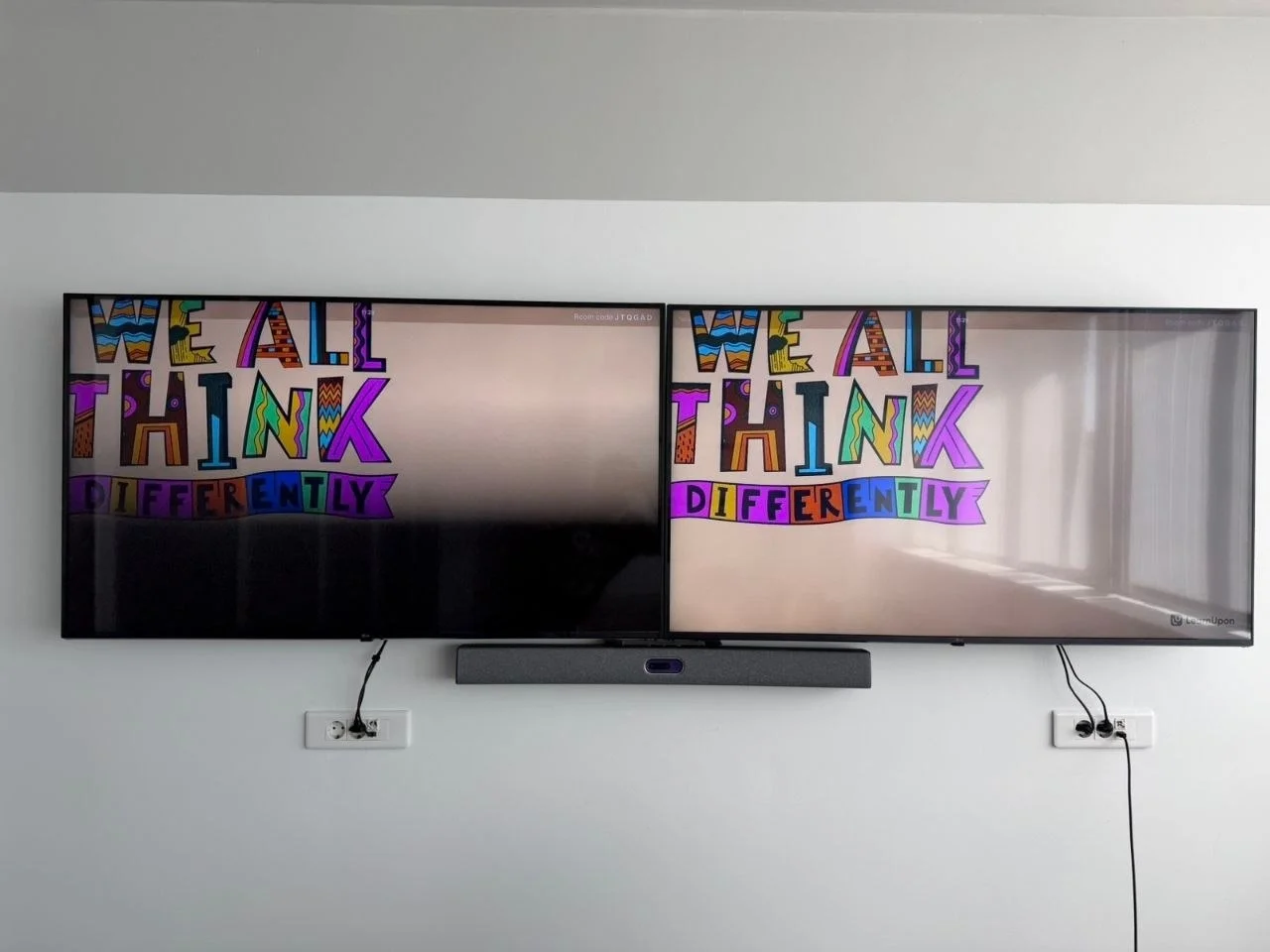
In 2026, Neat introduced its Thinking Rooms concept. It envisions meeting rooms that can respond to what is happening inside them and adjust the equipment automatically.
The camera selects a suitable view, highlights the active participant and helps remote colleagues follow the conversation. Management systems monitor device status and can help identify a technical issue before a meeting starts.
At the time of the announcement, some of these capabilities were still in beta. Thinking Rooms should therefore be viewed as a direction for the platform’s development. Neat published further details in its official announcement.
The central idea goes beyond cameras and algorithms. A remote employee should feel like a participant in the meeting, rather than an observer on a screen. The more accurately the system conveys what is happening in the room, the less distance affects the conversation.
In this way, the meeting room gradually becomes an environment that adapts to people, rather than simply a room containing equipment.
When We Became Part of Neat’s Story
ITmathics joined Neat’s partner ecosystem during the company’s international growth.
We recognised in Neat’s approach the same principles that guide our projects. A modern meeting room brings together the physical space, audio, video, network and conferencing platform. All of these elements must work together without distracting people from the conversation.
What mattered most to us, however, was the human need behind Neat’s technology. Distance should not determine how well people can hear one another, take part in a discussion or feel included in a team.
That is where Neat’s story intersected with ours. Working with the company enabled ITmathics to take part in a process that is changing how people think about workspaces, and to grow alongside it.
Where We Go Together
Neat continues to develop intelligent framing, automated management and support for different platforms. ITmathics explores how these technologies work in real offices and affect the way teams communicate every day.
The direction is already clear. Meeting rooms will become better at accounting for where people are, the context of a meeting and the condition of the equipment. Users will have fewer technical steps to complete, and the difference between joining from the room and joining remotely will become less noticeable.
In 2019, Neat began with a question: how can we make video meetings easier? Today, the question is broader: how can we create a space where distance does not prevent people from working together?
That direction brings Neat and ITmathics together. Our stories now continue side by side.