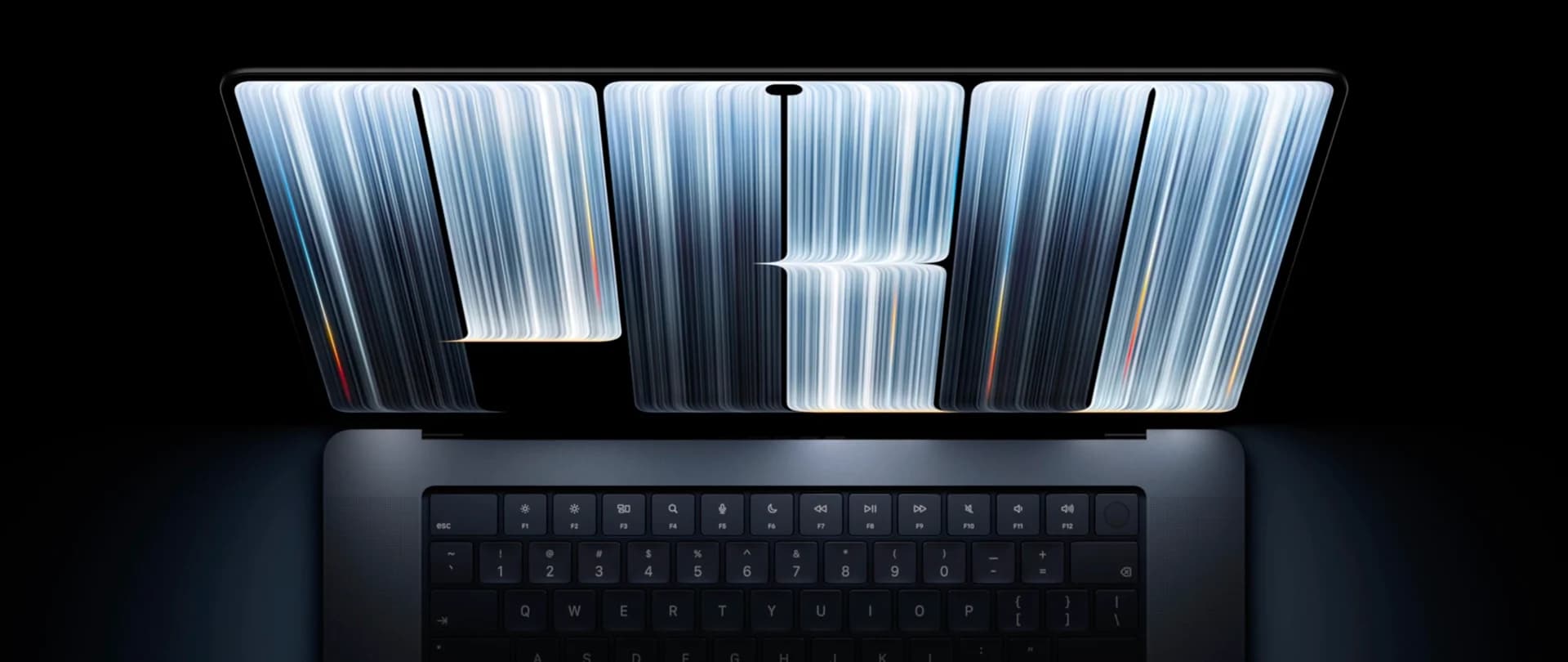
What the PROLED XDR display offers
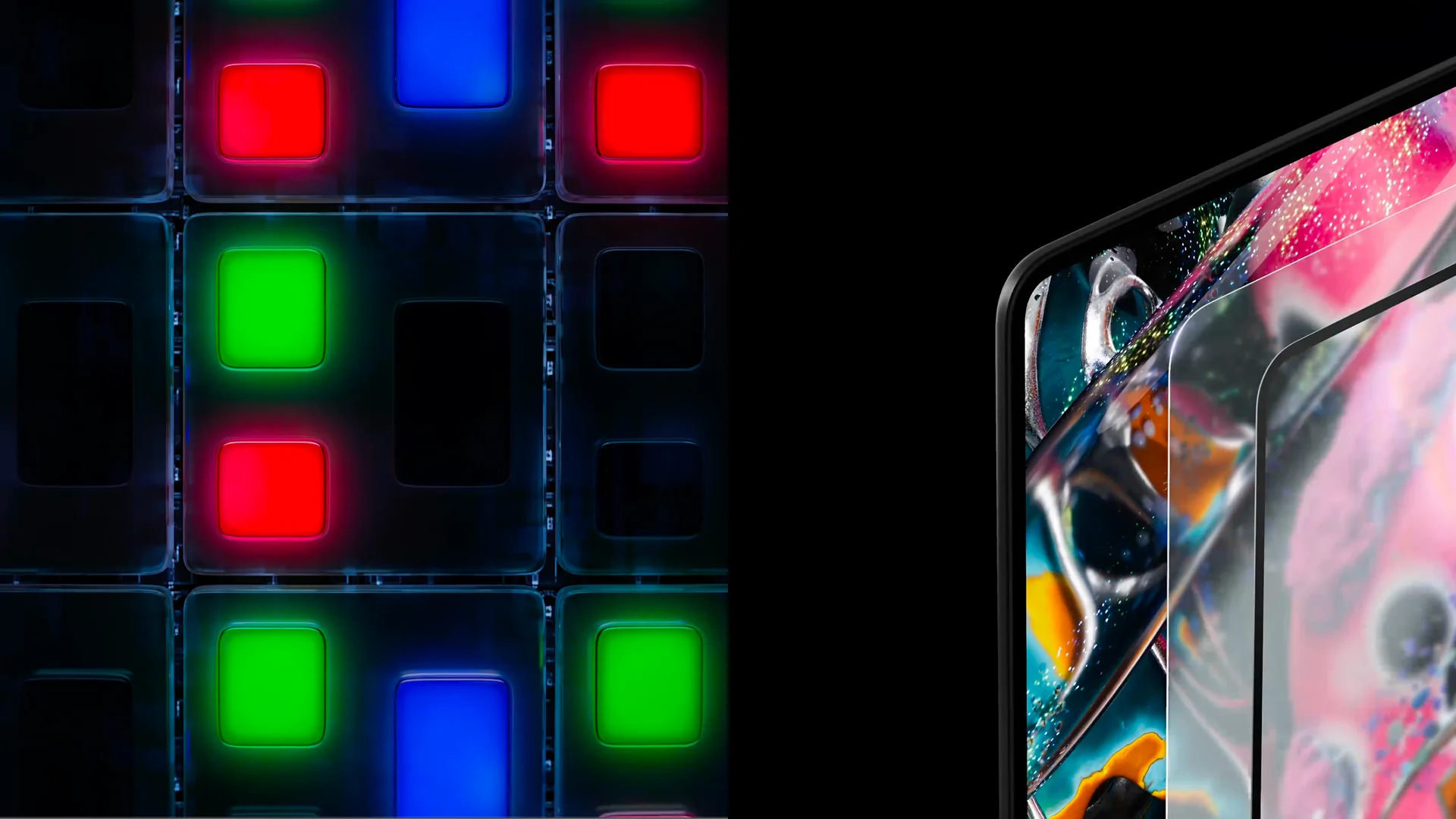
PROLED XDR uses tandem OLED with two light-emitting layers. Each pixel generates its own light, so a separate backlight is not needed.
The difference can become visible when watching a film with white subtitles against a black background. On a mini-LED display, one backlighting zone illuminates multiple pixels, which can produce a faint glow around the letters. OLED pixels emit light independently: the pixels forming the white letters are on, while those forming the black background are off. This allows bright text to appear without a halo around it.
The two light-emitting layers share the workload. Apple’s technical paper explains that this design enables higher brightness with less current passing through each layer.
Apple specifies a 10,000,000:1 contrast ratio and up to 2000 nits of peak brightness for high dynamic range (HDR) content. A nit is a unit of display brightness. For comparison, Liquid Retina XDR has a 1,000,000:1 contrast ratio and up to 1600 nits of peak HDR brightness.
Peak brightness matters for individual highlights. In HDR video, for example, sunlight reflecting off water can appear much brighter than the surrounding landscape.
Apple specifies up to 1,000 nits of sustained full-screen brightness at ambient temperatures of 25 °C or below. At higher temperatures, sustained brightness may decrease. For standard dynamic range (SDR) content, peak brightness of up to 2,000 nits is available in bright ambient light, such as outdoors.
For color work, the display supports the P3 and Adobe RGB color spaces. P3 is used in workflows such as video and photo editing, while Adobe RGB is used when preparing images for print. Reference modes provide ready-made color and brightness settings tailored to the standards of these tasks.
ProMotion adjusts the refresh rate between 10 and 120 Hz. Scrolling appears smoother, while the refresh rate can decrease when the image is static. Optional nano-texture glass reduces glare.
Apple also describes algorithms that compensate for pixel aging and reduce the risk of burn-in – persistent traces of static elements on the screen. These measures reduce the risk but do not eliminate it completely.
Touch and Dynamic Island on Mac
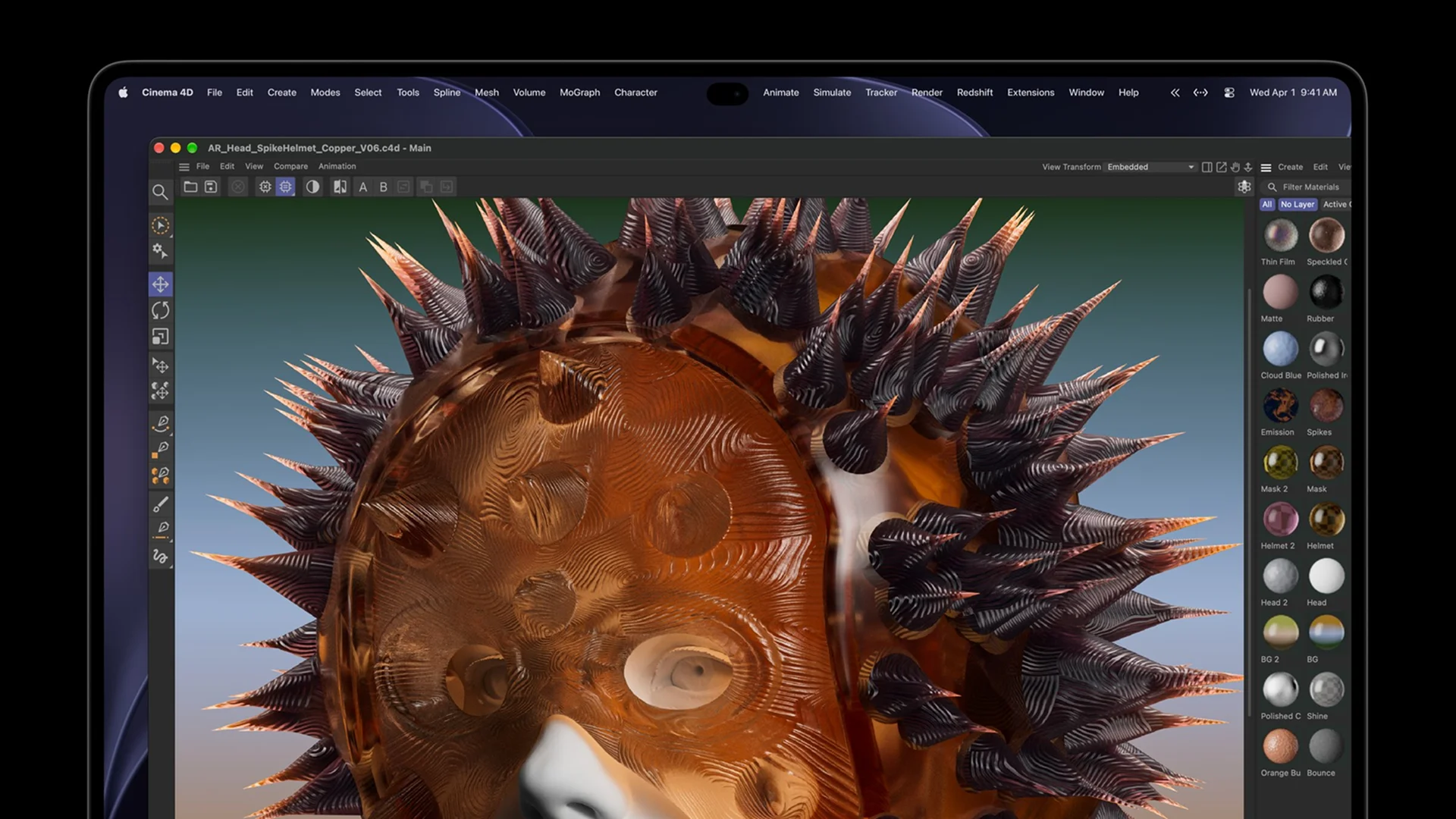
MacBook Pro gains a touchscreen for the first time. Users can scroll through a document with a finger, pinch to zoom into a photograph, or rotate a 3D object directly onscreen. In music applications, they can play virtual instruments and move controls on the display.
Touch complements the keyboard and trackpad, allowing users to choose the input method that works best for each task.

These interactions called for changes to the hardware. According to Apple, the touch sensor is integrated into the display panel, and the hinge has been redesigned to reduce screen movement during touch interaction. Camera image stabilization helps reduce shaking in the video feed when the user touches the screen during a video call.
In many existing applications, tapping the screen works like clicking a mouse. Additional touch features require updates to the applications themselves. Apple says updated versions of some of the applications mentioned in its announcement will arrive later in 2026. The available actions therefore depend on the application and its version.
Dynamic Island appears at the top of the screen as a small interactive area for information and controls. Users can control music playback there, pausing a song or skipping to the next track. Live Activities shows real-time updates from supported applications in the same area.
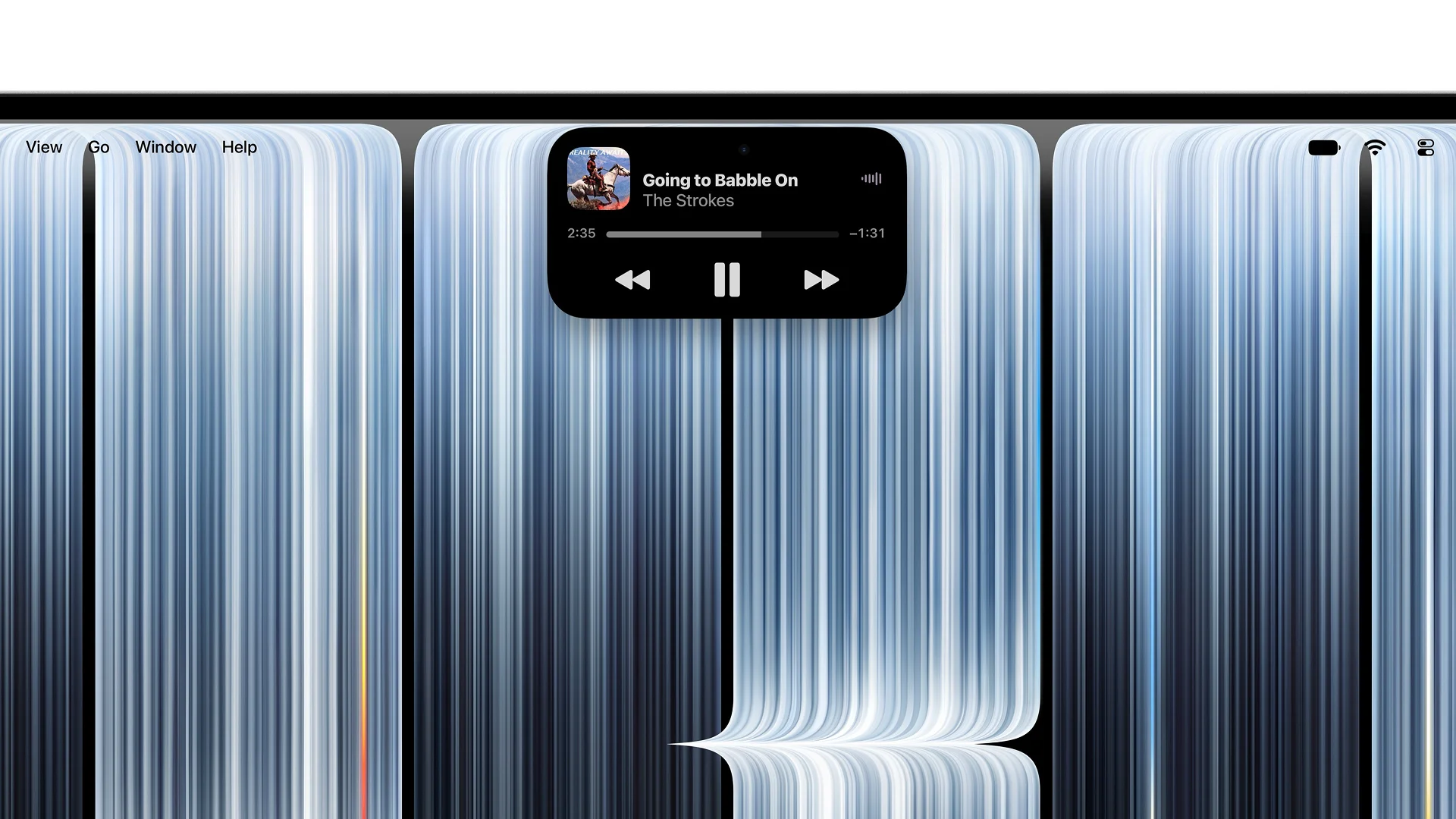
Spotlight, the Mac’s search tool, appears in Dynamic Island only when Siri AI is available and enabled. In the announcement’s footnotes, Apple states that Siri AI is available in beta in macOS 27.2 and works only in supported languages. Russian and Serbian are not among them.
M5 Pro and M5 Max for professional workloads
M5 Pro and M5 Max were introduced in March 2026. The October models combine these chips with a new display and a redesigned enclosure.
M5 Pro is suited to software development, photo editing, video editing, and other demanding tasks. M5 Max offers more GPU cores and faster data transfer between the chip and memory. These capabilities can be useful for complex 3D scenes, demanding video projects, and local AI models – models that run directly on the laptop.
The GPU cores include Neural Accelerators – dedicated components that speed up AI calculations. They can accelerate specific AI tasks when an application supports them.
Memory and storage capacity also matter when choosing a configuration. Key options from Apple’s specifications:
Available combinations depend on the laptop size and chip configuration.
The M5 Pro version with a 15-core CPU and 16-core GPU is offered only in the 14-inch model.
Unified memory holds the data that running applications are working with. It is shared by the CPU and GPU. More complex 3D scenes or larger local AI models may require more memory. The maximum 128 GB is available with the M5 Max configuration featuring a 40-core GPU.
The SSD stores the operating system, applications, and files, including photos, videos, and documents. Its capacity determines how much data users can keep on the laptop. The entry-level 14-inch M5 Pro model includes 24 GB of unified memory and a 1 TB SSD.
Dimensions, weight, and battery life
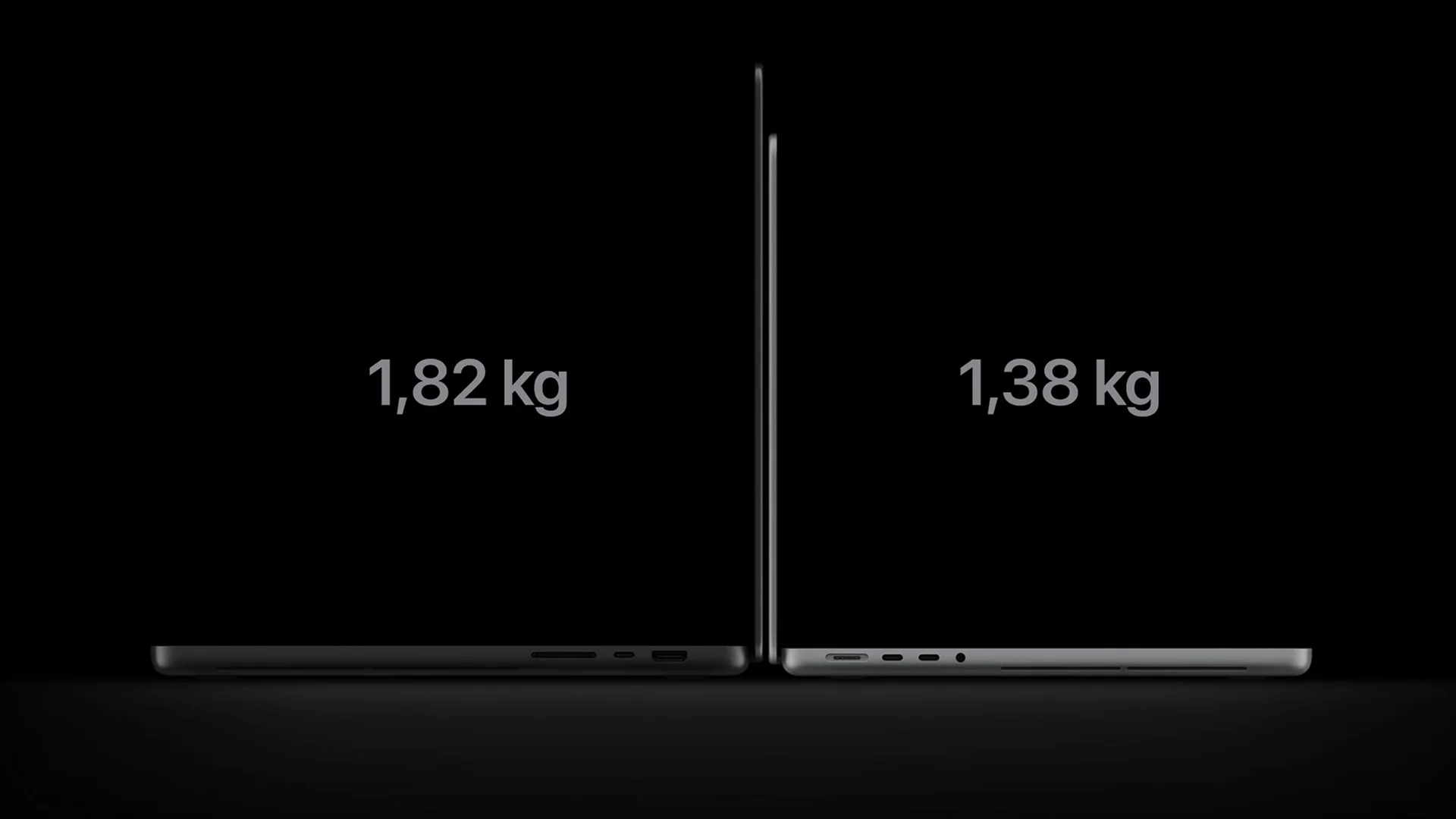
For work on the move, the laptop’s weight matters alongside its display capabilities. The 14-inch M5 Pro model weighs 1.38 kg, while the 16-inch model weighs 1.82 kg. M5 Max versions are slightly heavier at 1.40 kg and 1.84 kg, respectively. The enclosure is 1.50 cm thick on the smaller model and 1.60 cm on the larger one. With the same chip, the 14-inch version is 440 g lighter than the 16-inch version – a point in its favor for anyone carrying the laptop every day.
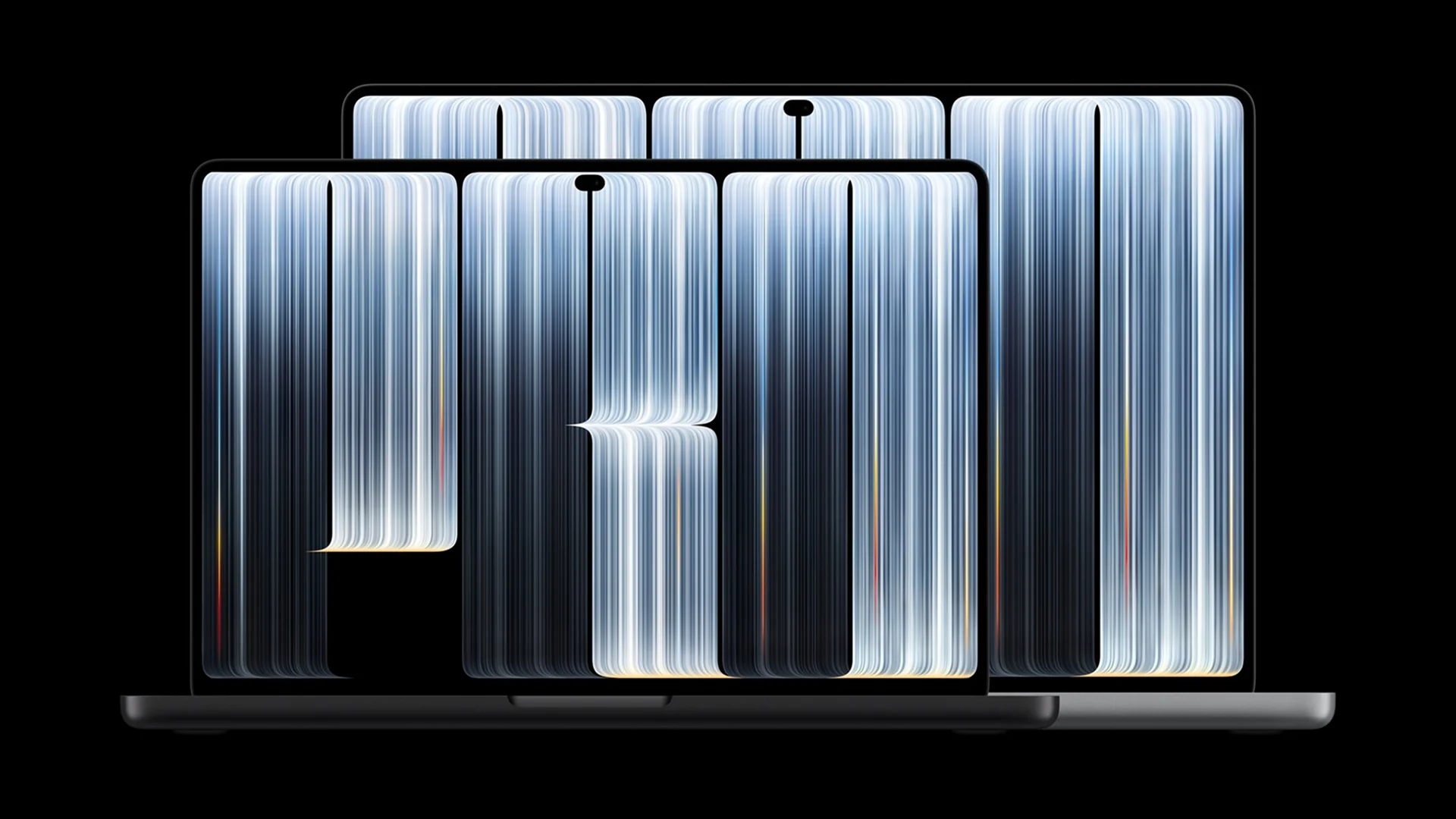
The display bezels are slimmer, and the screen on the 16-inch model has grown to 16.3 inches. Apple has also redesigned the cooling system to direct warm air away from the display. According to the company, the new design maintains sustained M5 Pro and M5 Max performance under extended workloads, despite the thinner and lighter chassis.
Apple lists up to 24 hours of battery life when streaming video for the 16-inch M5 Pro model and up to 22 hours for the 14-inch model with the same chip.
These figures reflect a specific test scenario. When editing video, rendering 3D scenes, or running local AI models, battery life will depend on the workload, configuration, and display settings.
Connectivity and updated audio
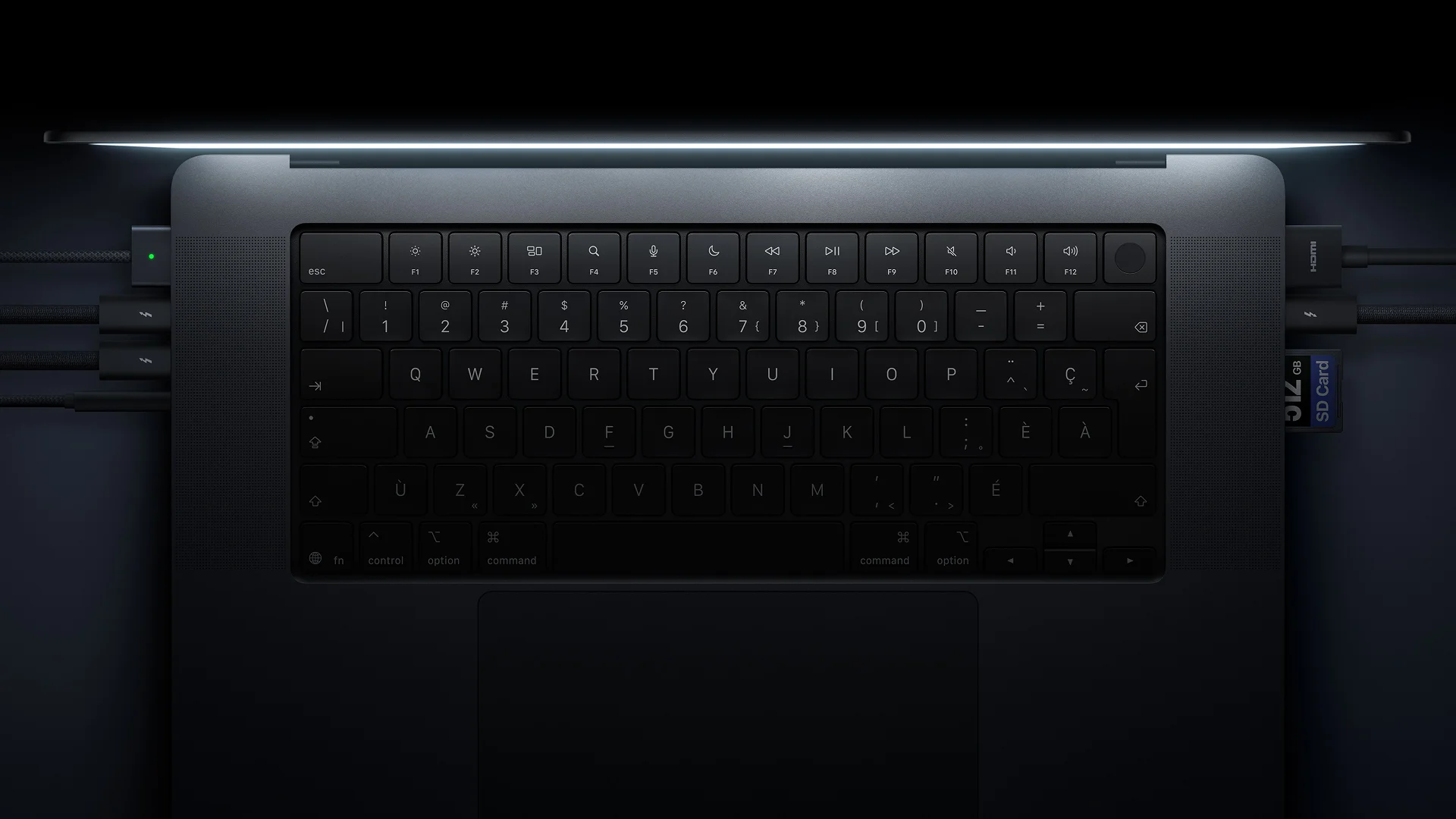
MacBook Pro includes three Thunderbolt 5 ports, HDMI, an SDXC memory card slot, a MagSafe 3 magnetic charging connector, and a 3.5 mm audio jack.
At a desk, a compatible high-speed drive or dock can be connected via Thunderbolt, and a monitor via HDMI. The built-in card slot can be used to transfer photos from an SD card.
M5 Pro supports up to three external displays, while M5 Max supports up to four. Available combinations depend on resolution and refresh rate. Wireless connectivity includes Wi-Fi 7 and Bluetooth 6.
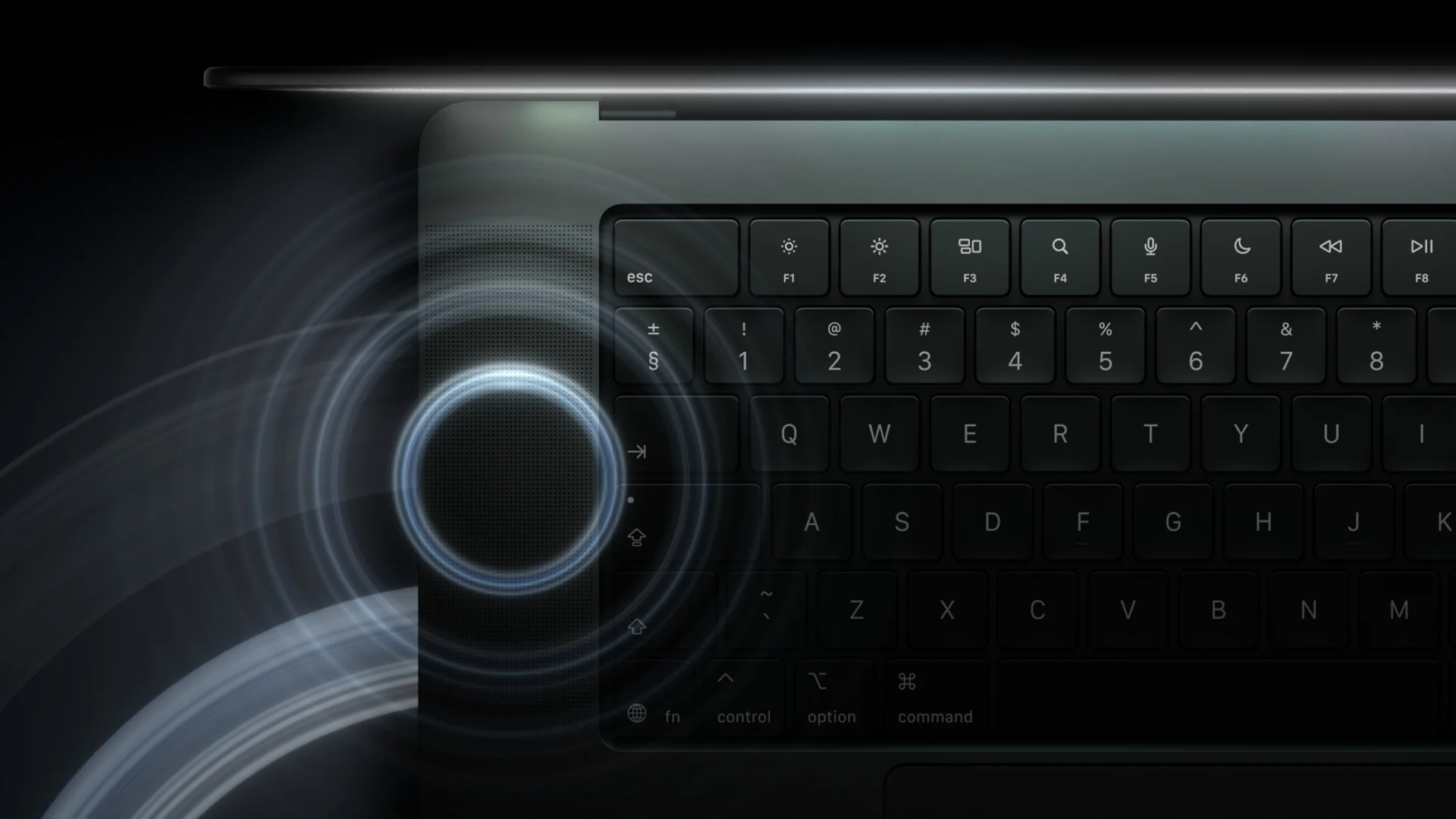
The six-speaker system has also been updated. Apple describes new woofers and tweeters, along with dedicated audio tuning for closed-lid use with an external monitor.
Three microphones and a 12 MP Center Stage camera support video calls.
What the Update Brings
For photo and video work on location, the brighter display and reduced weight are particularly useful: images are easier to see in bright ambient light, and the laptop is easier to carry. Adobe RGB support provides more flexibility when preparing images for print. Touch controls can be useful when selecting photos or working with 3D objects – the gestures and actions available depend on the application.
Pricing and availability
Apple’s US starting prices are $2,899 for the 14-inch M5 Pro and $3,399 for the 16-inch model. M5 Max versions start at $4,499 and $4,799, respectively.
These are US market prices. Prices including local taxes, available configurations, and purchasing terms in Serbia must be confirmed separately.
Apple opened preorders on October 28, 2026, in the countries and regions listed in its announcement. Sales and deliveries are scheduled to begin on November 6. Availability dates for specific configurations at local retailers in Serbia may vary.
Reserve your model
Choose a model and leave your details — we will get in touch as soon as it can be ordered. Nothing to pay now.