Step 1. Decide What Needs to Keep Running
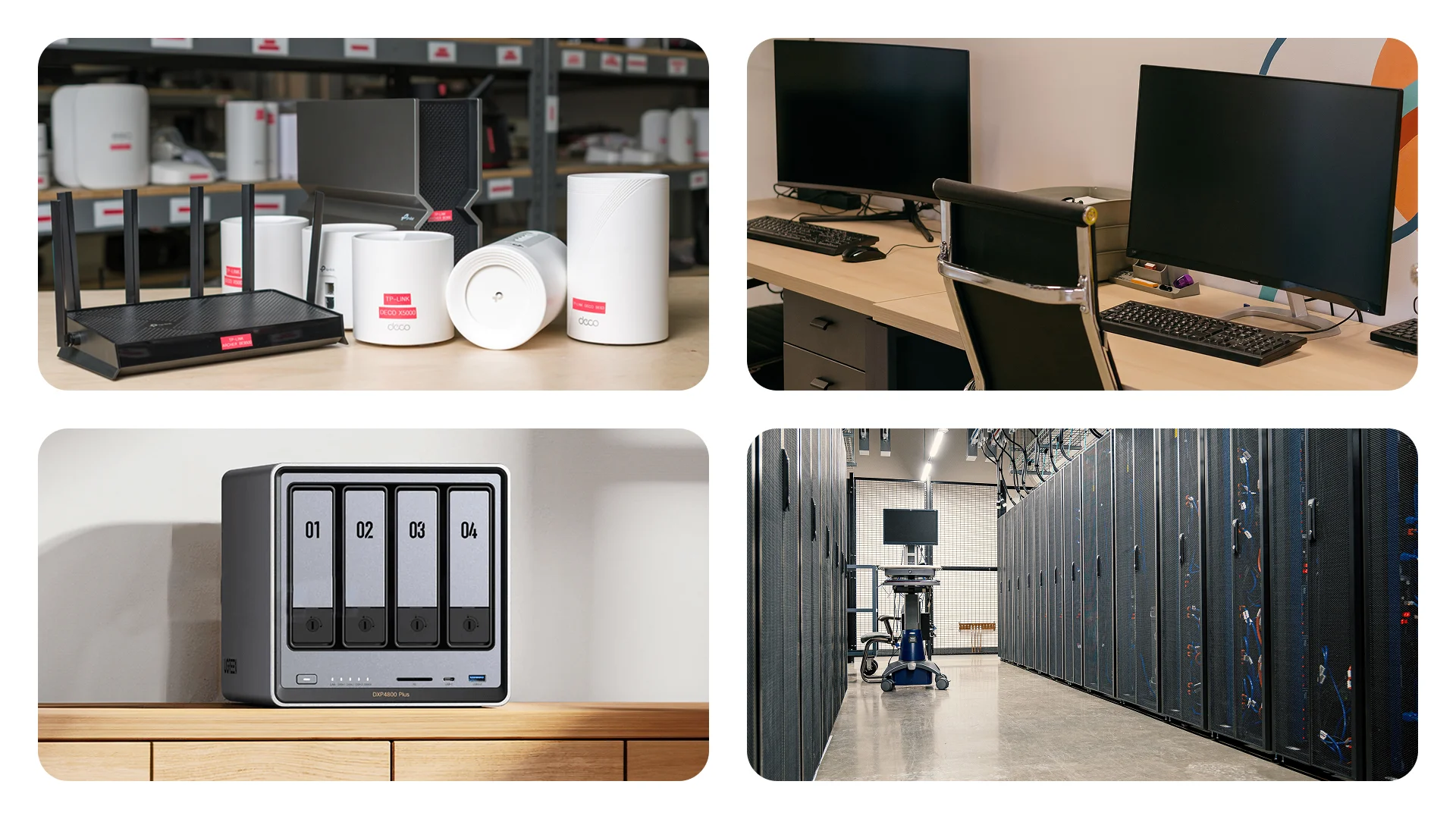
List every device needed for your task:
For internet access: the router, modem or optical terminal connected to your provider's cable. If the connection passes through a separate network switch, include it too.
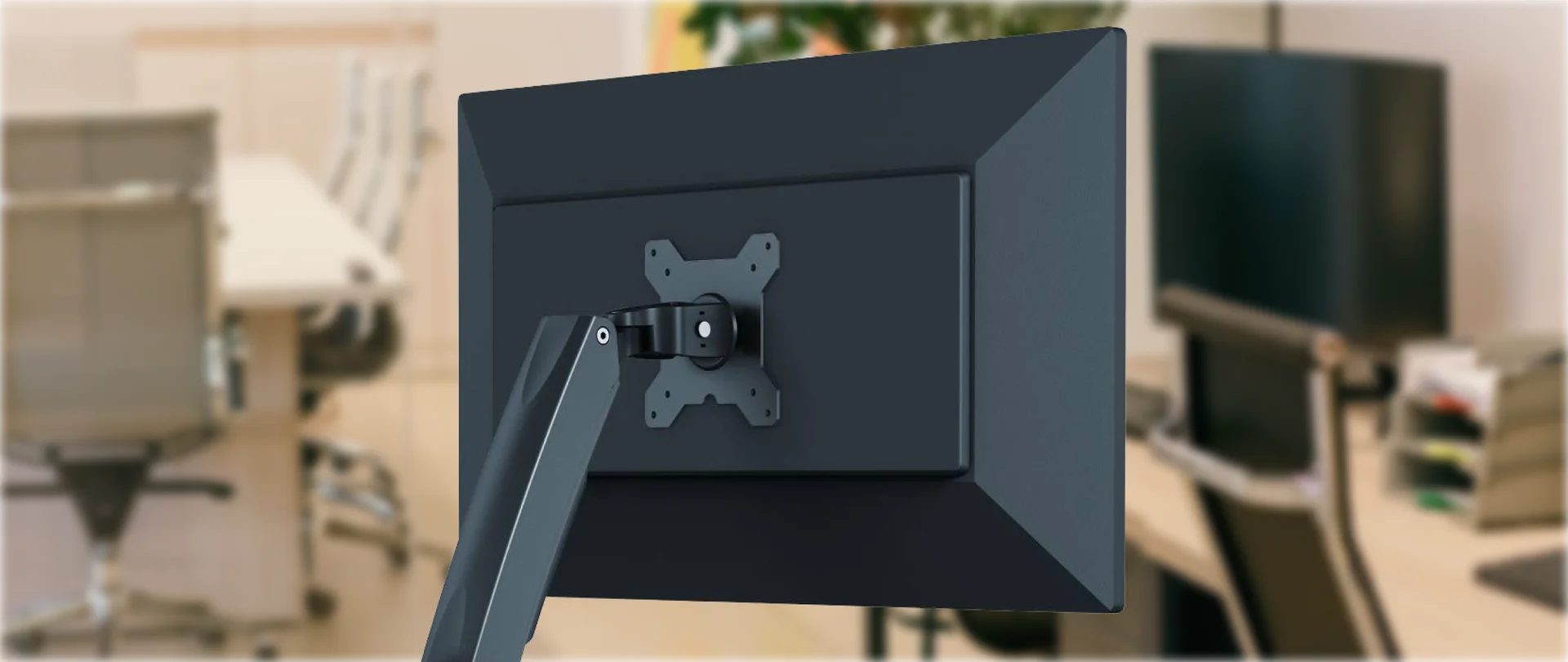
For a workstation: the desktop computer and monitor.
For a NAS: the network storage device holding shared office files and the equipment employees use to access it.
For a server: the server itself, for example one running business applications, and the necessary network devices.
A UPS will keep your network devices powered, but internet access also depends on your provider's equipment.
Decide how much time you need. A computer may need only a few minutes to save documents. A network may need to stay online for half an hour. For a NAS or server, allow time to complete operations and shut down safely. Include this in the required UPS runtime.
Step 2. Calculate the Power Consumption of Connected Devices
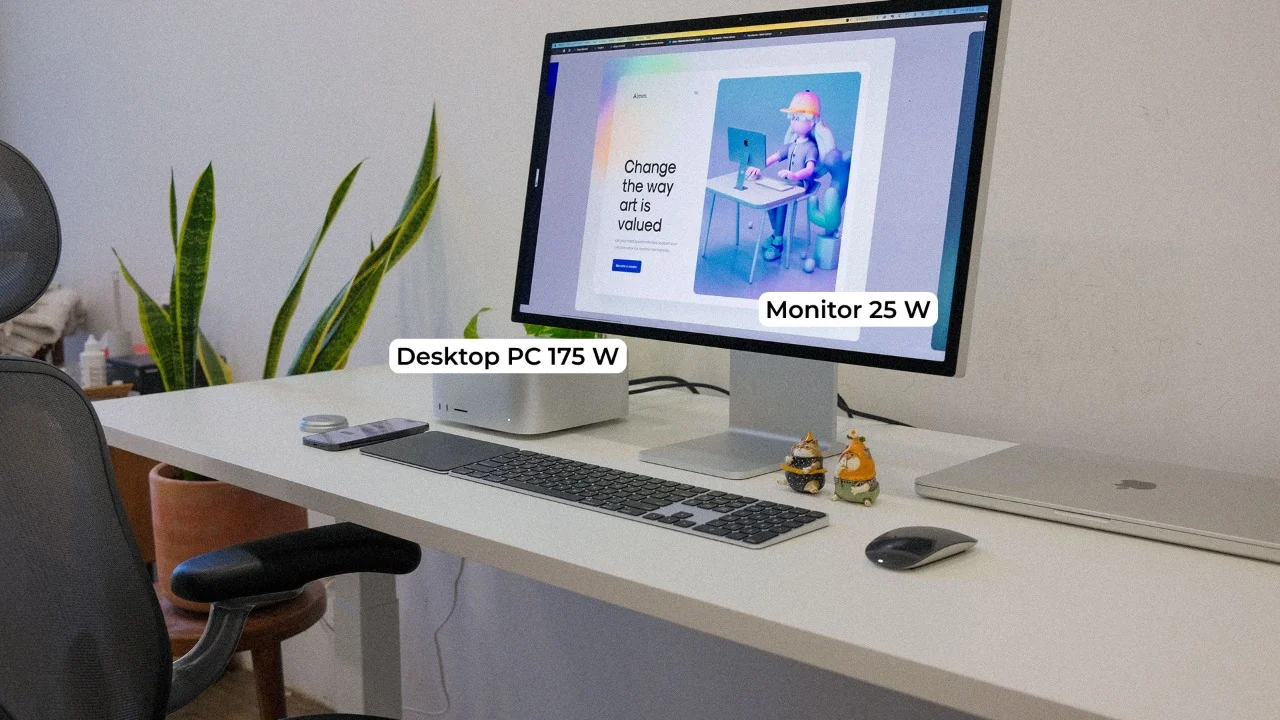
Add up the power consumption of the equipment on your list. For example, if the computer uses 175 W and the monitor uses 25 W, together they need 200 W. With a 25% margin, consider a UPS rated for at least 250 W for this workstation.
This is an illustrative example. Adjust the margin to suit the equipment and any additional devices you plan to connect.
You can measure consumption with a plug-in power meter. Place it between the wall socket and the equipment. Check the readings during normal operation and the most demanding tasks. A computer with a 650 W power supply does not necessarily consume 650 W continuously.
First, compare the equipment’s total power consumption with the UPS output power rating in watts. Then check the volt-ampere (VA) rating: the load must stay within both limits. If the device specifications do not include VA figures, ask a specialist to confirm the selection and provide a list of your equipment.
Step 3. Check Battery Runtime
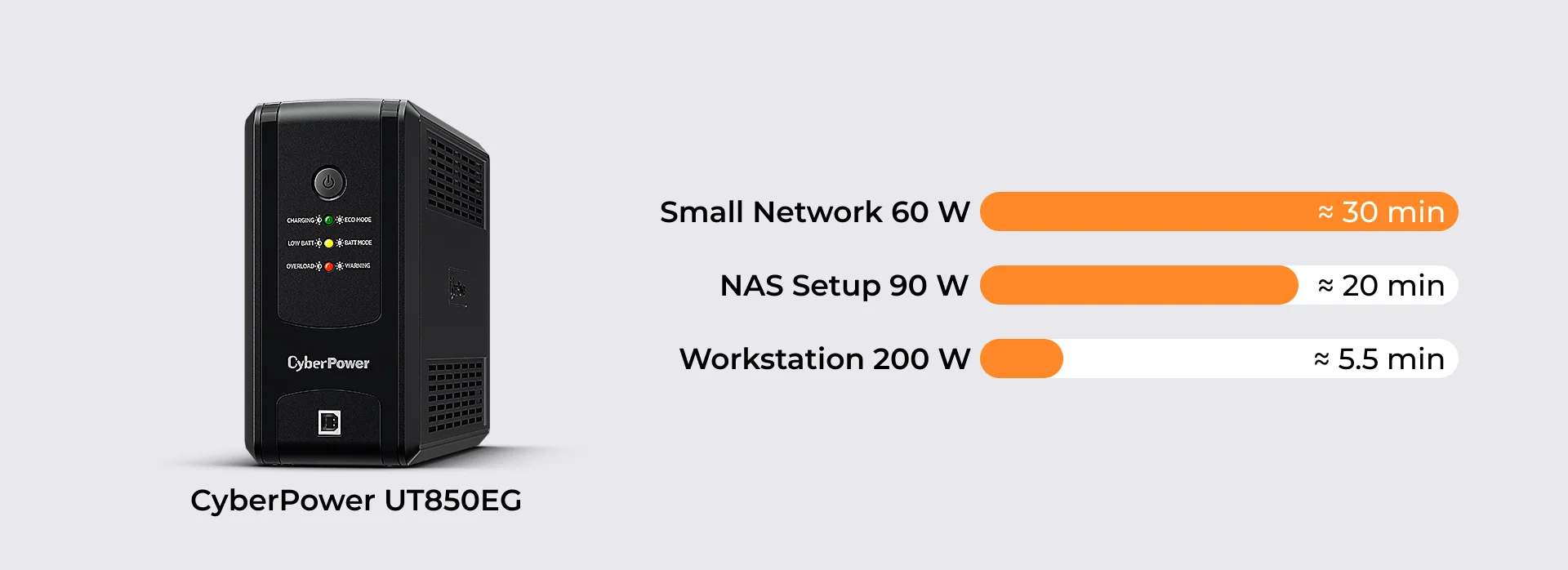
Find your load in the selected model's runtime table or chart. Compare runtime at the same power consumption, rather than just comparing UPS power ratings.
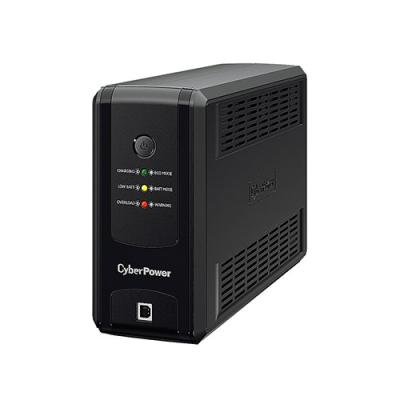
For example, the manufacturer gives these approximate figures for the CyberPower UT850EG:
30 minutes at 60 W;
20 minutes at 90 W;
5.5 minutes at 200 W.
This UPS can keep a small network running for a substantial period but may give a computer only a few minutes to save documents.
Allow a margin for runtime. Manufacturer figures are estimates and depend on battery condition and charge level. If you need at least half an hour, a model rated for 30 minutes at your load does not provide enough margin.
Step 4. Check Connections and Automatic Shutdown
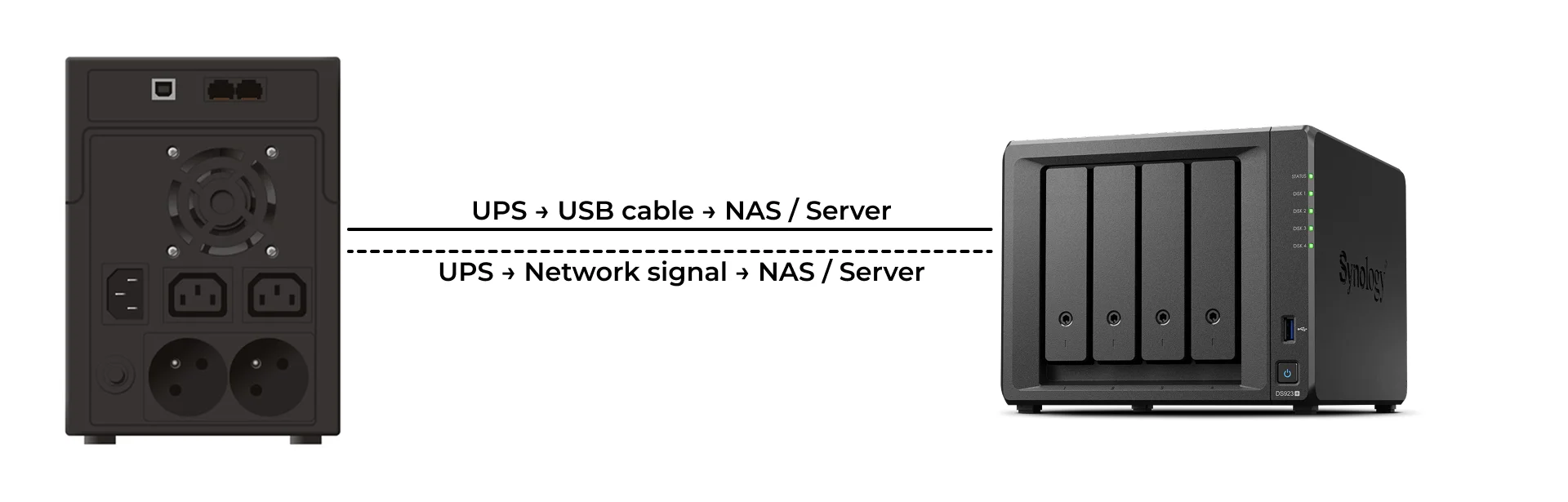
Make sure the UPS has enough outlets for all your devices. Check the outlet type: European grounded sockets (Schuko) accept standard European plugs. Rectangular IEC C13 outlets require cables with matching connectors — check in advance whether your equipment’s power cables are compatible.
For computers and servers, check compatibility with their power supplies. You may see “pure sine wave” in the specifications. This describes a battery output waveform similar to that of the normal mains supply. These models offer broader compatibility with sensitive equipment. If a server interruption is unacceptable, ask a specialist whether you need a UPS that transfers to battery power without interrupting the supply.
If a NAS or server runs unattended, configure automatic shutdown. For example, during a power outage, the UPS sends a signal and the server closes its applications and shuts down before the battery runs out.
The signal is usually sent through a USB cable or a network connection. Check that the UPS is compatible with your device and software: a USB port alone does not guarantee automatic shutdown.
Step 5. Choose a UPS for Your Scenario
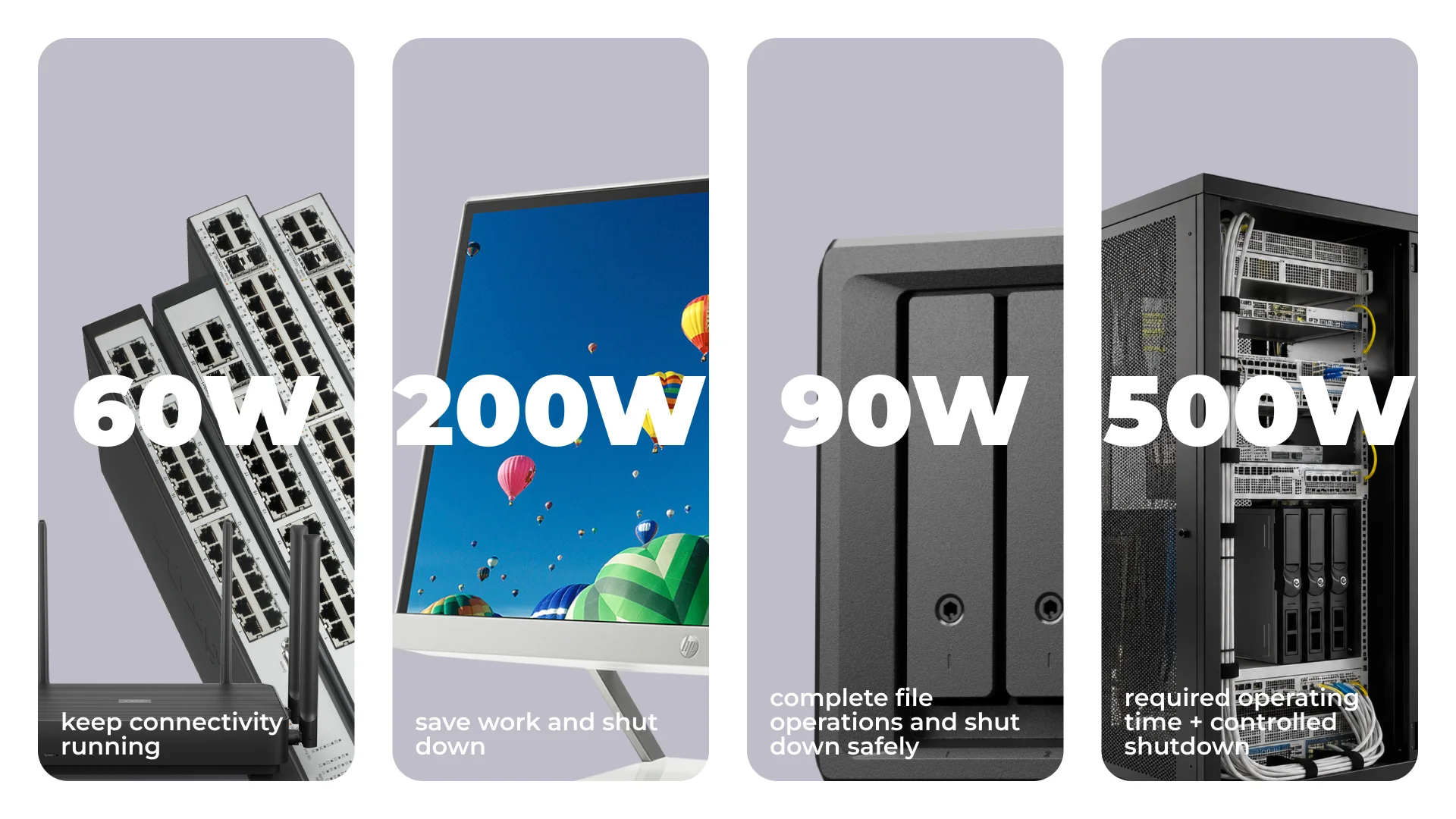
The four examples below use illustrative power consumption figures, while the runtime figures come from manufacturer data. They are selection guides, not a guarantee of runtime for your equipment.
Scenario | Total load | Example UPS | Approximate runtime |
Router, optical terminal and switch | 20 + 10 + 30 = 60 W | CyberPower UT650EG | 28 minutes |
Computer and monitor | 175 + 25 = 200 W | APC SMT750IC | 22 minutes |
NAS and network equipment | 70 + 20 = 90 W | CyberPower UT850EG | 20 minutes |
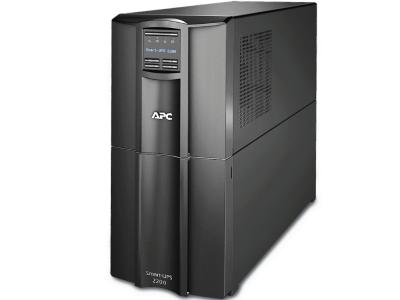
Server and network equipment | 450 + 50 = 500 W | APC SMT2200IC | 51 minutes |
The runtime figures in the table are based on manufacturer data for the CyberPower UT650EG, CyberPower UT850EG and APC Smart-UPS. When choosing a UPS, confirm the expected runtime for your equipment.
Router: Include All Necessary Network Equipment
For a setup drawing 60 W, the CyberPower UT650EG provides an estimated runtime of around 28 minutes. If 30 minutes is a firm minimum, choose a model with a larger runtime margin.
Computer: Allow Time to Save Documents
For a workstation drawing 200 W, consider the APC SMT750IC if you need pure sine wave output and around 20 minutes of battery runtime. In this example, the model provides approximately 22 minutes of operation – time to save documents, finish tasks and shut down the computer.
APC SMT750IC specification | Value |
Output power | 750 VA / 500 W |
Output connectors | 6 × IEC C13, for equipment power cables |
USB communication | Supported |
Check the power cables for the computer and monitor, and configure automatic shutdown.
NAS: Allow Time for a Safe Shutdown
At a load of 90 W, the CyberPower UT850EG provides approximately 20 minutes of battery runtime. The model has a USB port for sending power status information to a NAS. Check whether your NAS supports communication with this UPS. Configure automatic shutdown so the NAS has enough time to complete file operations before the battery is fully discharged.
After installation, test the transfer to battery power and automatic shutdown following the manufacturer's instructions. For a server, schedule the test for a time when the shutdown will not disrupt office operations.
Common Mistakes When Choosing a UPS
Choosing by VA without checking the watt rating.
Treating the computer's power supply rating as its actual consumption.
Using a runtime figure specified for a different load.
Forgetting the monitor, optical terminal or network switch.
Leaving a NAS or server without automatic shutdown.
Overlooking the cost and availability of battery replacement.
Need a UPS for your office? Send IT Shop your device list and the battery runtime you need. We will select a configuration and prepare a tailored offer.
FAQ
Can You Connect Several Devices to One UPS?
Yes, provided the combined load stays within both the watt and VA limits, there are enough suitable outlets and the UPS delivers the required runtime.
How Can You Check Whether a UPS Will Last 30 Minutes?
Calculate the total power consumption and find the corresponding runtime on the manufacturer's chart. Allow a margin and test the configuration after installation.
What Is Needed for Automatic NAS or Server Shutdown?
A compatible UPS, a supported connection and configured shutdown settings. If the signal travels over the network, the necessary network equipment must also have backup power.