
Artem Meleshkin
Head of Tech Department
All articles (11)
Nov 03, 2026 • 6 min
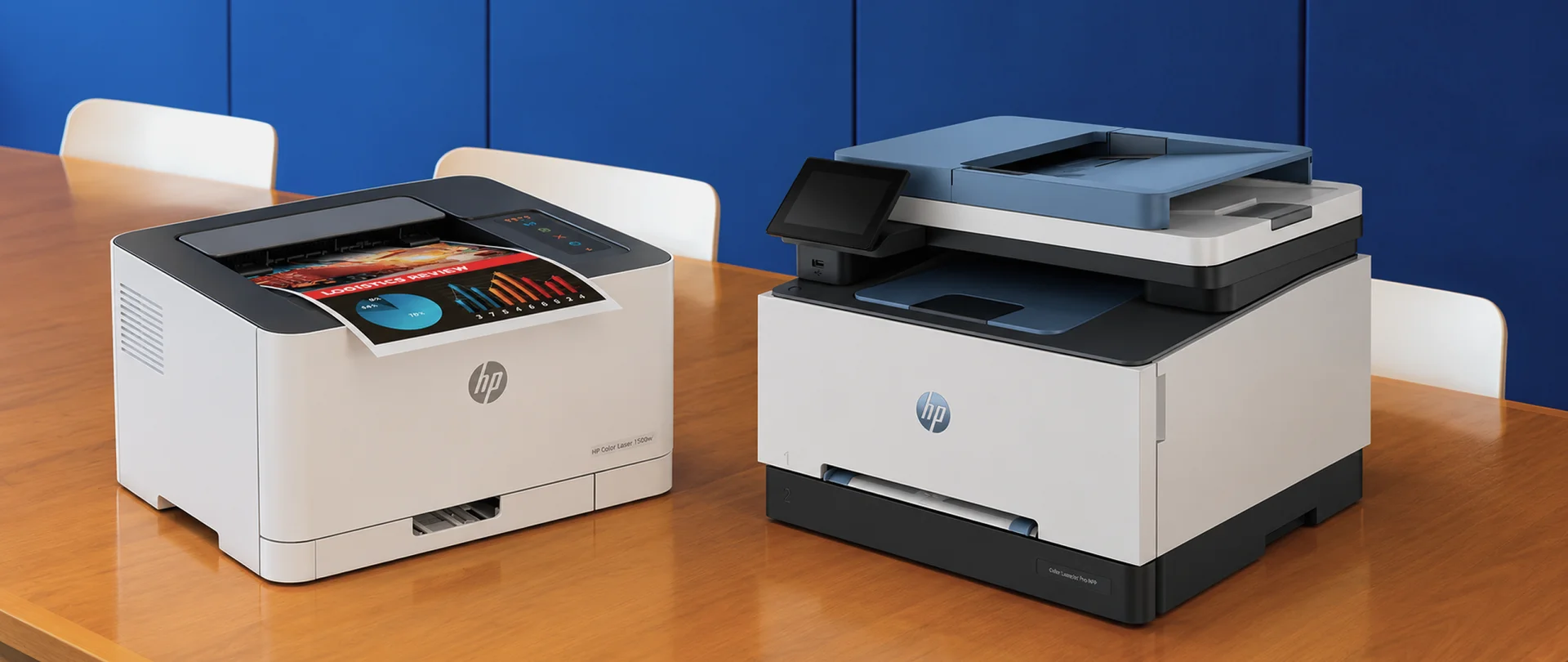
Printer or MFP for a Small Office: Choosing Based on Needs and Costs
If your office mainly needs printing and scanning is already covered or rarely required, a print-only printer is sufficient. If employees regularly scan contracts and copy documents, a multifunction printer (MFP) with an automatic document feeder is more useful. However, the decision involves more than a list of features. Costs include the equipment, consumables, paper and maintenance. An MFP’s additional functions are worthwhile when they save staff time or replace separate equipment. We will compare the two options through the needs of a small office: when a printer is enough, when an MFP is justified and how to estimate costs before buying.
Oct 26, 2026 • 6 min
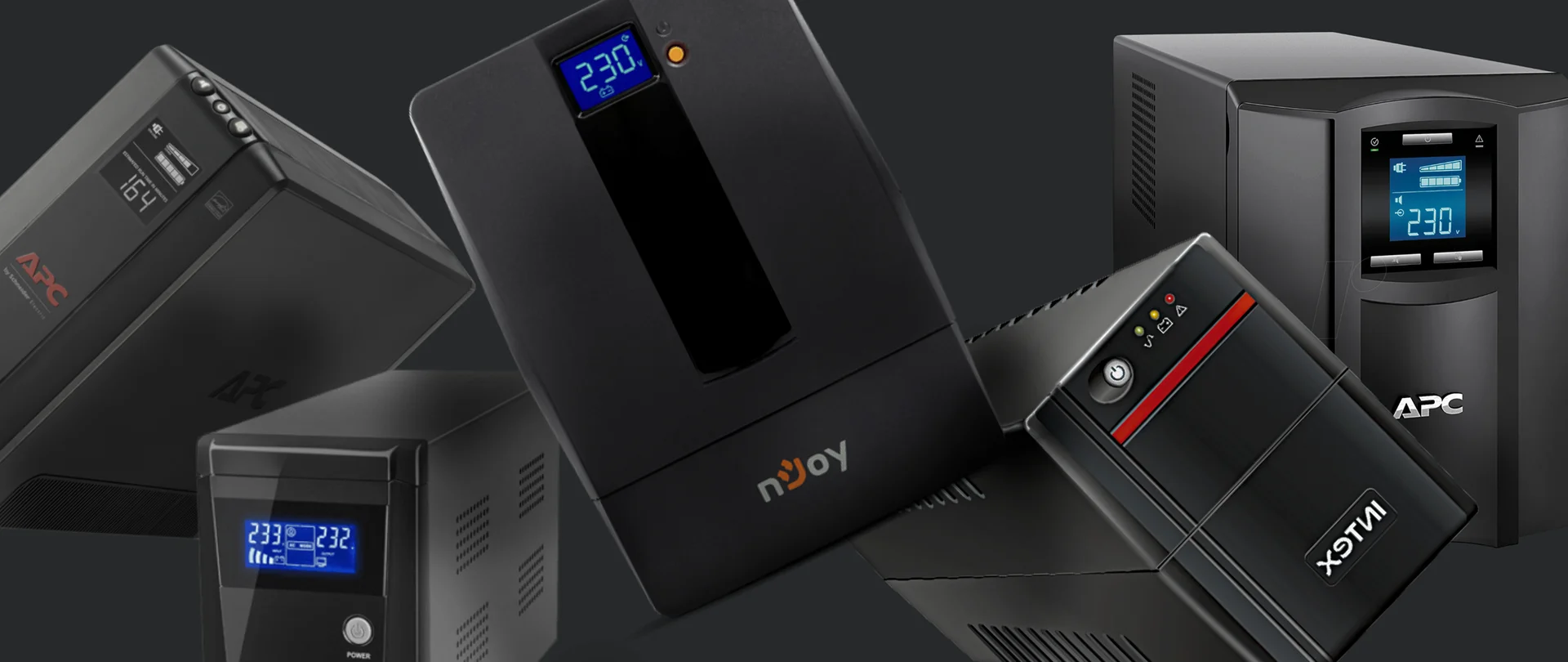
How to Choose an Office UPS in 5 Steps: Router, Desktop PC, NAS and Server
An uninterruptible power supply (UPS) keeps connected devices running during a power outage. In an office, it can maintain internet access, give an employee time to finish their work or allow a server to shut down safely. The main selection criteria are equipment power consumption and the required battery runtime. The same model may power a small network setup for half an hour but a computer for only a few minutes. Start by defining the task and the load, then check the runtime of the specific UPS.

Oct 21, 2026 • 6 min
Wi-Fi 6 or Wi-Fi 7: Which Standard Should You Choose for Your Office?
Wi-Fi 6 is designed to work efficiently with many connected devices and high network demand. Wi-Fi 7 is a newer generation that can transfer data faster and reduce delays. However, its benefits are only available when the new standard is supported by both the access point and the laptop, phone or other connected device. For many small and medium-sized offices, Wi-Fi 6 remains a practical baseline. Wi-Fi 7 makes more sense when designing a new office, carrying out a major network upgrade or choosing equipment intended to remain in service for many years. If Microsoft Teams calls keep freezing despite a gigabit fibre connection, the internet service provider may not be the source of the problem. The cause could be the access points, network cables, other network equipment or poor access point placement.
Oct 20, 2026 • 5 min
What Is a VESA Mount? Create a Clean and Ergonomic Desk Setup in 5 Simple Steps
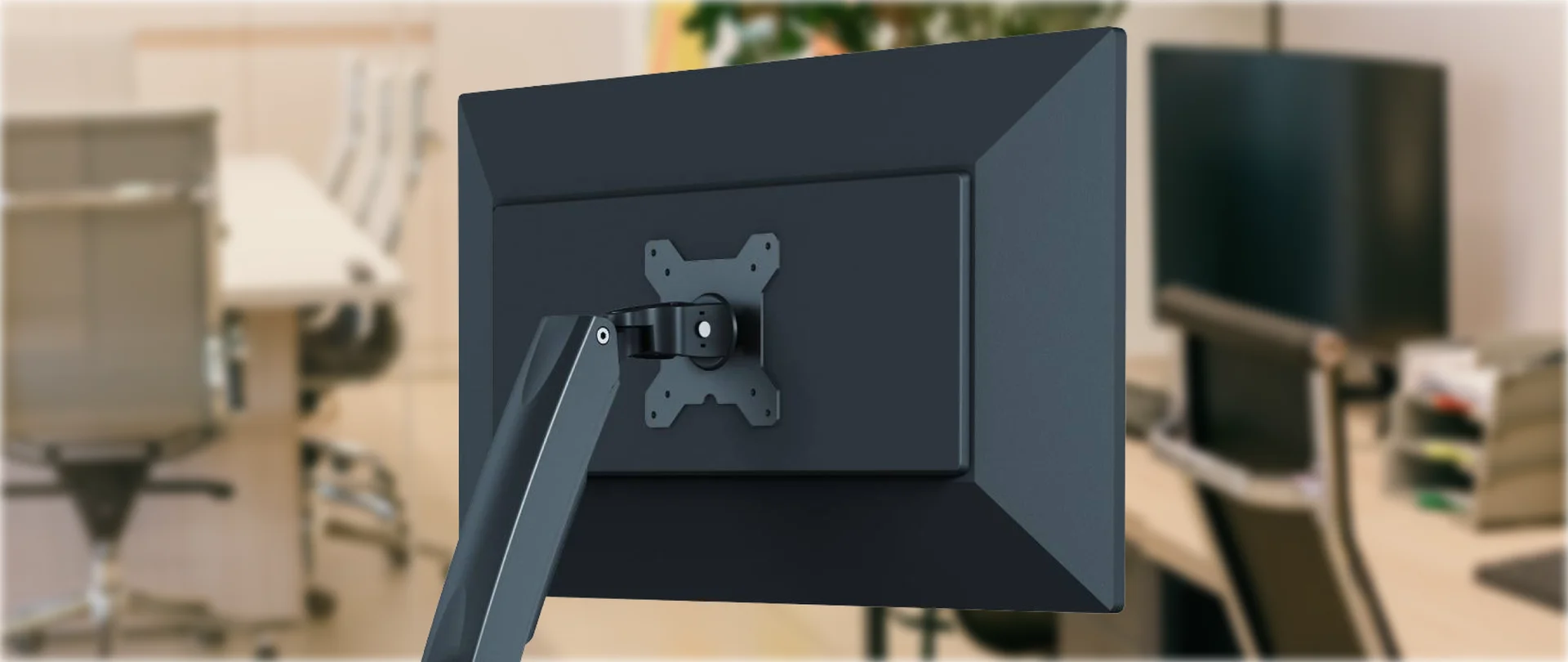
A VESA mount is a standardised mounting interface that allows a monitor or television to be attached to a compatible desk mount, wall mount or stand. Look at your desk. Your monitor probably works perfectly well, but its factory stand takes up space that could be used for a keyboard, laptop or docking station, or simply left clear. On most office monitors, the VESA interface consists of four mounting holes on the back of the screen. VESA stands for Video Electronics Standards Association. This standard allows screens to be securely attached to desk mounts, wall mounts, stands or mobile carts. The most common mounting patterns for monitors are 75 × 75 mm and 100 × 100 mm. M4 screws are normally used, but the exact screw length should always be checked in the manufacturer’s instructions. These patterns are included in the VESA specification and are widely used for office monitors.
Oct 19, 2026 • 11 min
NVIDIA RTX Spark: N1X, a new superchip for work, AI and gaming
On October 16, NVIDIA celebrated the retail launch of laptops powered by the RTX Spark platform at Berlin’s XPERION. Visitors tried the devices in games and creative applications, while AI demonstrations showed how models perform tasks directly on a laptop. NVIDIA founder and CEO Jensen Huang made a surprise appearance. He spoke with visitors, posed for photos and gave away five laptops bearing his signature. During the Festival of Lights, the Berlin TV Tower featured RTX Spark-themed lighting. The platform was unveiled in May, followed by device demonstrations at IFA in September. The first models are now on sale. The new laptops combine a Grace CPU, Blackwell RTX graphics and up to 128 GB of unified memory for work, local AI and gaming. The launch brings updates to creative applications, simpler AI assistant setup and new developer tools. The laptops also support DLSS 5 for gaming. NVIDIA plans to release further updates in October and November.
Oct 16, 2026 • 7 min
An Office Ready for Work from Day One: How to Build a Standardized IT Kit for New Employees in 5 Steps
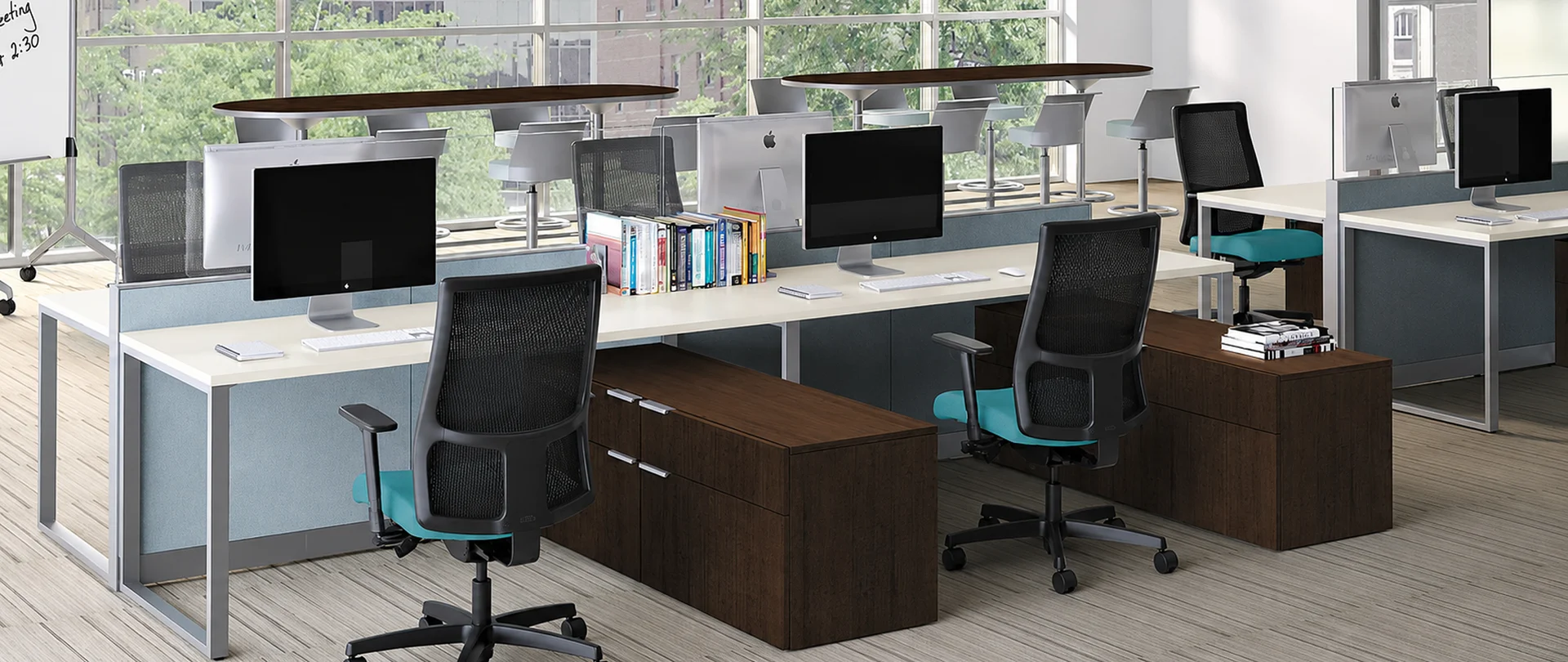
A new employee’s first day sets the tone for how they perceive your company, its processes and its culture. A fully equipped and configured workstation from the outset shows that the company is organized, prepared for their arrival and invested in their success. In B2B companies, effective IT processes for onboarding new employees rely on a repeatable approach: equipment is prepared in advance, workstations follow a common standard, and device setup does not require urgent decisions on the first day. This reduces manual work, simplifies purchasing, helps control the total cost of ownership (TCO) and prepares every team member to work from day one.
Oct 13, 2026 • 5 min
Business Tablets vs Laptops: Build a Practical Work Setup for Your Team
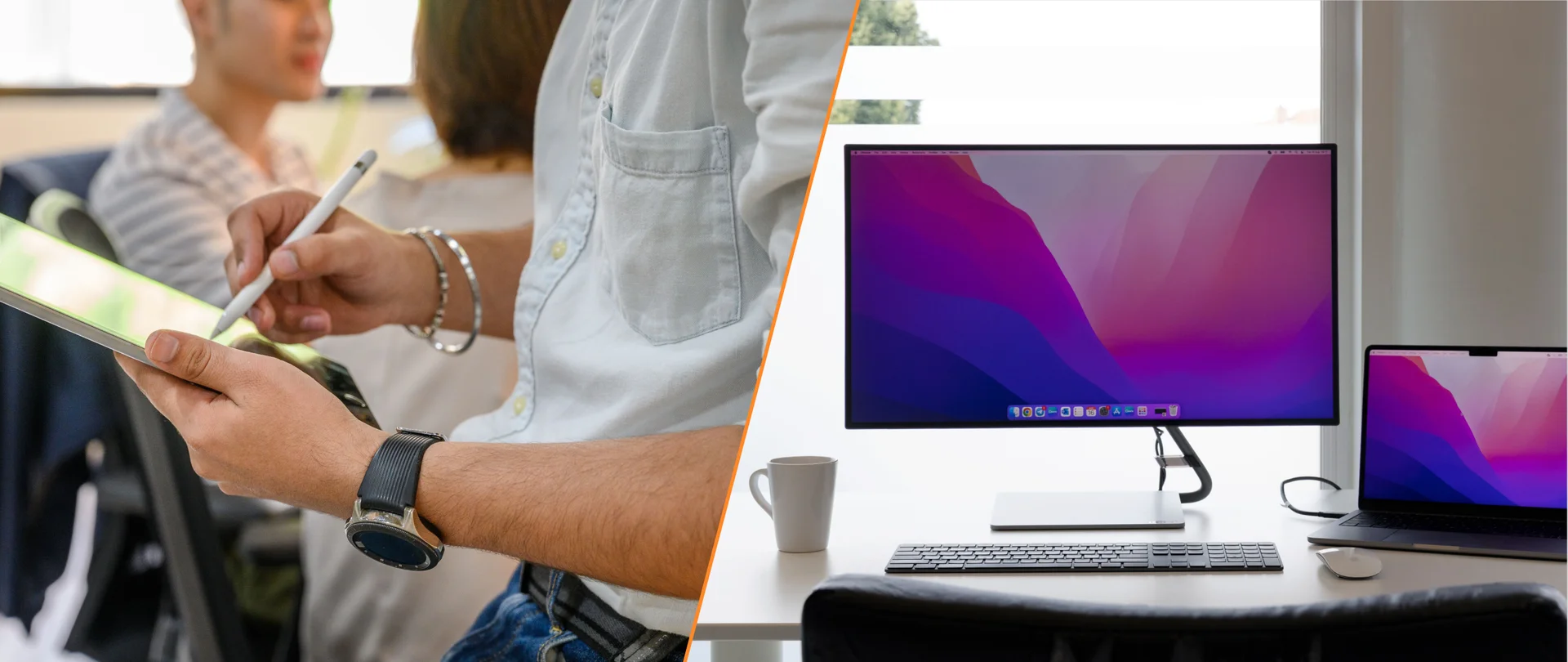
Choosing a device for your team depends on employees’ tasks and the applications they use. In many companies, employees move between desks, meeting rooms and shared workstations, and visit clients. Business tablets with docking stations for connecting a monitor, keyboard and mouse can make this work more convenient and provide the same connection setup at different workstations. The setup should be convenient at a desk, in meetings and outside the office. For employees who move frequently between locations, tablets can serve as primary devices. Laptops are preferable for extended work under heavy loads.
Oct 02, 2026 • 6 min
Windows 10 After End of Support: Upgrade Office PCs or Replace Them?
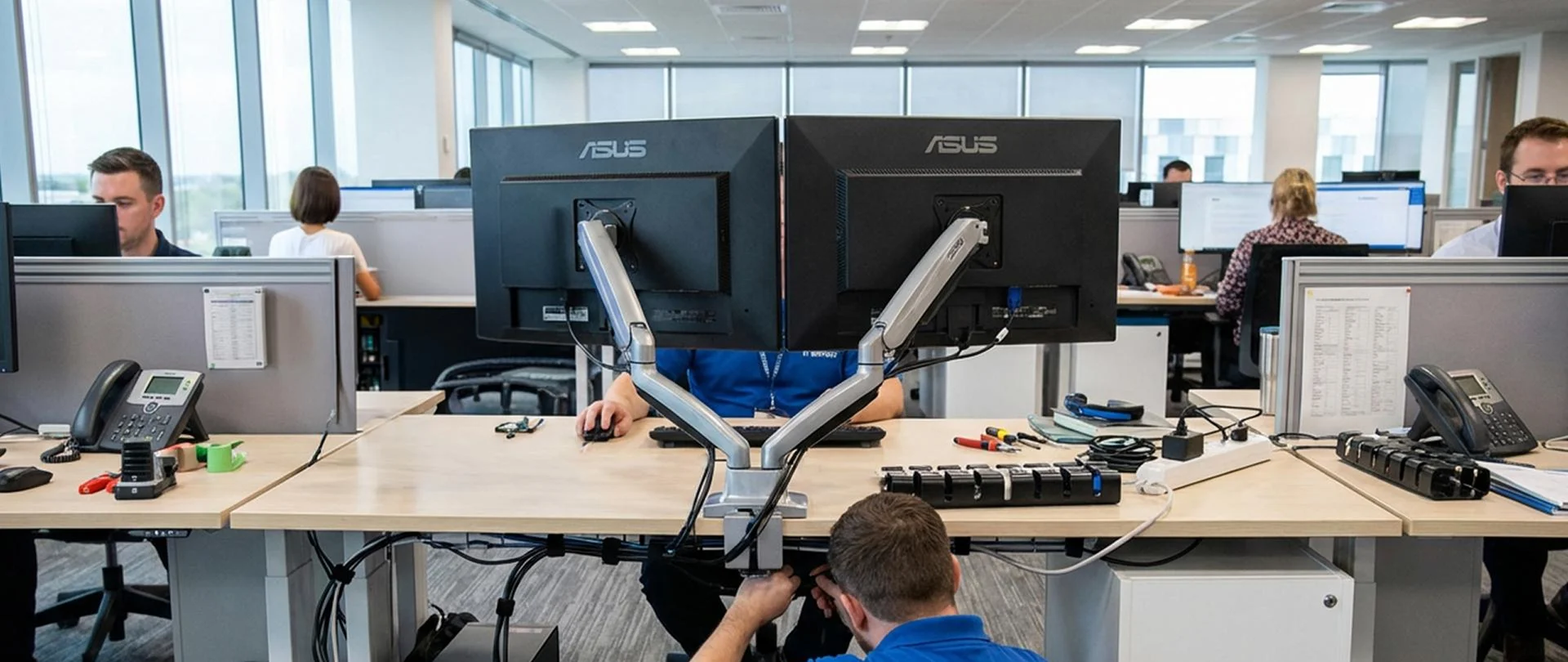
Are there still Windows 10 computers in your office? Do you need to replace them all, even if they still handle their workloads? Support for Windows 10 version 22H2 ended on 14 October 2025. The computers continue to work, but the operating system no longer receives regular security updates or standard Microsoft support. The decision should therefore be made for each workstation individually. If a PC is compatible with Windows 11, in good condition and fast enough, upgrading its operating system is usually the more sensible option. If the assessment shows it is incompatible or it repeatedly needs repairs, consider replacing it. Extended Security Updates (ESU) offer a temporary option for PCs whose transition needs to be delayed.
Sep 14, 2026 • 6 min
How to Make Office Hardware Projects Work: From Procurement to a Managed IT Rollout
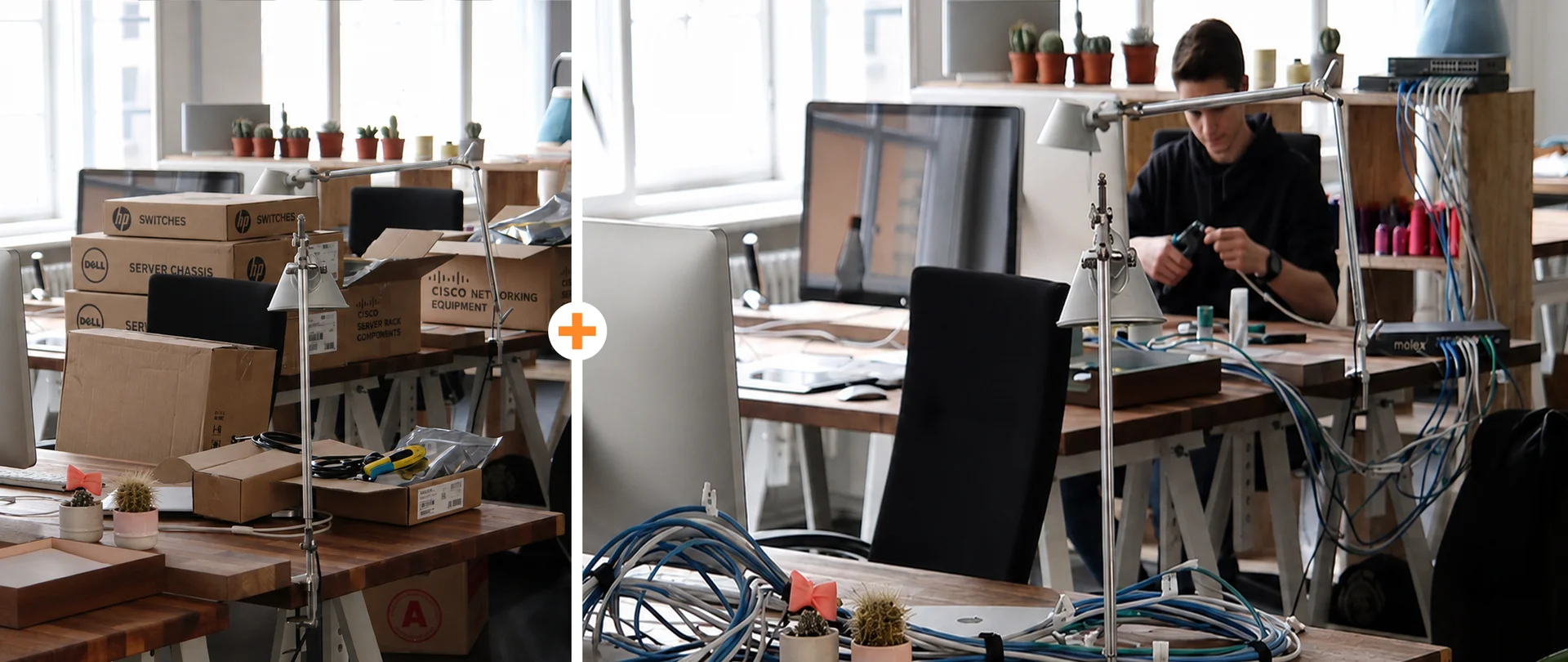
Office hardware projects work best when they are treated not as a one-time purchase, but as part of a wider workplace technology rollout. For SMEs, the goal is not only to select laptops, monitors, phones, access points, docks, or printers, but to prepare the environment in advance: the network, workstations, installation standards, user expectations, and post-launch support. Without this structure, small exceptions quickly become operational problems: one employee needs a different dock, another needs a special telephony profile, and a third depends on an undocumented shared resource. That is why ITmathics supports not only hardware supply, but also the service layer that turns procurement into a managed rollout: rollout planning, Designing and Creating Networks, Infrastructure Solutions, installation coordination, and post-launch support.

Sep 03, 2026 • 8 min
What Is VoIP? A Practical Guide to Implementing VoIP in Office Phone Systems
VoIP stands for Voice over Internet Protocol. It means your phone calls travel over an IP network — through your LAN, Wi-Fi, and internet connection — instead of traditional copper phone lines. For many offices, desk phones still matter: reception desks, meeting rooms, fixed workstations, shared areas, and users who need reliable physical call handling may depend on them every day. VoIP is not about removing those phones by default. It is about adding IP-based calling, routing, apps, headsets, and more flexible number management around the way the team works. The simple version: VoIP brings office calling onto the IP network, which means your network becomes part of the phone system. If Wi-Fi, access points, routers, firewalls, cabling, PoE switches, or QoS rules are not ready, call quality can quickly suffer.

Aug 07, 2026 • 6 min
Samsung Galaxy Z Fold8 Ultra, Fold8 and Flip8: What’s Changed and What We Know About the Launch in Serbia
Samsung has expanded the Galaxy Z family with three models, each with a character of its own. The Fold8 Ultra offers maximum screen space for multitasking and content creation. The Fold8 adapts its screen format depending on what the user is watching or reading. The Flip8 makes its cover display a fully fledged part of everyday smartphone use. The new series was unveiled on 22 July 2026. In Serbia, all three models will launch with Android 17 and One UI 9, but they will differ in their processors, cameras and access to certain AI features. The launch also comes with a superhero cameo. Samsung has linked the launch of the Fold8 and Flip8 to Spider-Man: Brand New Day. In the film, Spider-Man uses a Galaxy Z Flip, while Ned Leeds tries to track him down with a Galaxy Z Fold and a Galaxy Watch. This is more than a colourful campaign moment – it neatly captures the roles of the two formats. The compact Flip is always ready for quick actions, while the larger Fold helps users work with information and keep several tasks in view.