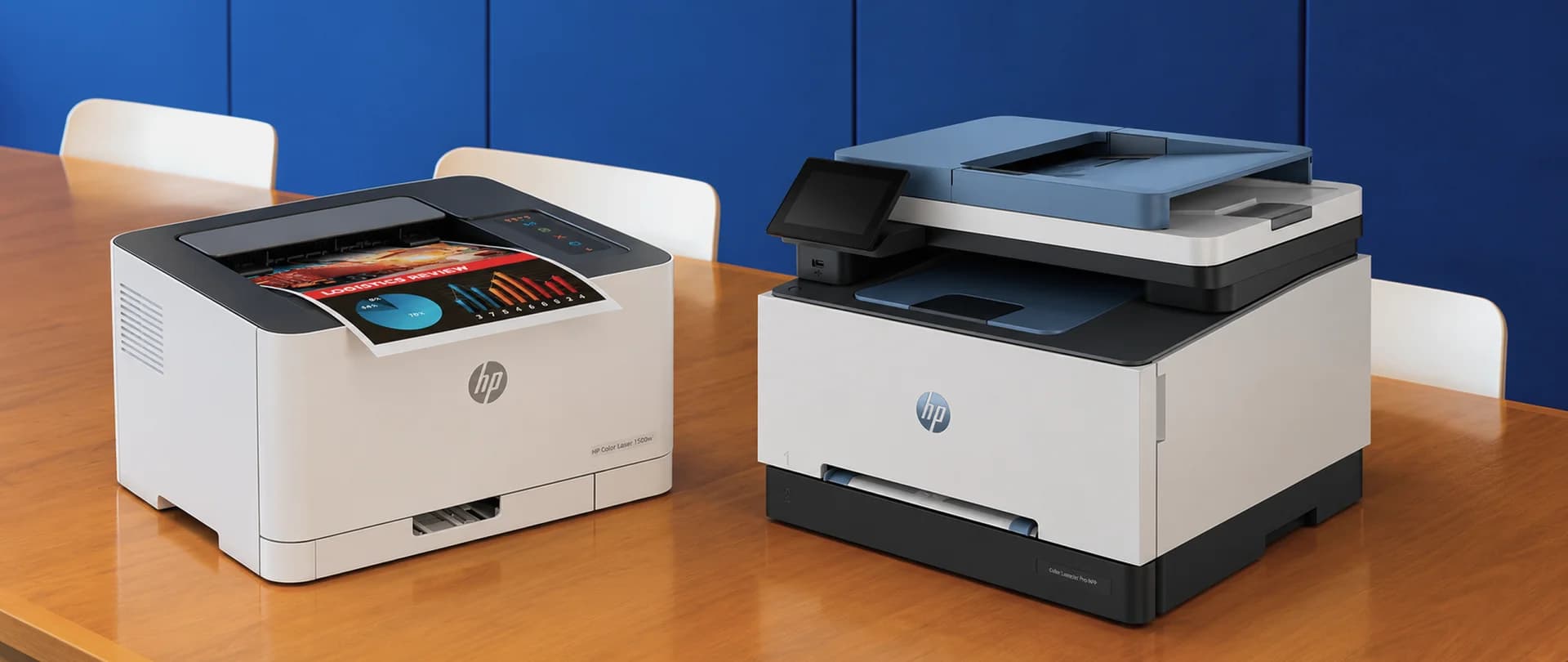
When a Standalone Printer Is Enough

A print-only printer suits an office where most documents arrive electronically and printing is mainly used for invoices, contracts, delivery notes and internal materials. If scanning is needed only a few times a month and a suitable scanner is already available, an MFP’s additional functions may go unused.
Print volume, consumables and connectivity are more important selection criteria. For several workstations, a device with Ethernet or Wi-Fi that can be accessed through the office network is convenient. Automatic double-sided printing reduces paper use and removes the need for employees to turn sheets over manually.
Speed should also match the workflow. For small print jobs, the time to the first page matters. For larger jobs, printing speed, generous paper trays and fewer interruptions to refill paper become more important.
In this situation, a print-only printer lets you focus the budget on the printing capabilities you need. However, it is not necessarily cheaper than every MFP: compare devices in the appropriate class. If a separate scanner must also be purchased, include the cost of the complete setup.
When an MFP Justifies the Additional Cost

An MFP becomes more useful when the office handles paper documents every day. Accounting staff scan supporting documents, managers save signed contracts, and employees make copies for customers and internal records.
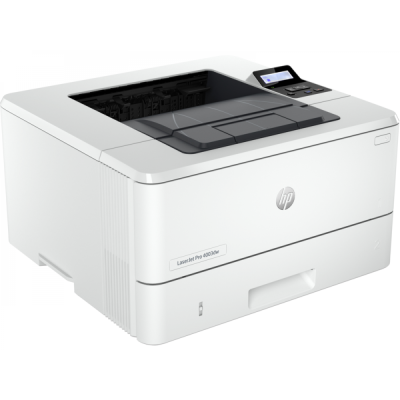
The scanning method matters here. With a flatbed scanner, each sheet must be placed manually, while an automatic document feeder lets you process a stack of documents. For double-sided originals, check separately whether automatic two-sided scanning is supported: having a document feeder does not guarantee this feature. For example, the HP LaserJet Pro MFP 3103fdw shown in the product card below has an automatic document feeder, but does not support automatic two-sided scanning.
For example, an accounting team regularly scans batches of single-sided documents. With a flatbed scanner, an employee has to replace each sheet manually. With an automatic document feeder, they load the batch and start scanning. In this office, paying extra for an MFP with a document feeder is justified by the reduction in manual work.
Check whether the MFP supports the scan delivery method your office needs: to a computer, to a network folder or by email. This affects how easily employees can access and store documents.
The additional cost of an MFP is best assessed against scanning frequency and the time spent on manual processing. With daily use, the extra functions may justify the expense. If scanning is needed only a few times a year, there is less reason to pay more.
If a single MFP breaks down, the office may lose printing, scanning and copying at the same time. If these operations are critical, a backup option should be planned in advance.
Printer vs. MFP: Comparing Features and Use Cases
An MFP does not necessarily cost more or less to print with than a print-only printer. The difference depends on the devices and their consumables. First choose the type of equipment you need, then compare its running costs.
Criterion | Print-Only Printer | MFP |
Printing | ✓ | ✓ |
Built-in scanning and copying | ✕ | ✓ |
Automatic document feeder | Not applicable | Depends on the model |
Automatic double-sided printing | Depends on the model | Depends on the model |
Automatic double-sided scanning | Not applicable | Depends on the model |
Network connectivity | Depends on the model | Depends on the model |
Cost per page | Determined by consumables and their yield | Determined by consumables and their yield |
Additional equipment | A separate scanner is needed for scanning | Scanner is built in |
Recommended use | Mainly printing | Regular printing, scanning and copying |
How to Calculate Cost per Page
The basic formula for a consumable is:
Consumable cost per page = consumable price ÷ declared page yield.
The prices and page yields in the examples below are illustrative and do not apply to the models shown in the product cards.
A cartridge priced at RSD 6,000 with a yield of 3,000 pages gives a cost of RSD 2 per page for the consumable alone.
Declared yield is measured under specified conditions. Actual results depend on document content and printing patterns: pages with dense images and text may use more toner or ink. The calculation therefore provides a budgeting guide rather than a guaranteed price for every printed page.
Compare standard and high-yield consumables using the same formula. A higher capacity does not, by itself, prove a lower cost per page.
Paper is accounted for separately. With double-sided printing, a ten-page document uses five sheets but still contains ten printed pages.
Example of Device and Cartridge Costs Over Three Years
Suppose an office prints 1,000 pages per month: that amounts to 36,000 pages over three years.
For this example, assume an equipment price of RSD 25,000, a yield of 3,000 pages from the included cartridge and the same yield from subsequent cartridges. Each replacement costs RSD 6,000.
After using the included cartridge, another 11 cartridges must be purchased. Their total purchase cost is RSD 66,000.
Budget Item | Amount |
Equipment purchase | RSD 25,000 |
11 cartridges at RSD 6,000 each | RSD 66,000 |
Equipment + consumables over three years | RSD 91,000 |
In this illustrative example, consumables cost 2.6 times as much as the device itself. To estimate your office’s budget, use current prices, the page yield of the included cartridge, and your expected print volume. The device and its cartridges account for only part of the total cost of ownership.
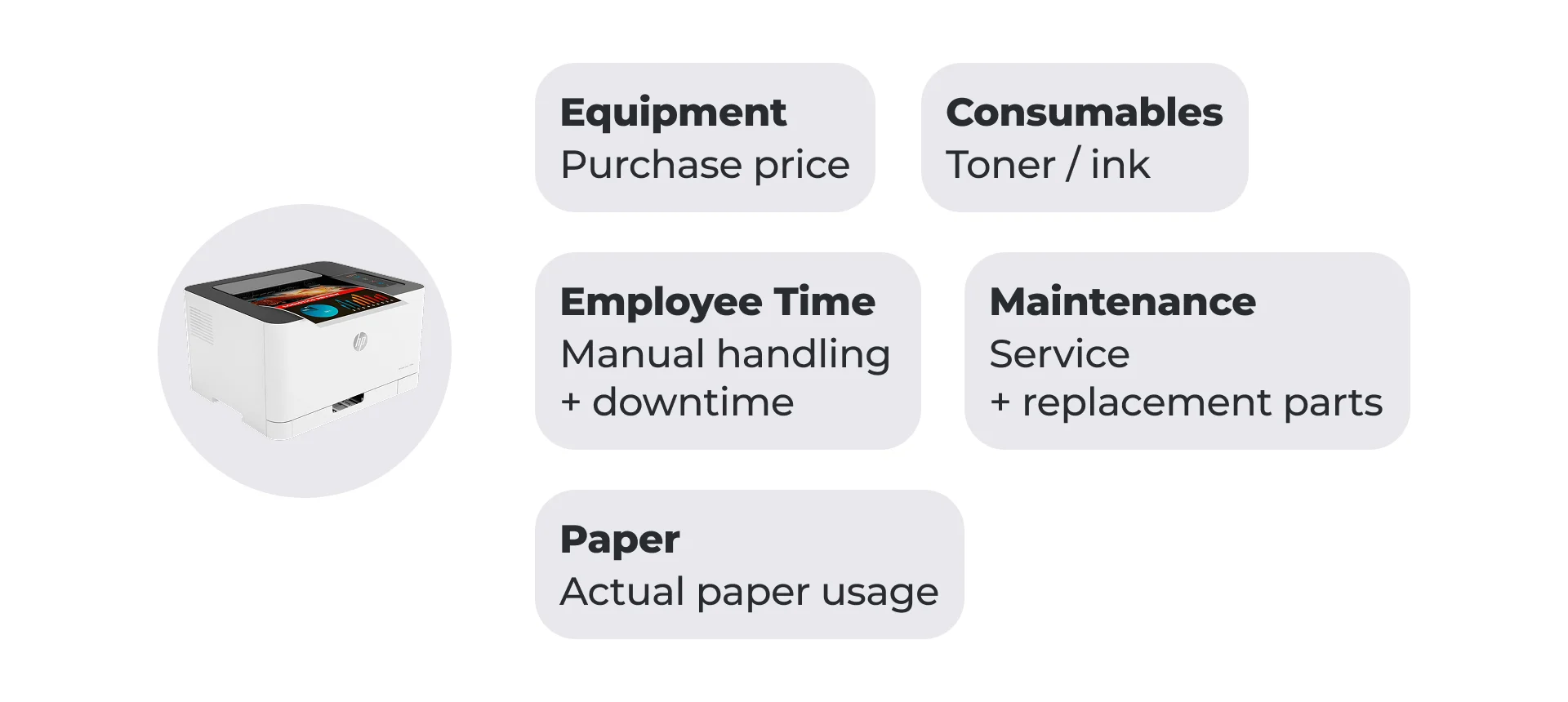
Paper, electricity and maintenance must also be included. Before buying, it is useful to check diagnostic and repair costs, spare-part availability and delivery times.
Check whether the model has consumable components that are replaced separately from the cartridge, such as a drum unit: their price and service life also affect running costs.
Employee time is assessed separately. An MFP may reduce manual scanning work, while equipment downtime may delay the processing and issuing of documents.
What to Choose for Your Office
A print-only printer is suitable when printing is the main task and scanning is already covered or rarely needed.
An MFP is justified when employees regularly scan and copy documents. An automatic document feeder is useful for stacks of sheets, while double-sided originals require a suitable scanning mode.
Before ordering, check your print volume, required functions and consumables budget.
FAQ
What Monthly Print Volume Should We Use for Planning?
Review the figures for several typical months and assess peaks separately. Use the manufacturer’s recommended volume for the selected device as your guide. The maximum monthly duty cycle is a different measure and should not be treated as the normal continuous operating level.
If the office prints only a few dozen pages, high speed and large trays may be unnecessary. For regular printing of thousands of pages, consumable yield, maintenance and capacity to handle increases in demand matter more.
Does the Office Need Colour Printing?
If colour is necessary for customer materials, charts or working documents, take this into account before buying. Compare black-and-white and colour printing costs separately, including all consumables used.
If colour materials are rarely needed, compare purchasing a colour device with outsourcing those jobs to a print shop.
Can Compatible Consumables Reduce Costs?
This option can be considered after compatibility with the specific device has been confirmed. Manufacturer restrictions, chip type and the effects of firmware updates matter. For some devices, the presence of a chip alone does not guarantee that a cartridge will work.
Compare price, declared yield and the supplier’s support terms. Assess savings while allowing for potential reprints and downtime.