

Categories
IT Shop
Blog

Apple “Pro and tell” on October 28: What We Know and What to Expect

Apple will hold its “Pro and tell” event in Los Angeles on October 28. Expected new products include MacBook Pro models with OLED touchscreens and Macs powered by M6. The week’s announcements have already begun: on October 26, the company officially introduced an updated iPad mini.

Here is what has been confirmed, which devices are expected according to industry sources, and what prospective buyers should watch for.

Information current as of October 27, 2026.

3 min read•October 27, 2026
Apple “Pro and tell” on October 28: What We Know and What to Expect

When Will “Pro and tell” Take Place?

According to the Apple invitation published by 9to5Mac, the event will begin on October 28 at 10:00 a.m. Los Angeles time, or 6:00 p.m. in Belgrade.

This is an in-person Apple Experience for invited members of the press. A public livestream has not yet been confirmed, so Apple Newsroom and journalists’ coverage will be the main places to follow the announcements. Press releases may not all appear at the event’s scheduled start time.

Already Announced: iPad mini with OLED

iPad mini shown at an angle, with “mini” on the screen and water droplets on its body
Introduced on October 26, iPad mini features an 8.5-inch OLED display, the A20 Pro chip, and IP67 water and dust resistance

Apple has already officially introduced the new iPad mini. The company’s press release confirms an 8.5-inch OLED display, the A20 Pro chip, a 5.4 mm-thin body, and IP67 water and dust resistance. The Center Stage front camera is now positioned along the long edge for video calls in landscape orientation.

The tablet supports Apple Pencil Pro and Apple Pencil USB-C. Pre-orders in the markets specified by Apple open on October 28, with sales starting on November 6. The Wi-Fi model starts at $699 in the US. Pricing and availability in Serbia will be confirmed separately.

Which Macs Are Expected?

An open MacBook Pro beside an iMac, keyboard, and mouse against a light background
The image shows current MacBook Pro and iMac models. Apple has not yet unveiled the expected updatesOtvoren MacBook Pro pored iMac računara, tastature i miša na svetloj pozadini

MacBook Pro with an OLED touchscreen. According to a report from MacRumors citing Mark Gurman, Apple is preparing lighter 14-inch and 16-inch models with Dynamic Island replacing the notch. They are expected to use M5 Pro and M5 Max chips. Touch input is described as an additional way to interact with the Mac alongside the keyboard and trackpad. Apple has not yet confirmed these specifications.

Entry-level 14-inch MacBook Pro and iMac with M6. These computers are expected to move to M6 without major changes to their appearance, reports MacRumors. They should be distinguished from the expected touchscreen MacBook Pro models, as these are separate updates within the lineup. Apple has not yet announced final configurations, pricing, or sales dates for these Macs.

M6 itself has already been introduced: Apple announced it alongside Mac mini in August. However, the configurations and performance of upcoming devices should be assessed using their own specifications.

For more background on the all-in-one’s expected update, read our article about iMac with M6.

What to Watch for Before Buying

If you are choosing a MacBook Pro for work, the key questions are which models will get the new display, how touch input will work in your applications, and how much extra it will cost. For iMac, memory configurations, ports, and pricing compared with the current model will matter more.

After the announcements, we will cover the new devices in a separate overview: what has changed, who could benefit from the updates, and which limitations to consider.

Useful articles

View All Articles →
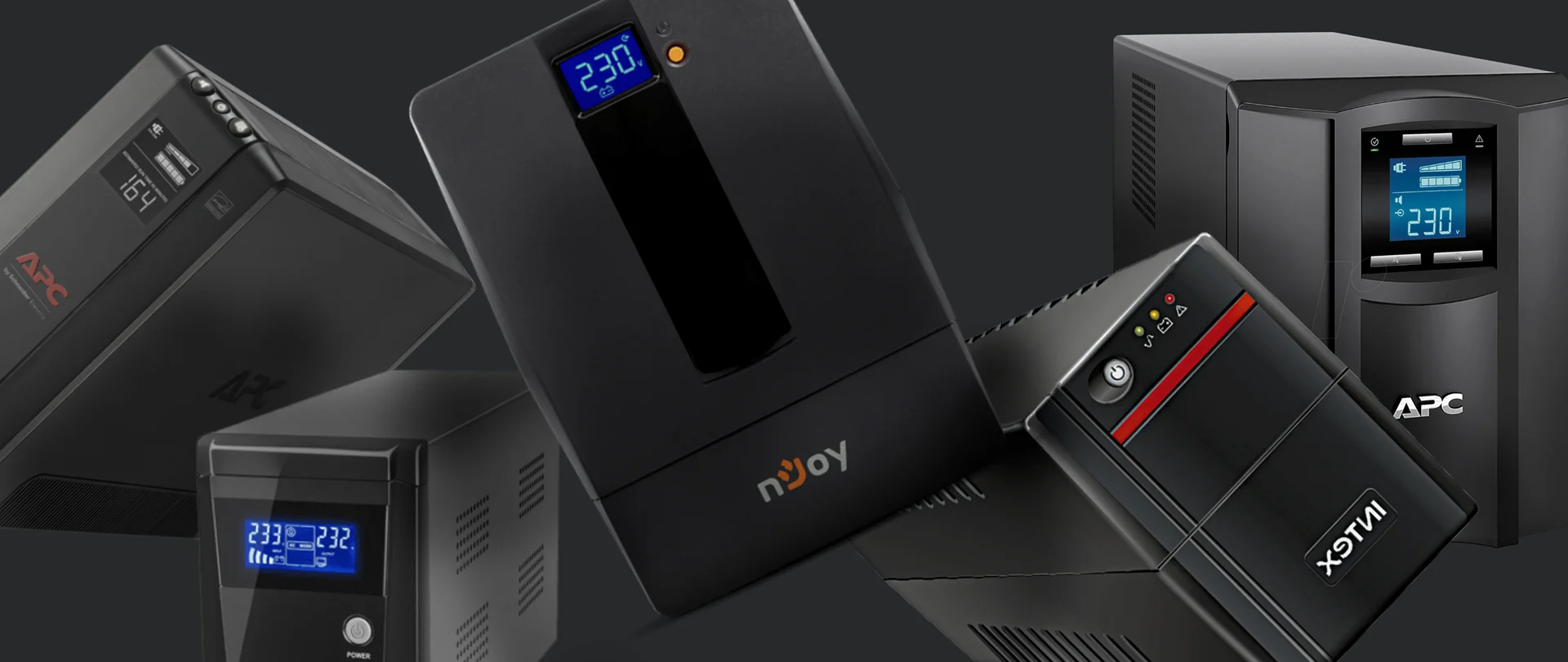
How to Choose an Office UPS in 5 Steps: Router, Desktop PC, NAS and Server
A
Artem Meleshkin • Oct 26

How to Choose an Office UPS in 5 Steps: Router, Desktop PC, NAS and Server

An uninterruptible power supply (UPS) keeps connected devices running during a power outage. In an office, it can maintain internet access, give an employee time to finish their work or allow a server to shut down safely. The main selection criteria are equipment power consumption and the required battery runtime. The same model may power a small network setup for half an hour but a computer for only a few minutes. Start by defining the task and the load, then check the runtime of the specific UPS.

Cyber Security Summit 2026 in Belgrade: What Small Businesses Should Watch For
Oct 23

Cyber Security Summit 2026 in Belgrade: What Small Businesses Should Watch For

Cyber Security Summit 2026 is scheduled for 29 October at Mona Plaza in Belgrade. The first summit took place in 2024, followed by another conference in 2025. Last year’s programme included artificial intelligence, infrastructure security and digital resilience. This year, the organisers plan to discuss the financial consequences of cyber incidents, companies’ dependence on suppliers and how to respond during an attack. The summit is aimed primarily at executives and specialists in cybersecurity, IT and risk management. For small businesses, the most relevant part of the programme concerns business continuity. It raises concrete questions: which services does the company depend on, what happens if they stop working, and who makes the decisions?

Wi-Fi 6 or Wi-Fi 7: Which Standard Should You Choose for Your Office?
A
Artem Meleshkin • Oct 21

Wi-Fi 6 or Wi-Fi 7: Which Standard Should You Choose for Your Office?

Wi-Fi 6 is designed to work efficiently with many connected devices and high network demand. Wi-Fi 7 is a newer generation that can transfer data faster and reduce delays. However, its benefits are only available when the new standard is supported by both the access point and the laptop, phone or other connected device. For many small and medium-sized offices, Wi-Fi 6 remains a practical baseline. Wi-Fi 7 makes more sense when designing a new office, carrying out a major network upgrade or choosing equipment intended to remain in service for many years. If Microsoft Teams calls keep freezing despite a gigabit fibre connection, the internet service provider may not be the source of the problem. The cause could be the access points, network cables, other network equipment or poor access point placement.