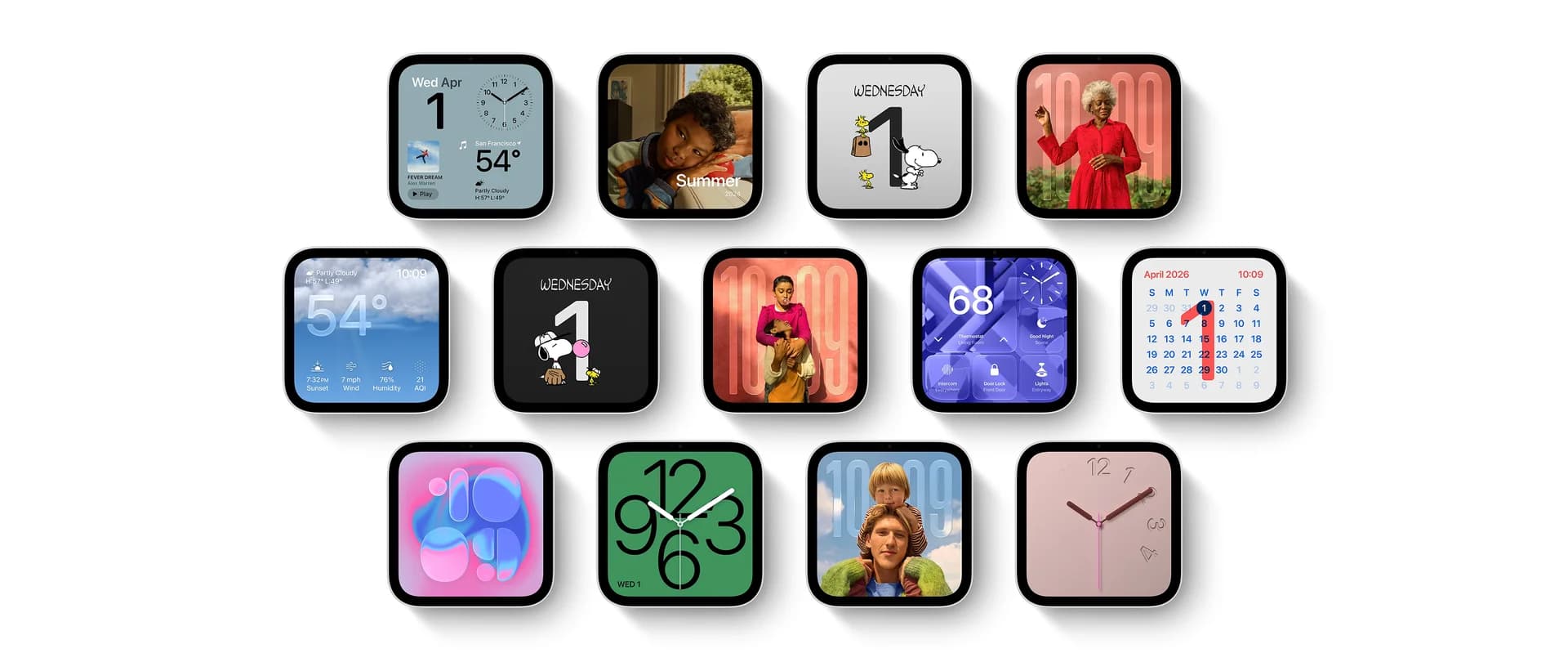
Apple HomeView: a family screen that recognizes you
Over breakfast, you check your appointments, and when another family member walks up, HomeView recognizes them and opens their own screen with their calendar and widgets. According to Apple's official announcement, it recognizes up to six users. For a screen used by everyone at home, this is more practical than one shared calendar: each person keeps their own plans and personal data.
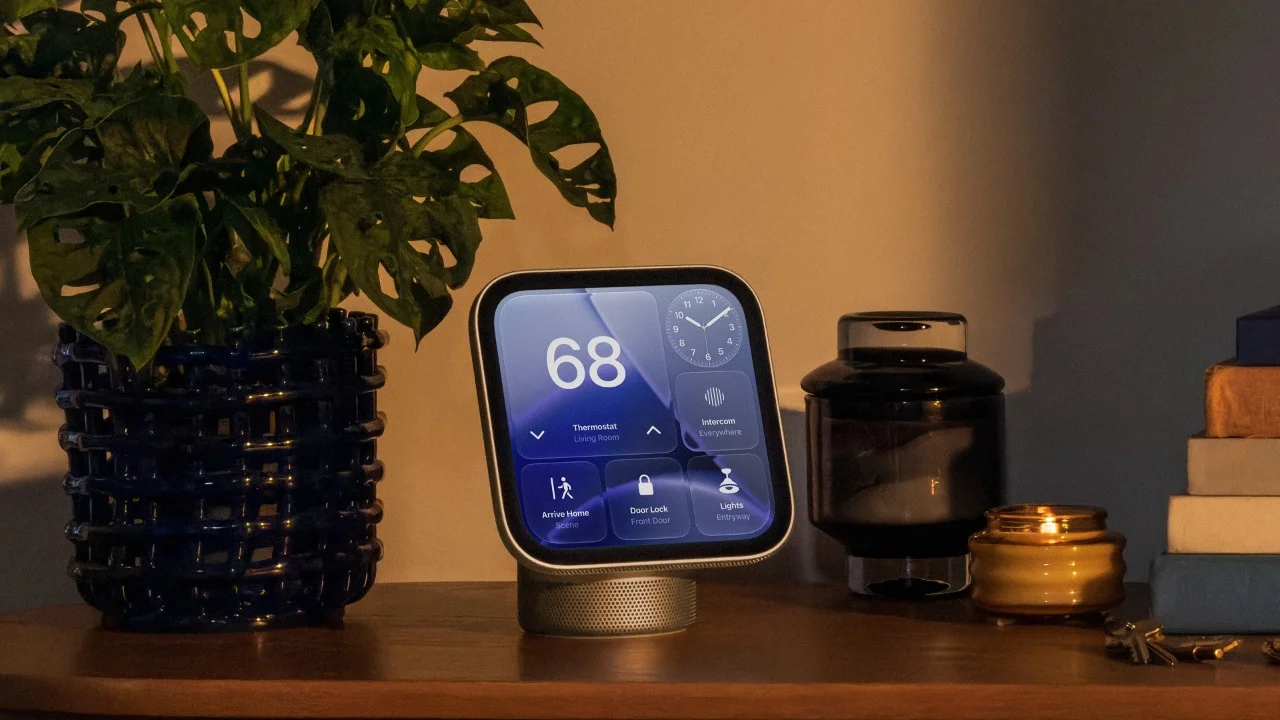
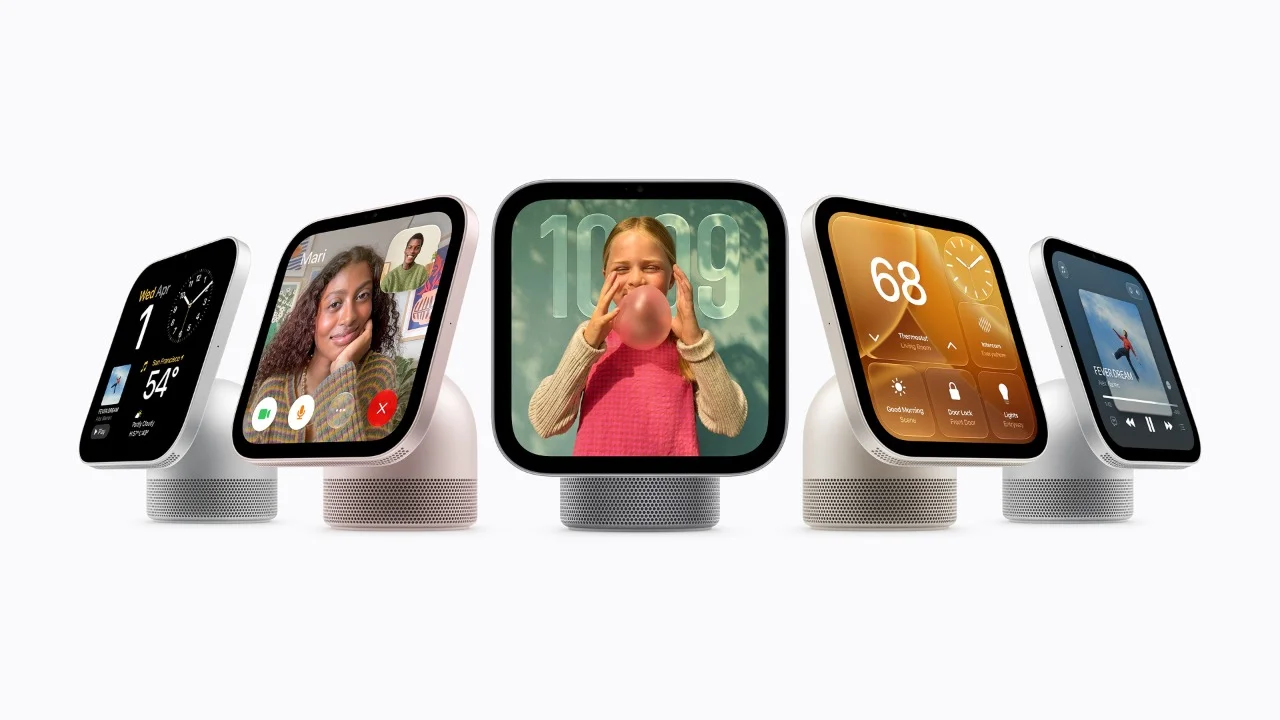
HomeView has a 7-inch Liquid Retina display. The tabletop model has a speaker base and a display with adjustable tilt; a separate wall-mounted version suits spaces such as an entrance hall. From a distance, the interface shows simpler information, revealing more detail as you approach.
Recipes and timers stay visible while your hands are busy cooking. During FaceTime calls, Center Stage adjusts the framing as you move or someone else joins.
Voice requests are handled by Siri AI, a new version of the assistant powered by Apple Intelligence. It will be available in beta. Accessing messages and calendars requires a paired iPhone or iPad supporting Apple Intelligence. Apple calls this personal context. To display personal information, HomeView must recognize the user, with the paired device nearby and recently unlocked.
Apple HomePod mini 2: from kitchen music to movie night
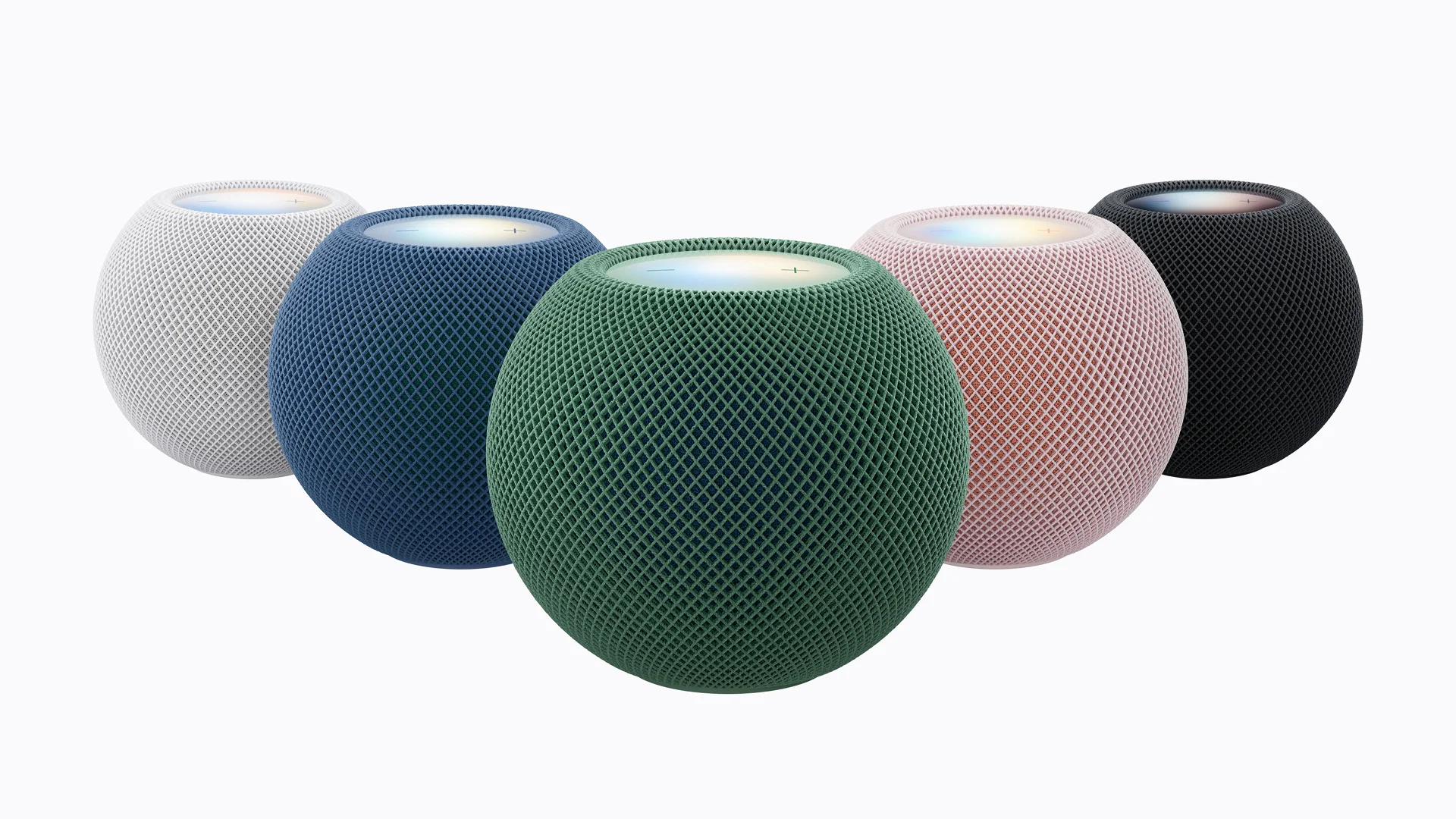
With HomePod mini 2 speakers in several rooms, the same track can play while you cook and in the living room after dinner. As before, two speakers can be paired for stereo sound. The main new feature is surround sound for home theater.
In its HomePod mini 2 announcement, Apple describes four-speaker surround sound with the fourth-generation Apple TV 4K. Both front speakers must match, as must both rear speakers. The front and rear pairs can differ: HomePod mini 2 and second-generation HomePod are supported. Apple says the system identifies speaker positions and automatically calibrates sound.

The speaker has an S10 chip and audio processing that analyzes music and adjusts playback. Sound Glow lights the top in time with music, matching colors to album artwork. Available colors are pink, green, blue, white and Midnight.
HomePod mini 2 can also provide audio for Macs with Wi-Fi 6E or later. Siri AI will arrive through a future update. To enable it, the person listed as the home's owner in Home needs a compatible iPhone or iPad with Apple Intelligence, current software and Siri AI enabled.
Apple TV 4K: ask Siri for the show a friend recommended
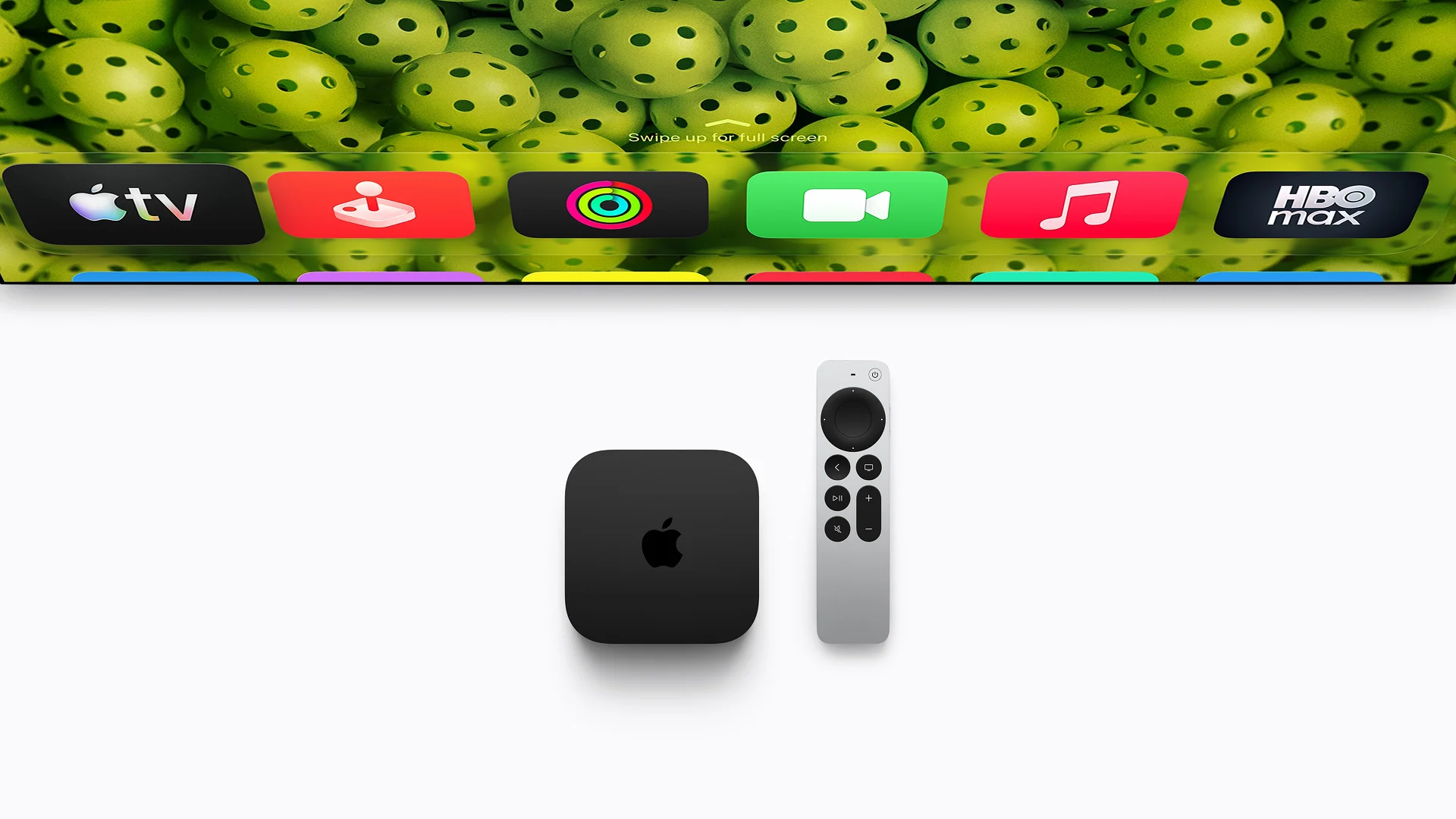
If you've forgotten which show a friend mentioned in a message, Siri can find the recommendation and play it. Apple describes this in its Apple TV 4K announcement. Accessing messages requires a compatible iPhone with Apple Intelligence.
You can now speak without picking up the remote: the new Apple TV has three built-in microphones. Apple says echo cancellation isolates your voice even during a movie. Siri AI supports follow-up questions, so you can keep refining your search.
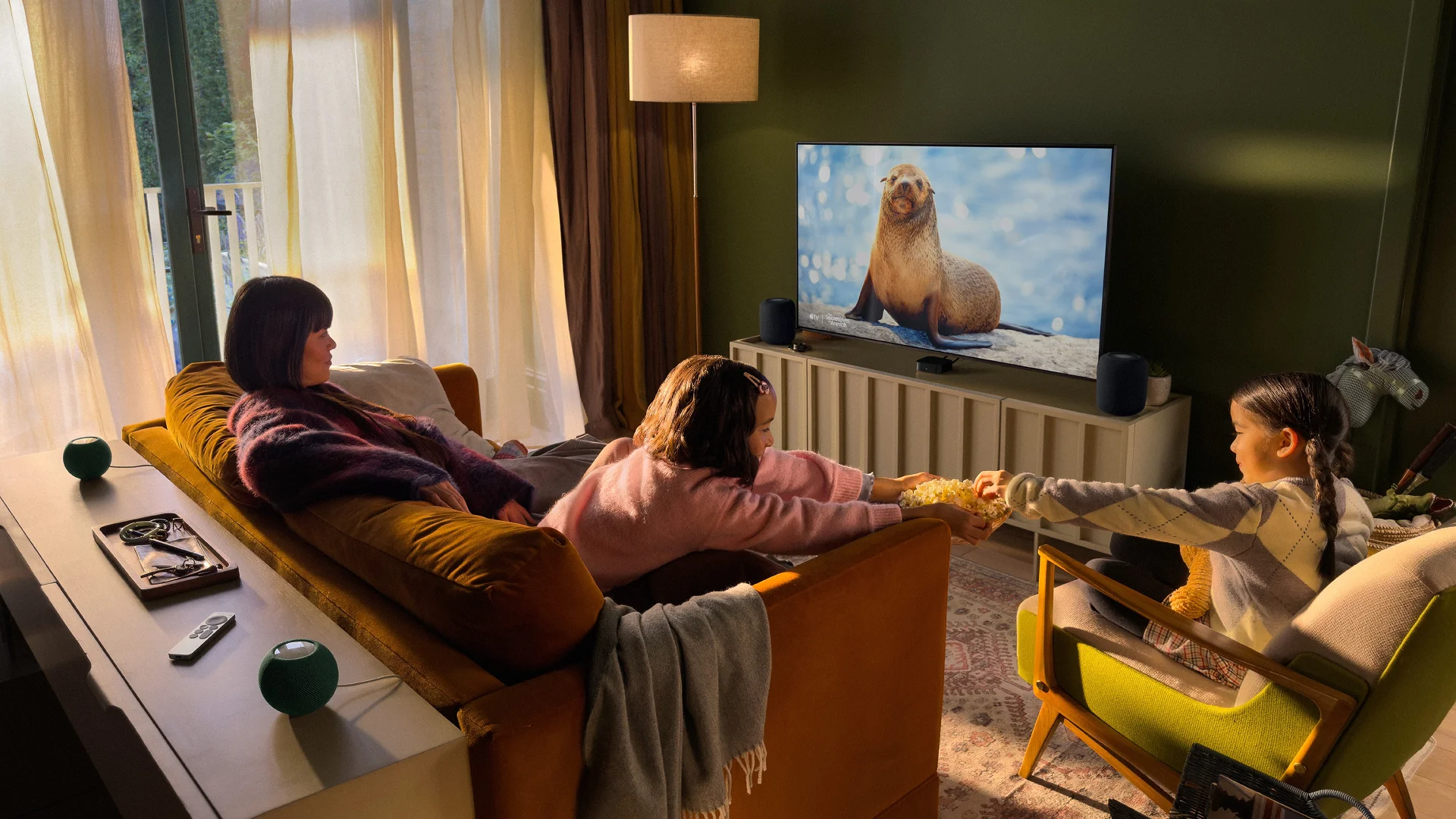
The new model uses A19. Apple claims up to 50% faster central processor (CPU) performance and up to twice the graphics processor (GPU) performance of the previous generation. Apple links these gains to faster navigation and smoother animations. An AV1 decoder handles video compressed in that format. Independent testing will be needed to assess the everyday difference.
If your Siri Remote gets lost between the cushions, you can locate it using Find My, Apple’s app for finding devices. The new remote supports Precision Finding, which shows its direction and distance. Precision Finding requires an iPhone Duo, iPhone Air, or iPhone 17 or later, excluding iPhone 17e, running the latest version of iOS. Availability varies by region. The new remote can also play a sound to help you find it.
Siri AI will also be available in beta on Apple TV 4K models from the second generation onward. To activate it, the home owner needs a compatible iPhone or iPad with Apple Intelligence and Siri AI enabled. These features require the latest software versions.
Apple Home Collection: see who's at the door and manage your home
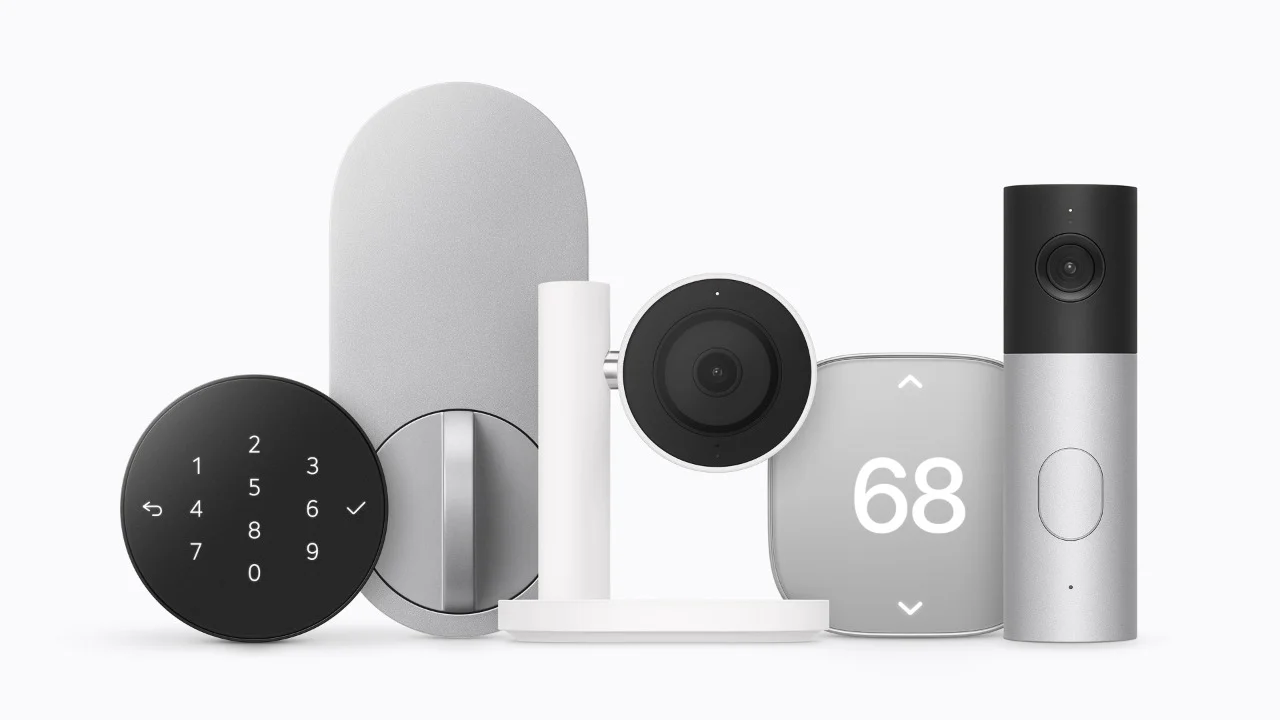
When a courier rings while you're at work, LG's dual-camera doorbell shows both the visitor and the package. Home lets you speak to the courier and control a compatible lock.
Other accessories help when you return. The lock can unlock as you approach with a compatible iPhone or Apple Watch. The indoor camera tilts down, stopping monitoring when the first household member returns. The thermostat adjusts temperature according to whether someone is home.
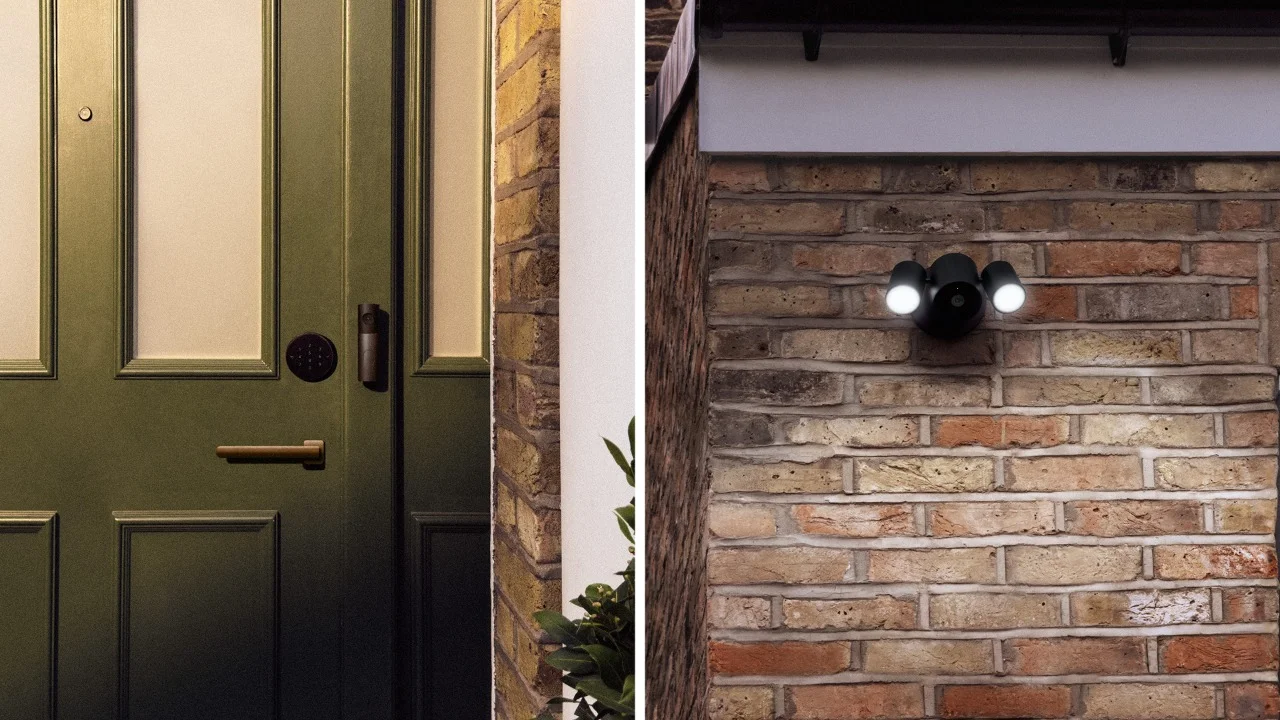
In its Home Collection announcement, Apple emphasizes control through Home without a separate manufacturer account. The lock needs a suitable door; thermostats need compatible heating and cooling equipment.
Remote access and automations require a compatible home hub, such as HomePod or Apple TV. Ten-day camera event history requires a paid iCloud+ subscription: 50GB supports one camera, 200GB up to five, and 2TB or above unlimited cameras. AI video descriptions and natural-language recording searches have additional device and subscription requirements.
Official prices, specifications and release dates
Device | Key specifications | U.S. price | Availability |
HomeView | A18, 7″ Liquid Retina, Center Stage, up to six users | $299 | November 13, 2026 |
HomeView Wall Mounted | A18, 7″ Liquid Retina, Center Stage, wall installation | $299 | November 13, 2026 |
HomePod mini 2 | S10, Sound Glow, stereo pairing, multiroom audio | $149 | October 30, 2026 |
Apple TV 4K, 4th generation | A19, AV1, three microphones, surround sound with four compatible speakers | $299 | November 13, 2026 |
Prices and dates apply to announced markets. Some music, video and other services may require separate subscriptions.
HomeView initially launches in the U.S., UK, Canada, Australia, India, New Zealand, Singapore and South Africa. It is unavailable for sale in the EU.
Wall mounts cost extra: USB-C power from $59.95 and connection to electrical wiring (AC) from $79.95. A PoE mount, powered over an Ethernet cable, launches in early 2027 for $129.95.
Home Collection accessory | Purpose | U.S. price from |
LG Video Doorbell Wired | Video doorbell | $249.95 |
LG Indoor Cam Plug-In | Indoor camera | $199.95 |
LG Outdoor Cam Plug-In | Outdoor camera | $299.95 |
LG Floodlight Cam | Camera with floodlights | $399.95 |
LG Smart Deadbolt Lock | Smart lock | $349.95 |
LG Smart Thermostat / Schneider Home Smart Thermostat | Climate control | $199.95 each |
LG Temperature Sensor / Schneider Home Room Sensor | Room sensors | $39.95 each |
Home Collection starts rolling out in December 2026, with some accessories following in early 2027. Cameras are announced for the U.S., Canada and UK; the other listed accessories for the U.S. and Canada.
What this means for buyers in Serbia
Local prices and delivery dates remain unconfirmed. As of October 14, 2026, Serbia is not among HomeView's announced launch markets. An international release date does not confirm when the device will arrive in Serbia.
Check Siri AI availability separately from hardware availability. Initial support is limited to English in the eight countries listed above. Serbian-language support has not been announced.