What kind of laptop do you need for different study tasks?
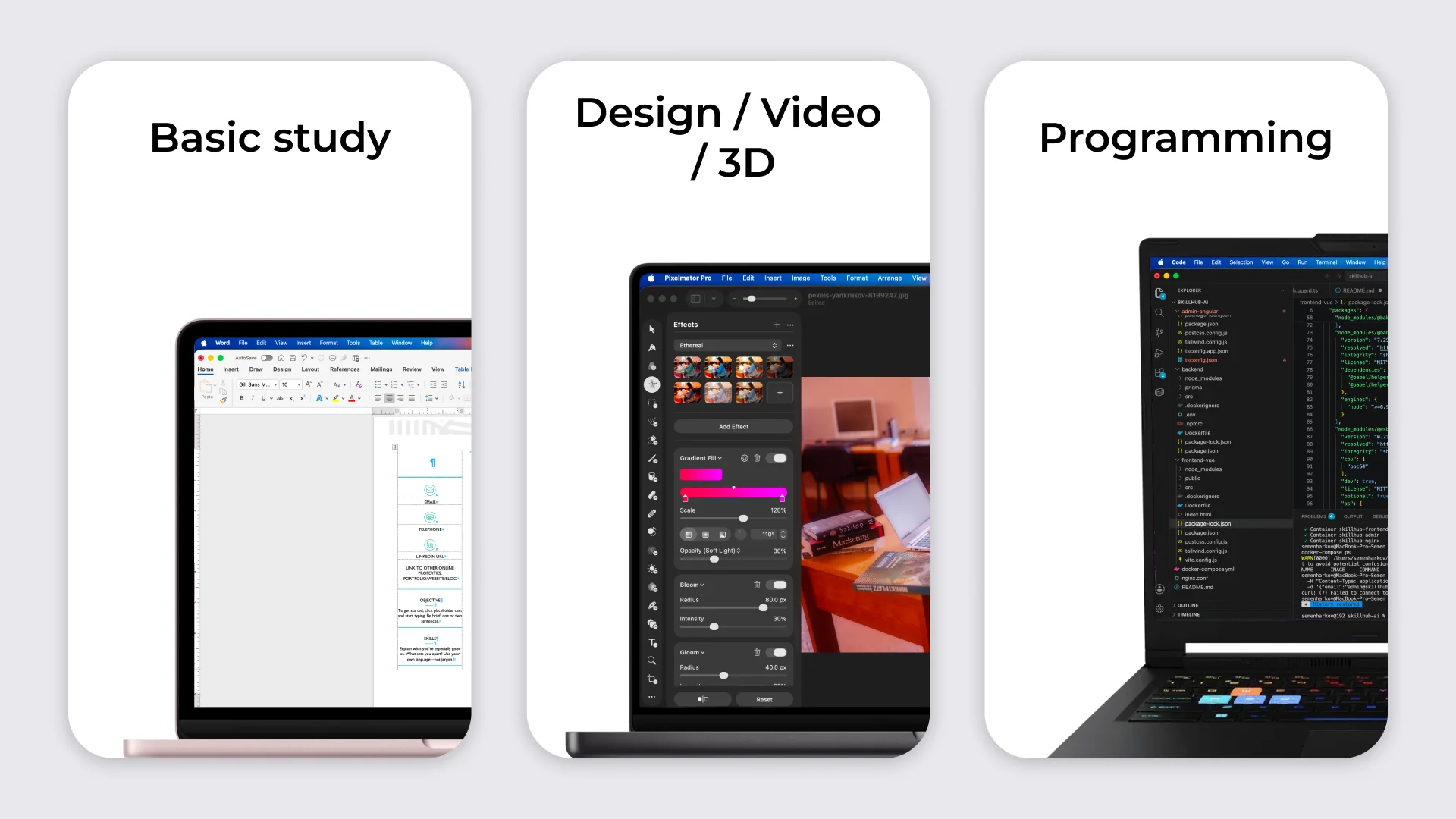
For schoolwork, documents, presentations, web browsing, and online classes, high performance is usually not necessary. What matters more is that the laptop starts quickly, handles several applications comfortably, and is practical for everyday use.
University workloads can be more demanding. If development environments, local servers, databases, or specialized applications are used at the same time, processor performance and RAM become more important. Video editing, 3D work, and some graphics applications may also require a dedicated graphics card.
Before buying a laptop, make a list of the applications that will be used regularly and check their system requirements. This makes it easier to understand which specifications are actually worth paying for.
Which specifications matter when choosing a laptop for studying?
Processor
For web browsing, documents, presentations, video calls, and most school tasks, a modern entry-level processor is usually sufficient. As a simple reference point, look at Intel Core 3 / Core i3 or AMD Ryzen 3 processors and comparable models.
For general university use, heavier multitasking, and programming, Intel Core 5 / Core i5 or AMD Ryzen 5 processors are often a better starting point. More powerful Core 7 / Core i7 or Ryzen 7 processors, as well as higher-performance H- or HS-class chips, usually make more sense for demanding calculations, video editing, 3D work, and similar workloads.
These names are only a guideline. Actual performance depends on the processor generation and specific model, so always check the system requirements of any specialized software required for your studies.
RAM
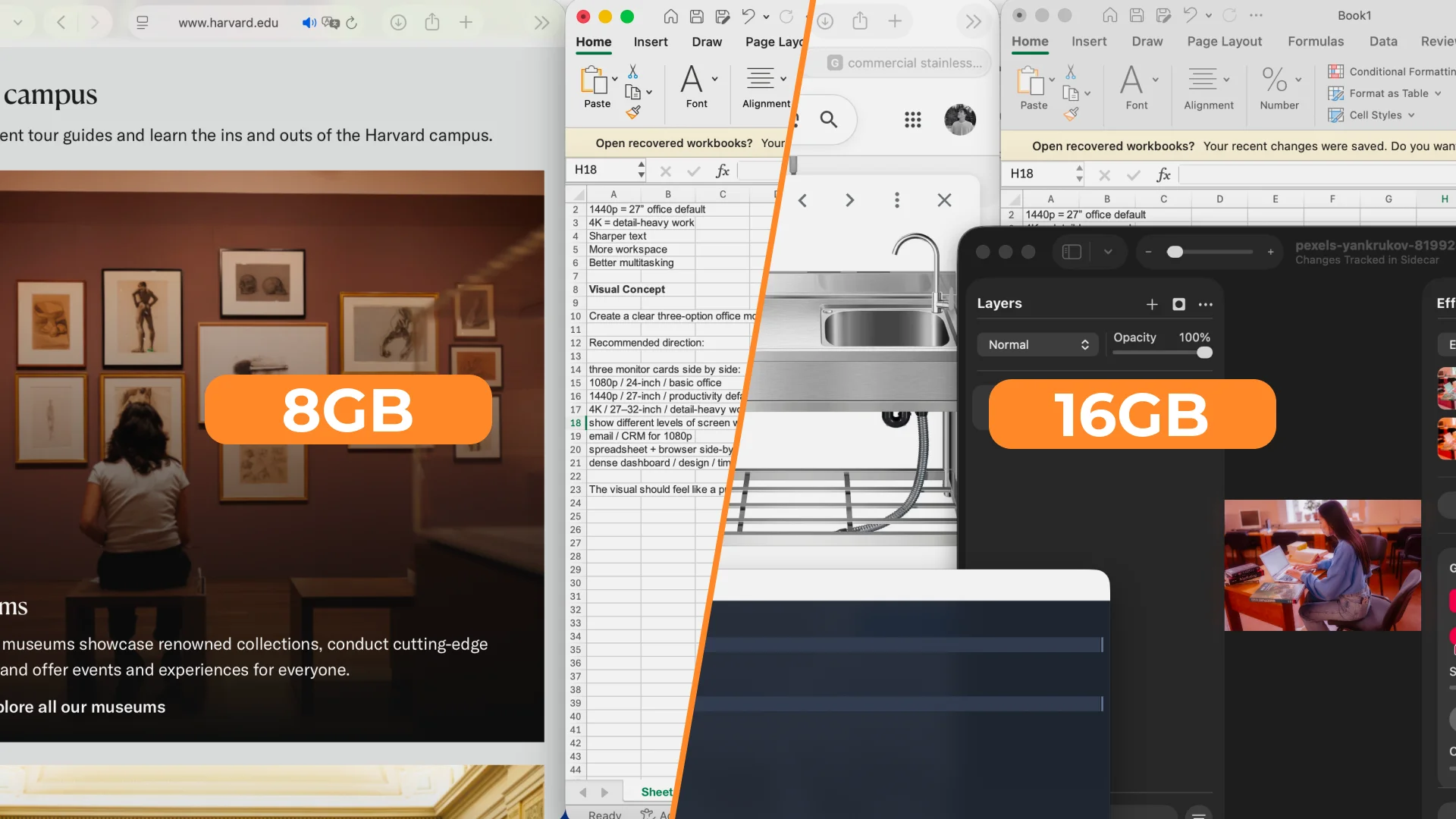
8 GB of RAM can be enough for basic web browsing, documents, and online classes. For a new study laptop, however, 16 GB is a more practical starting point.
This gives you enough memory to keep a browser with many tabs, documents, messaging apps, video-calling software, and several study applications open at the same time.
If the laptop is expected to last for several years, 16 GB also provides more headroom for future software requirements.
SSD
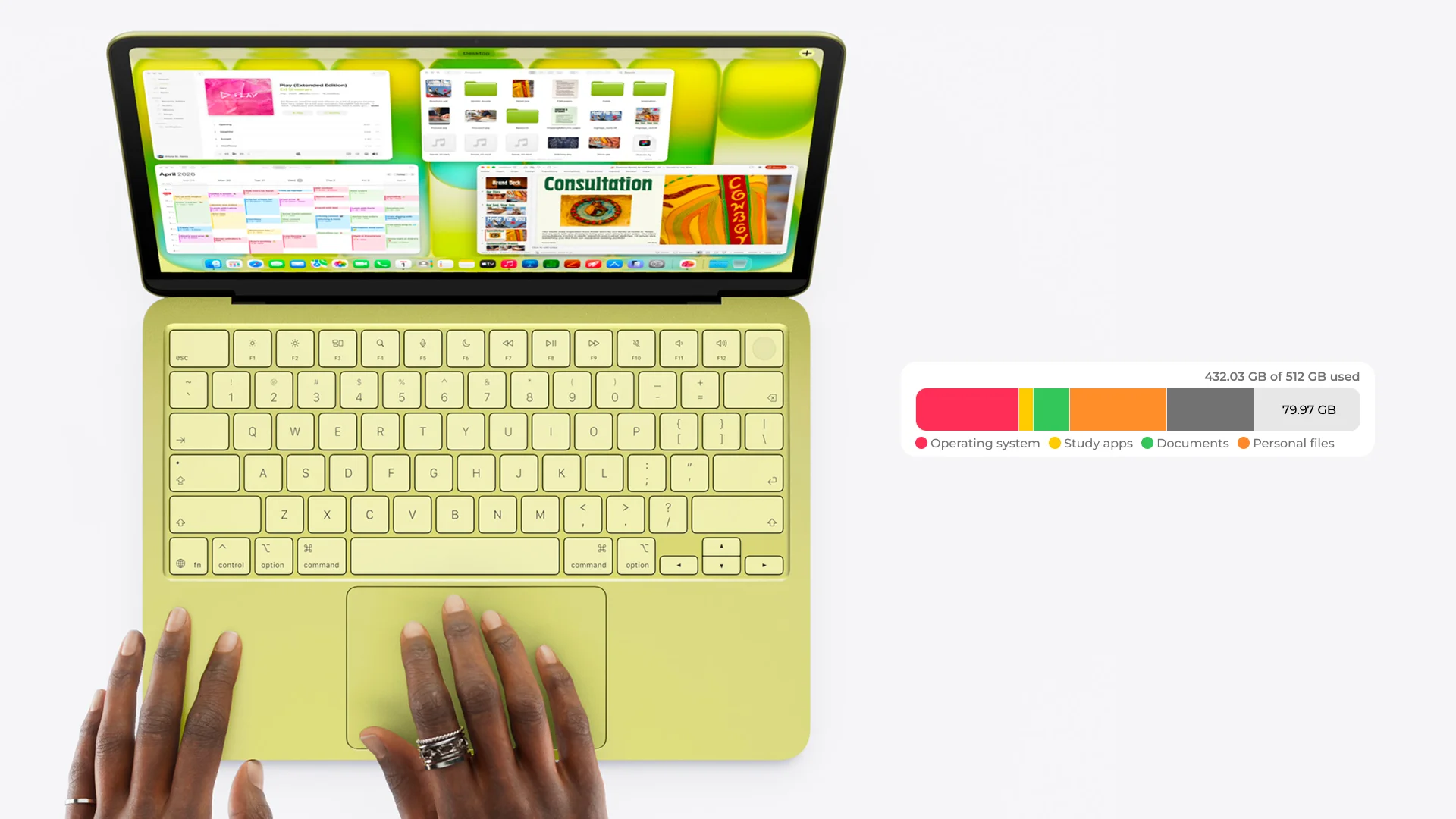
An SSD should now be considered standard for a study laptop. A fast drive has a noticeable effect on how quickly the operating system, applications, and files open.
For most school and university students, 512 GB is a practical starting capacity. It is usually enough for the operating system, study applications, documents, and personal files.
A 1 TB SSD is worth considering for video editing, 3D projects, large datasets, or other work involving large files.
Display and portability
A 15–16-inch display is comfortable for documents, spreadsheets, programming, and working in several windows. If the laptop needs to be carried to school or university every day, however, its weight matters just as much as the screen size.
For extended use, Full HD (1920 × 1080) or WUXGA (1920 × 1200) resolution or higher is a sensible choice. An IPS panel is also a useful reference point for comfortable everyday use.
If the laptop will regularly be used away from a power outlet, check the manufacturer's stated battery life as well. Actual battery life will vary depending on screen brightness, workload, and power settings.
Quick guide to laptop configurations
Tasks | Processor | RAM | SSD | Graphics |
Documents, web browsing, online classes | Core 3 / Core i3 / Ryzen 3 or comparable | 8 GB | 512 GB | Integrated |
Everyday studying and multitasking | Core 5 / Core i5 / Ryzen 5 or comparable | 16 GB | 512 GB | Integrated |
Programming and more demanding study tasks | Core 5 / Core i5 / Ryzen 5 or higher | 16 GB | 512 GB or more if needed | Integrated graphics are usually sufficient |
Video editing, 3D, and demanding graphics work | Higher-performance Core 5/7, Core i5/i7, or Ryzen 5/7 | 16 GB or more | 512 GB–1 TB | Dedicated, if required by the software |
Laptop for everyday studying

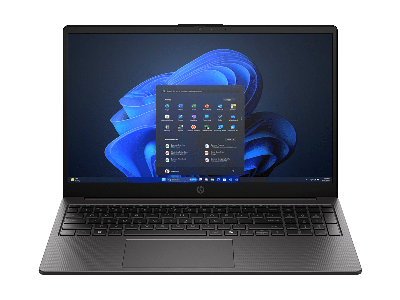
For notes, documents, presentations, web browsing, video calls, and working with several applications at the same time, a powerful dedicated graphics card is not necessary.
Sufficient RAM, a fast SSD, and a processor that can comfortably handle everyday workloads are much more important.
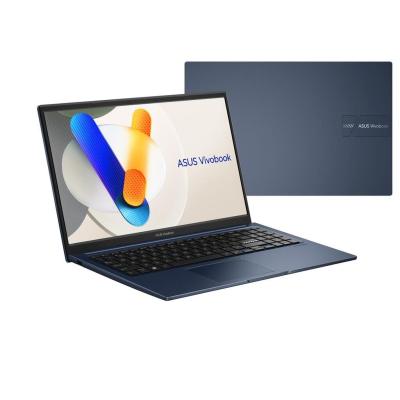
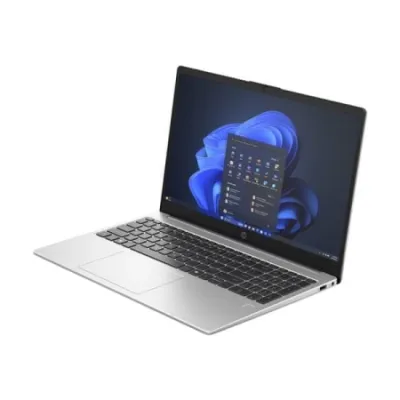
For a new all-purpose study laptop, 16 GB of RAM and a 512 GB SSD are sensible targets. This type of configuration suits most school and university students and provides enough headroom for working with several applications at once.
Budget laptop for basic tasks

If the laptop will mainly be used for web browsing, documents, presentations, digital textbooks, and online classes, a more affordable configuration can be a good choice.
For this type of workload, 8 GB of RAM can be sufficient as long as you do not run many applications at the same time. A 512 GB SSD is still a practical option and provides enough space for the system, study materials, and personal files.
Also check the operating system before buying. Some laptops are sold without Windows or with another operating system, while certain study applications may only support a specific platform.
Laptop for programming and multitasking

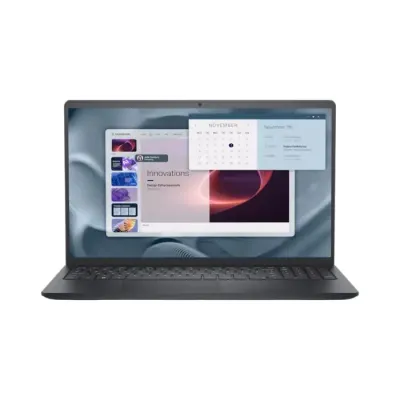
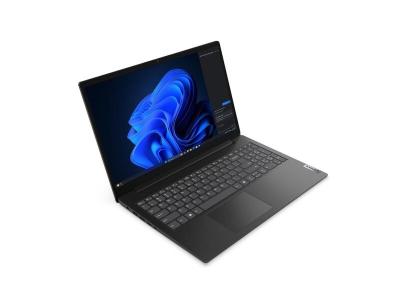
Programming usually places a heavier load on a laptop. An integrated development environment (IDE), documentation, browser, local server, database, terminal, and messaging apps may all be open at the same time.
For comfortable multitasking, 16 GB of RAM and a processor in the Core 5 / Core i5 / Ryzen 5 class or above are sensible starting points. Virtual machines, larger projects, and more demanding development environments may require more resources.
A 512 GB SSD is suitable for most study projects. If you plan to use virtual machines, large datasets, or several development environments, additional storage can be useful.
Most programming students do not need a dedicated graphics card. It becomes more relevant for 3D work, video processing, and machine-learning tasks that use GPU acceleration.
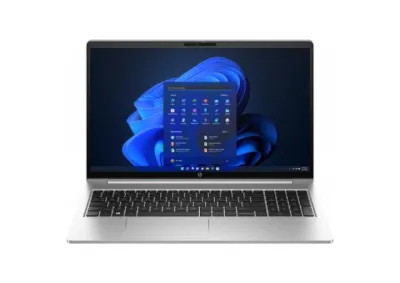
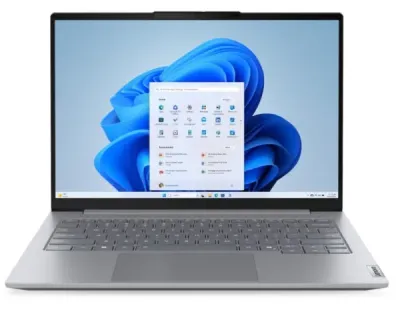
Laptop for design and video editing

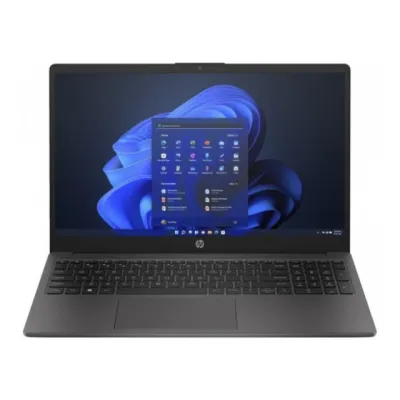
Video editing, 3D, animation, and applications that make heavy use of the graphics processor place much greater demands on a laptop.
In these cases, you should consider not only the processor and RAM, but also the dedicated graphics card. For this type of workload, 16 GB of RAM is a reasonable starting point, while larger projects may benefit from more memory.
A fast SSD is also important, especially when working with large source files. For design work, an IPS display is a good starting point, and color accuracy should be checked separately.
Before buying, review the requirements of the specific applications you plan to use. They provide the best indication of what kind of graphics card and how much RAM you actually need.
This level of performance is unnecessary for documents, web browsing, and ordinary online classes. Buying a powerful laptop with dedicated graphics purely "just in case" usually does not make sense.
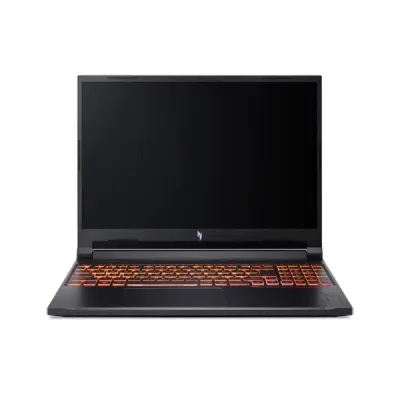
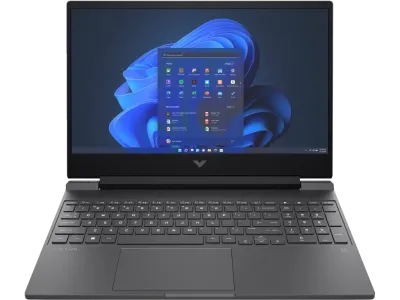
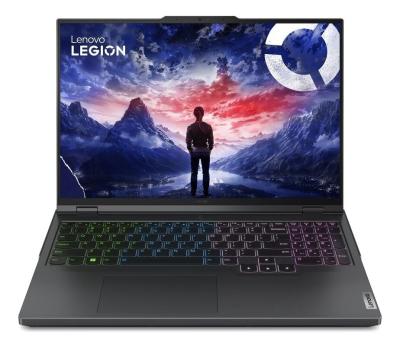
Accessories for a study laptop

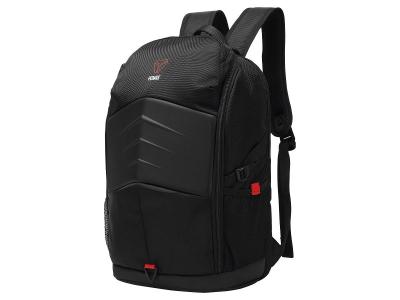
If the laptop will be carried regularly, a suitable backpack or bag with a separate padded laptop compartment is one of the first accessories to consider.
Do not rely on screen size alone. Laptops with the same screen size can have different overall dimensions, so it is better to check the internal dimensions of the laptop compartment before buying.
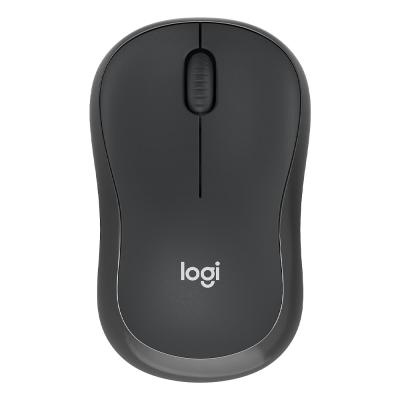
A wireless mouse can also make extended desk work more comfortable. It can be more convenient than a touchpad for spreadsheets, graphics, large documents, and certain applications. For libraries, classrooms, or shared workspaces, a mouse with quiet clicks is a practical option.
How to choose a study laptop without overspending
Focus on the most demanding task you expect to perform regularly.
For basic school or university work, sufficient RAM, an SSD, a comfortable display, battery life, and portability matter most.
For programming, processor performance, RAM capacity, and the ability to work comfortably with several applications at the same time become more important.
For video editing, 3D, and graphics work, the requirements of the specific software and the need for a dedicated graphics card should be the main considerations.
There is little reason to buy the highest-end configuration "just in case." At the same time, a laptop that is too limited can quickly start restricting what you can do.
The best choice is a model whose specifications match your actual study workload.
Conclusion
For general studying in 2026, a modern processor, 16 GB of RAM, and a 512 GB SSD are a solid starting point.
Configurations with 8 GB of RAM can still be considered for simpler tasks. Programming, video editing, 3D work, and other demanding software may require a more powerful configuration.
The main rule is simple: first identify the software you need and how you plan to use the laptop, then determine the specifications you need, and only after that compare individual models.
FAQ
Is 8 GB of RAM enough for studying?
For web browsing, documents, presentations, and basic online classes, 8 GB can be sufficient. If the laptop is expected to last for several years or will regularly run several applications at the same time, 16 GB is a more practical choice.
Is a 512 GB SSD enough for university?
For most school and university students, yes. More storage is mainly useful for those working with large video files, graphics, 3D projects, or large local datasets.
Do I need a dedicated graphics card for studying?
For general studying and most programming tasks, no. A dedicated graphics card becomes useful when the software relies on GPU acceleration or the course involves 3D, video editing, or other demanding graphics workloads.
What screen size is best for studying?
A 15–16-inch screen is a versatile choice for documents and working in several windows. If the laptop needs to be carried every day, consider its overall weight and dimensions as well.