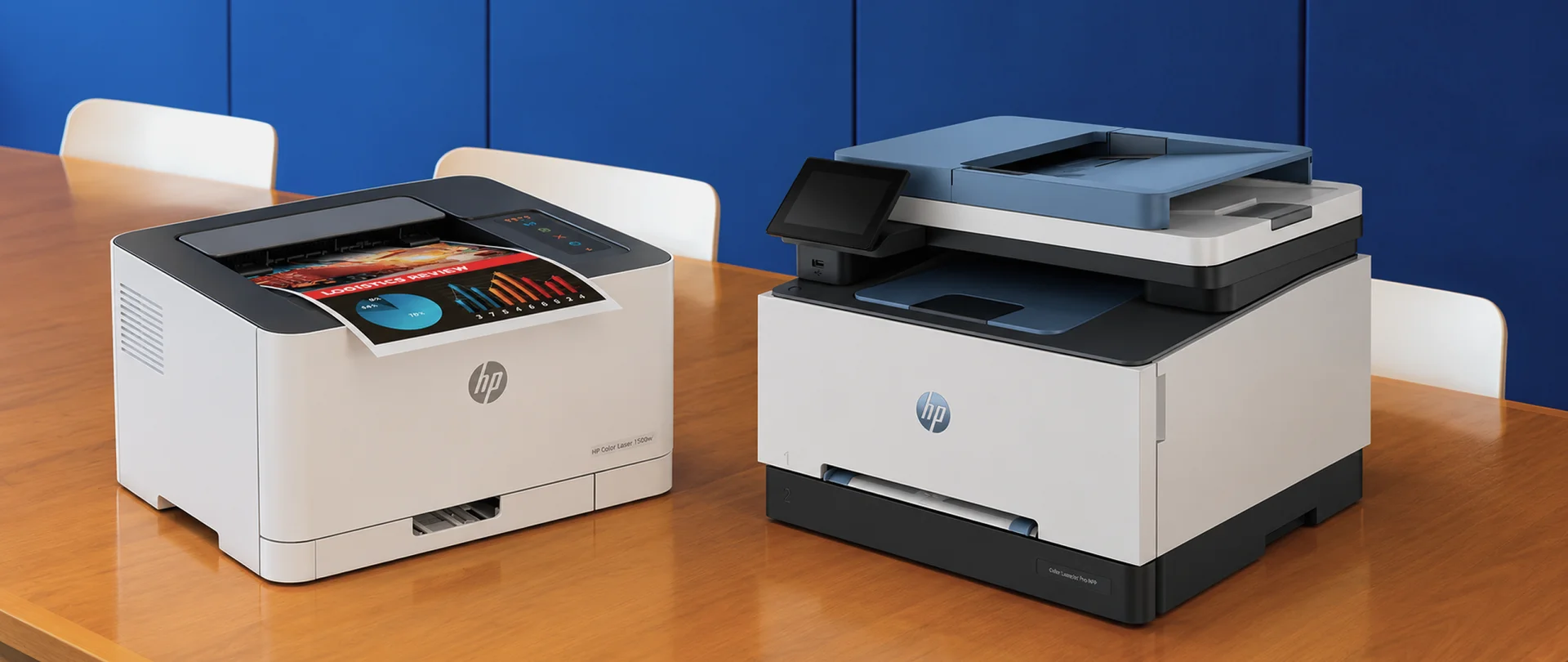

For Employees

Everyday work habits often suggest good gift ideas. Someone keeps leaving their charger at home. Someone else’s phone runs out of battery between meetings. Another colleague has been meaning to organise their desk.
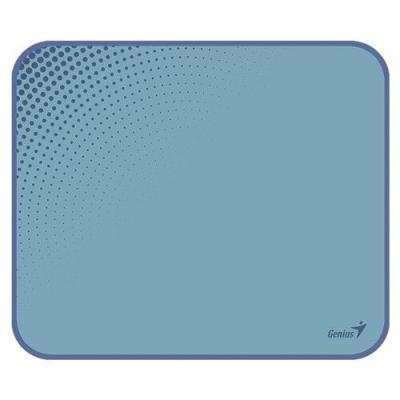
For a modest budget, consider a mouse pad. Think about the size of the desk, the employee’s habits and the accessories they already use. A simple design is easier to fit into different workspaces, especially when choosing the same gift for several people.
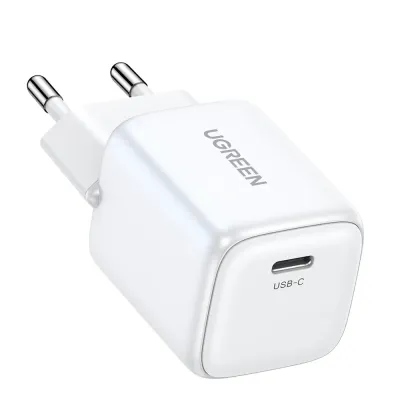
A compact charger is useful for someone who works both at home and in the office and frequently travels to meetings. They can keep an extra adapter in their work bag instead of packing their home charger every morning. Before buying, check the device’s charging requirements and choose a suitable cable: the same connector does not necessarily mean the same charging speed.
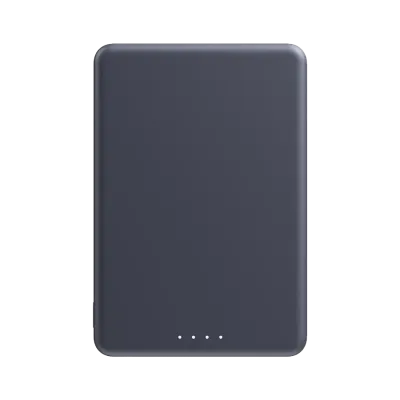
A power bank can make a useful gift for employees who spend a lot of time away from the office. If you choose a magnetic model, check its compatibility with both the phone and its case.
A small, useful item can be a pleasant way to round off the working year, especially when it is clear that the gift was chosen with the person and their everyday habits in mind.
For Clients and Business Partners

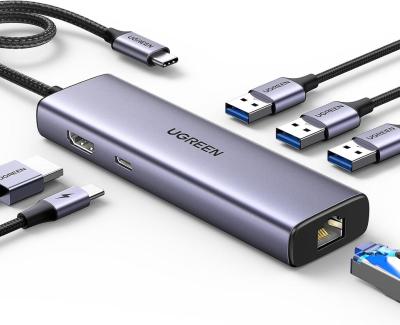
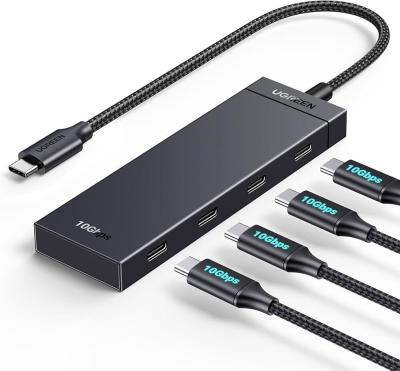
Paying attention to the recipient’s habits is particularly helpful here. If a business partner often brings a laptop to presentations, they may appreciate a hub that lets them connect a monitor and use a wired internet connection. If they carry several devices, consider a multiport charger. If they are frequently on the move, a suitably sized laptop bag may be a good choice.
Choose a hub with the recipient’s specific laptop in mind. Video output over USB-C depends on the capabilities of the port, adapter and cable. Having the connector alone does not guarantee video output, so check compatibility before buying.
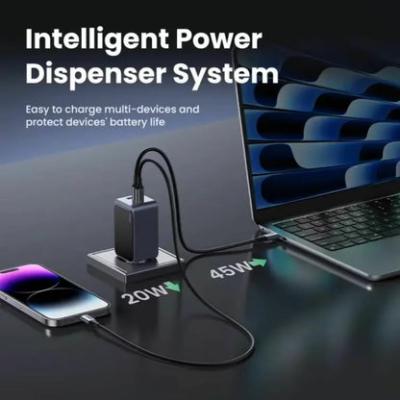
A multiport charger can reduce the number of adapters in a bag. Its power is shared between the connected devices. If it will be used to charge a laptop, check the laptop’s power requirements and how much power remains available when other devices are charging at the same time.
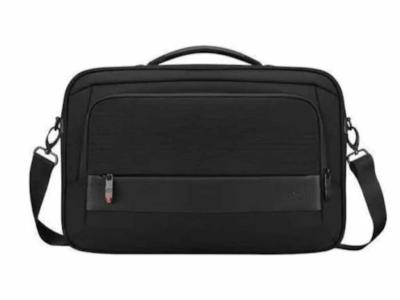
When choosing a bag, look beyond the laptop’s screen size: compare its dimensions with those of the bag’s laptop compartment. Consider the recipient’s habits, too: whether they carry documents, prefer carrying the bag by its handles or using a shoulder strap, and take many accessories with them.
Leave room for a few personal words as well. Thank them for a shared project or their help during the year – it will make the gift feel more personal.
Individual Gifts and Identical Sets
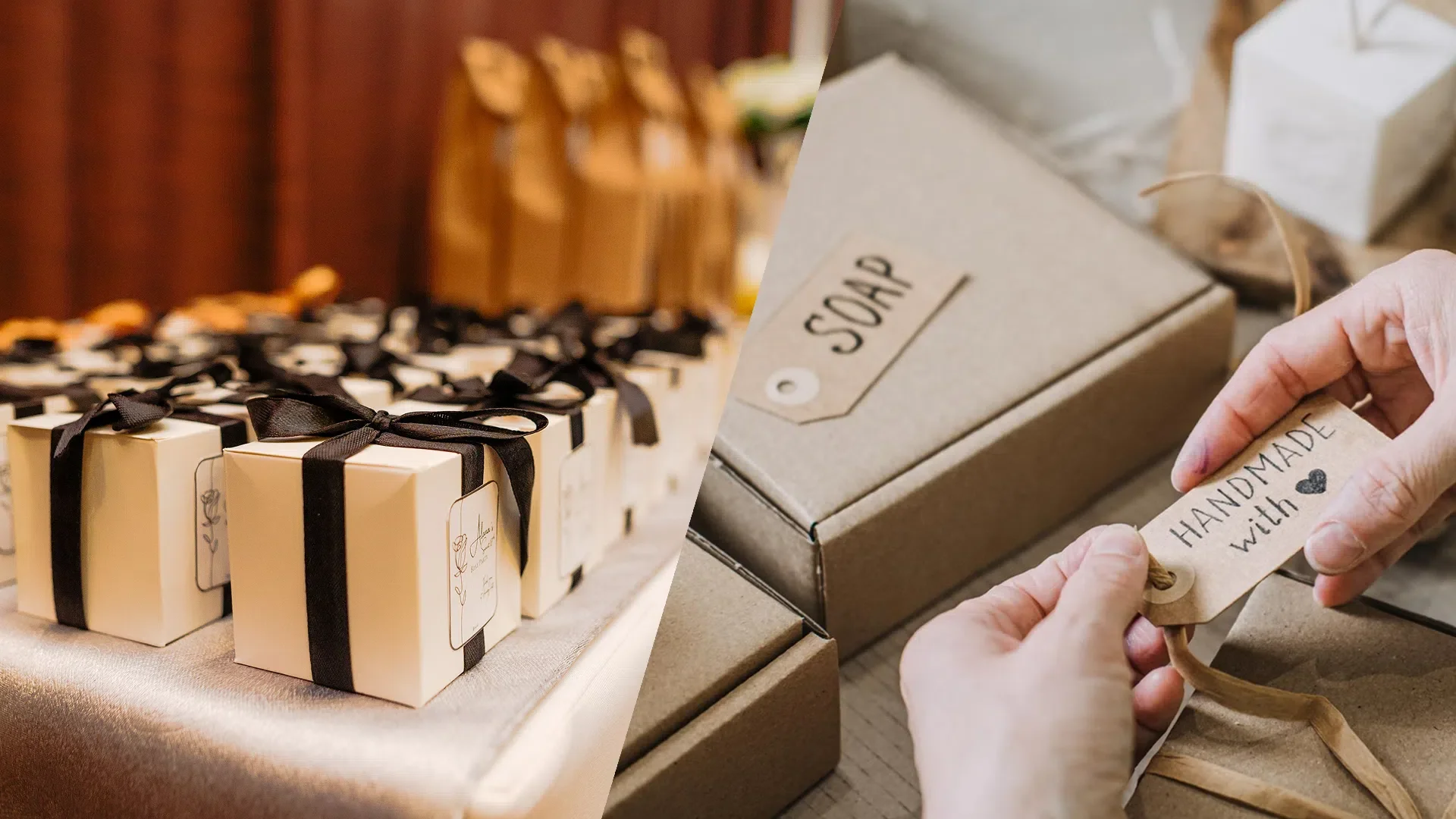
Giving everyone the same gift is convenient when the team has similar needs. It is easier to agree on what to order, prepare the packaging and avoid mix-ups when handing out the gifts.
If employees have different needs, you can keep the presentation consistent while choosing gifts individually. Another option is to offer several gifts at roughly the same price and let people choose. Some may prefer a desk accessory, while others would find something for travelling more useful.
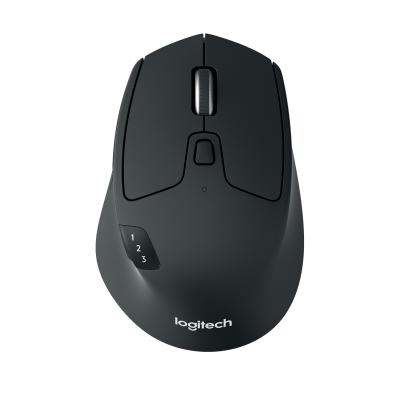
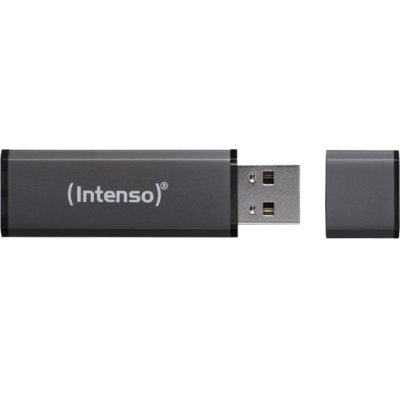
In a small team, it is easier to consider each person’s habits. A USB flash drive can be useful for someone who regularly transfers files between devices. A hub suits someone who needs more ports. A wireless mouse is a good option for someone who prefers it to a touchpad.
If you want to put together a set, first decide what it is for: working at a desk or travelling. Then consider whether the items complement one another. This helps avoid adding random small items just to fill the box.
Sometimes one well-chosen accessory is enough. Giving out the gifts can also be an opportunity to get together over coffee before the holidays and remember the good moments of the past year.
Personalisation and the Total Purchasing Budget
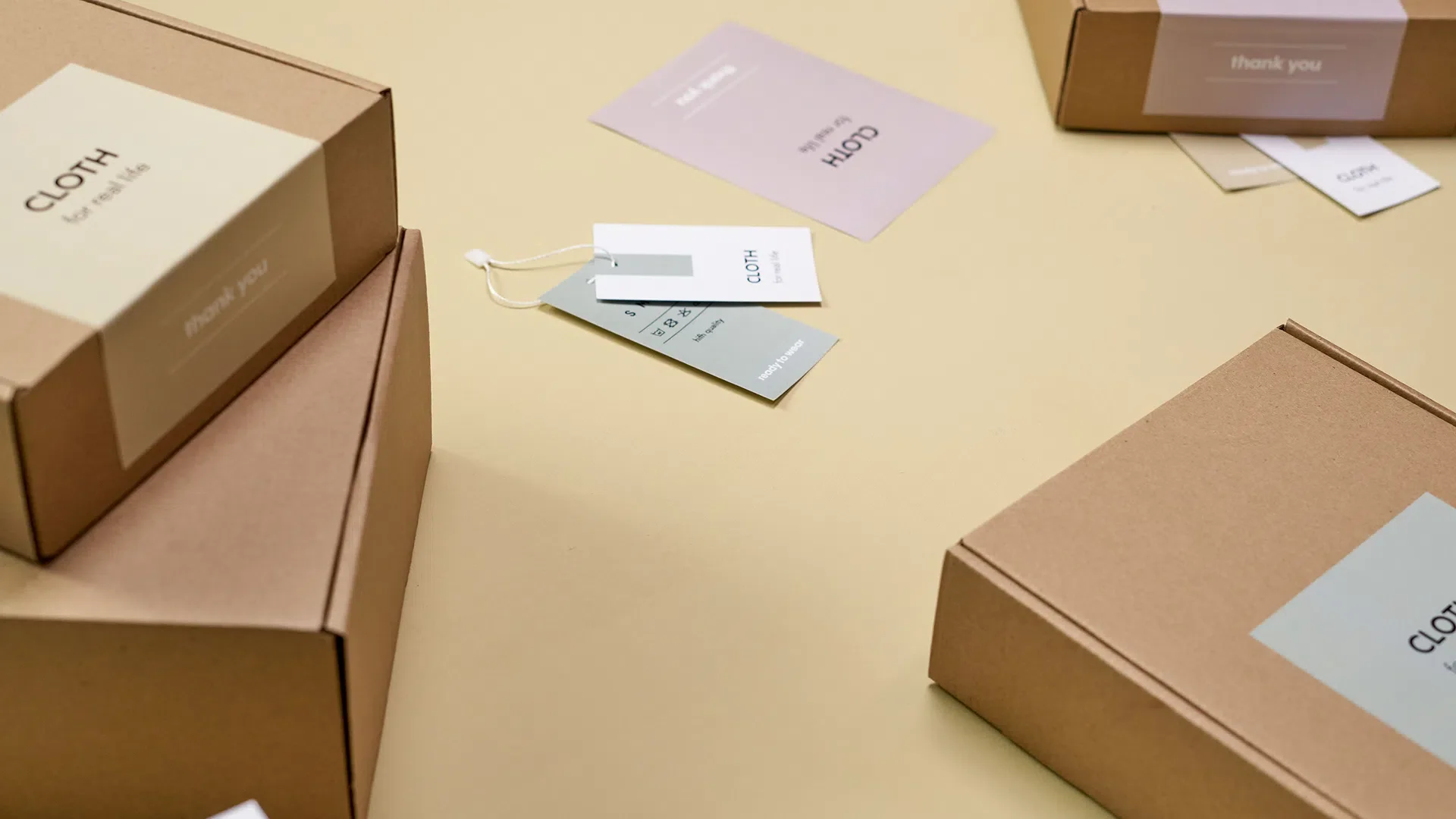
A card with the recipient’s name and a few personal words can already make a gift feel warmer. You could mention a successful project you worked on together, thank them for their support or add a short message from the team. It helps when the greeting includes something meaningful to the recipient.
If you would like to add a name, symbol or logo, IT-shop offers laser engraving. Before ordering, check whether the chosen accessory can be engraved and agree on the design, price and completion date.
Calculate the total budget before placing an order. Alongside the products themselves, costs may include boxes, cards, personalisation and delivery. If you are choosing different gifts, calculate the cost for each group of recipients first, then add the amounts together.
Expense | What to Consider |
Products | Number of recipients and the items included in each gift |
Packaging | Boxes, bags, filler, ribbons and cards |
Personalisation | Approved design, material and quantity |
Preparation and delivery | Assembly, addresses and the date the gifts will be given |
Help Choosing Corporate Gifts
Planning gifts for employees or business partners? Tell IT-shop how many recipients you have, your budget and when you plan to give the gifts – and request a selection of gift ideas with a cost estimate.
FAQ
What should you give someone if you do not know which devices they use?
Start with their everyday tasks. If you are choosing a device accessory, find out which ports the device has and what the person needs the accessory for. If this is difficult to establish, consider something for their workspace, after checking that they would find it useful.
Is it better to give everyone the same gift or choose different ones?
The same gift works well for people with similar needs. If their habits and devices differ, offer a choice of gifts at roughly the same price and use consistent packaging.
When should you start purchasing gifts?
Once the budget and recipient list are confirmed, check whether the required quantity is available and ask about delivery times. If you are planning engraving or custom packaging, agree on the completion dates in advance and allow time to assemble the gifts.