
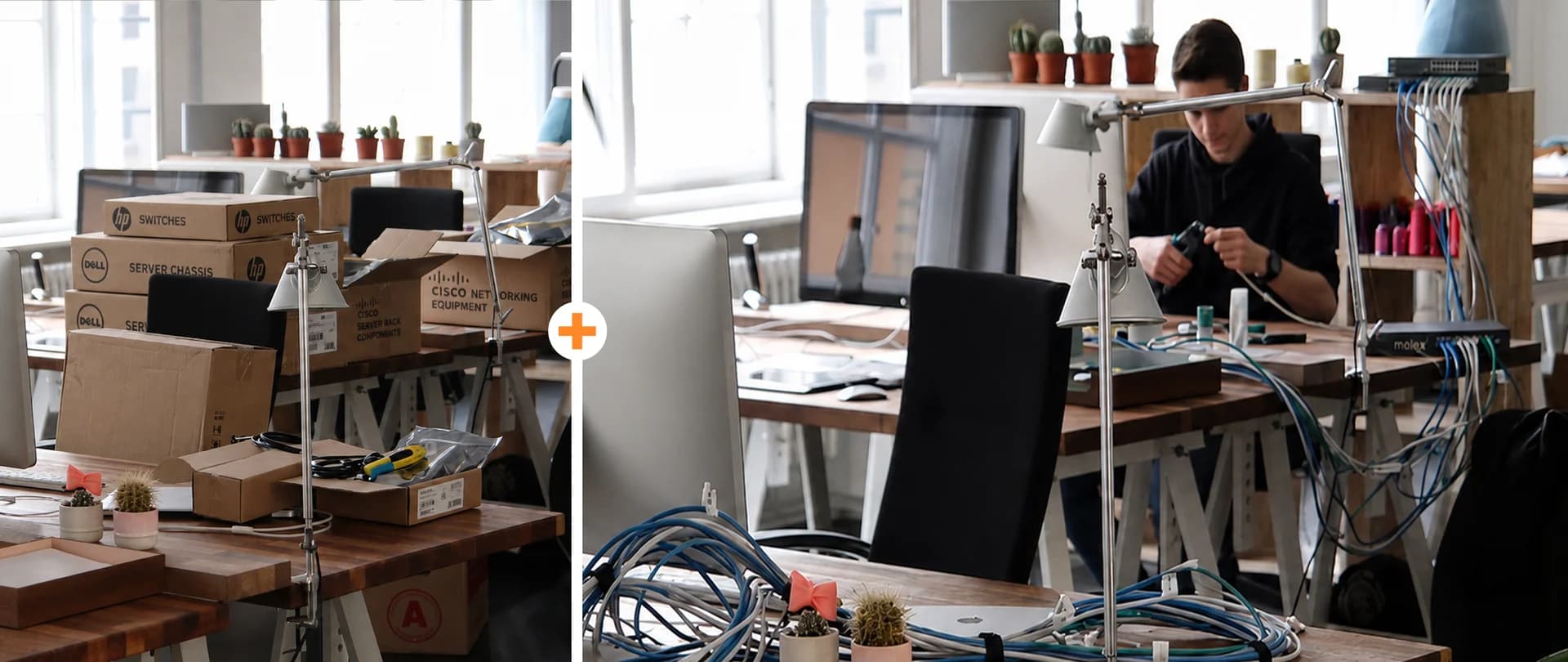
Step-by-Step Solution

In many SME projects, several teams naturally become involved. Procurement selects devices, facilities prepares the space, internal IT checks compatibility, and installers join when the deployment date gets closer.
That structure works best when one person or partner owns the rollout end to end. The rollout owner connects the commercial, technical, and operational parts of the project so that decisions are made in the right order.
A stronger model starts with one rollout owner before hardware is ordered. That person defines scope, timing, dependencies, deployment phases, acceptance criteria, and escalation paths.
This creates a clearer link between what is being purchased, where it will be installed, how it will be configured, and how users will be supported. From a business standpoint, it reduces rework, shortens rollout time, and protects Total Cost of Ownership.
2. Complete office network setup services before user devices arrive
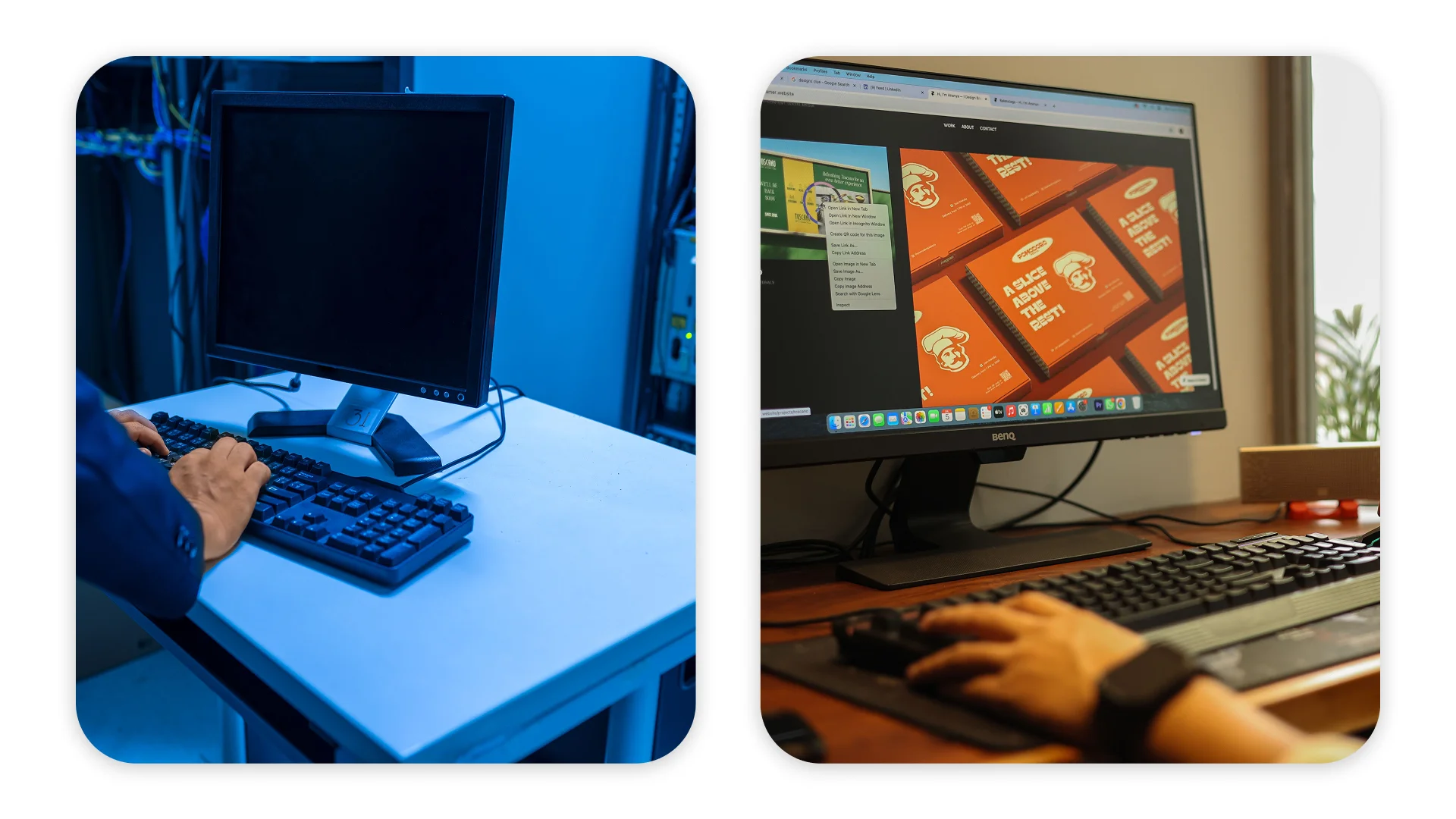
This is one of the most important corrections in any office hardware project.
Hardware performs best when the underlying environment is ready before deployment begins.
If switching, routing, Wi-Fi, cabling, telephony readiness, or monitoring are still incomplete, even high-quality devices may need additional setup time to deliver their best user experience from day one. Users do not separate endpoint issues from network issues. They only experience whether the workplace is ready to support their work.
That is why office network setup services should be completed before the first workplace goes live.
At ITmathics, this is where Designing and Creating Networks becomes critical. It provides the physical and logical network foundation required for live use, so endpoints are deployed into an environment that is already prepared to support them.
3. Standardize enterprise hardware deployment before installation begins

A rollout becomes easier to manage when the workplace setup is standardized before deployment starts. The better approach is to define workplace packages before installation begins.
For example: a standard office workstation, a hybrid-user setup, and a specialist package for role-specific needs. This gives procurement, installation teams, and support teams the same reference point.
Each package can define the expected device type, dock, monitor setup, headset, telephony requirements, printer access, user profile, and any role-specific applications or permissions.
This makes enterprise hardware deployment faster and more predictable because installers work from templates instead of exceptions. For SME decision-makers, the result is straightforward: fewer avoidable errors, lower support burden, and a more scalable rollout model.
4. Manage installation, validation, and handover as one workflow

An office is not ready because equipment has been delivered. It is ready when employees can work without interruption on day one. That requires installation, testing, and handover to be managed as one workflow.
Devices must be installed correctly, connectivity must be verified, and printing and telephony must be tested against defined acceptance criteria. The best results come when these stages are treated as one controlled sequence rather than separate tasks.
Installation confirms that the hardware is physically ready.
Validation confirms that the workplace functions as intended.
Handover confirms that users and support teams know what has been delivered and how it should be maintained.
In practice, the hardware itself is usually only one part of the outcome. The stronger result comes from rollout control.
5. Keep support and infrastructure planning in scope after launch

Many companies treat rollout as complete when the last endpoint is installed. In reality, that is when the live environment begins to show how well the project has been prepared.
Once users enter the workplace, everyday use can highlight profile inconsistencies, access conflicts, performance differences, and workflow bottlenecks that pre-launch checks may not fully capture. If stabilization is planned from the beginning, these items can be addressed quickly and systematically.
This is also why Infrastructure Solutions should stay in scope from the beginning. ITmathics supports office projects not only through deployment, but through the wider infrastructure layer that keeps the workplace stable over time: server and storage planning, cloud integration, resilience design, monitoring logic, and continuity requirements.
Office IT Rollout: Key Requirements at a Glance
Rollout Layer | Readiness Requirement | Business Risk if Missing | ITmathics Service Role |
Governance | One rollout owner, scope, timeline, acceptance criteria | Delays, rework, unclear accountability | Rollout planning and coordination |
Network | Switching, routing, Wi-Fi, structured cabling, telephony, monitoring | Downtime and unstable operations | Designing and Creating Networks |
Deployment | Standardized workplace profiles and installation sequence | Slow rollout and inconsistent setup | Enterprise hardware deployment planning |
Commissioning | Testing, sign-off, and live-readiness checks | Failed handover and support spikes | Installation coordination and validation |
Stabilization | Post-launch support and escalation path | Hidden support cost and prolonged disruption | Support and maintenance |
Infrastructure | Server, storage, cloud, resilience, continuity requirements | Scalability limits and operational fragility | Infrastructure Solutions |
What Makes Office Hardware Rollouts Successful?
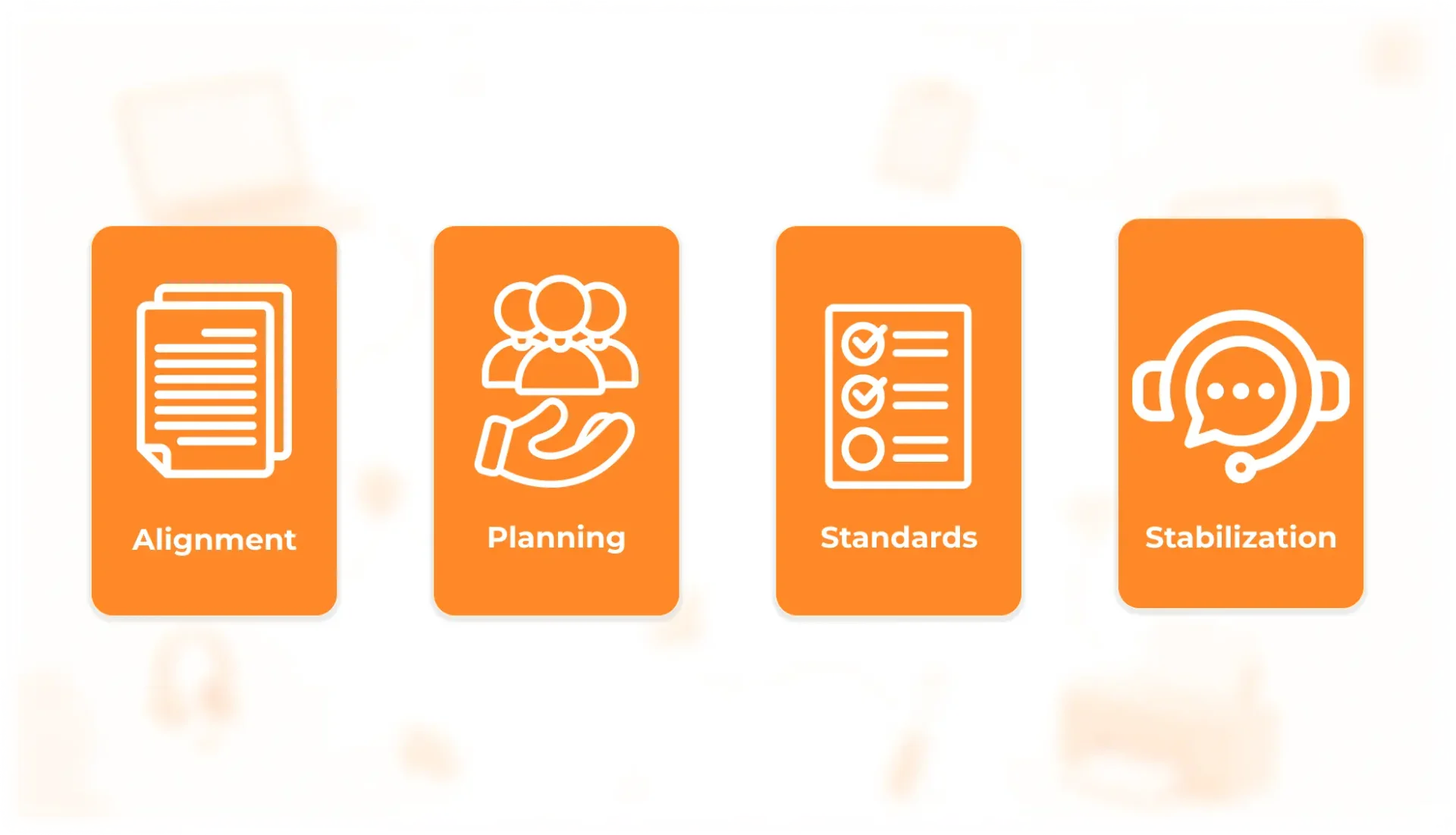
Successful office hardware rollouts usually come from the rollout model, not from the equipment alone.
First, procurement works best when it is connected to implementation. Hardware decisions should reflect the installation sequence, network requirements, support model, and user environment.
Second, the service layer should be planned early. When network setup, infrastructure planning, and deployment standards are defined before devices arrive, the office is better prepared for a smooth transition.
Third, deployment standards need to be clear enough to reduce unnecessary variation. Standard workplace profiles make installation faster, support easier, and future scaling more predictable.
Fourth, stabilization should be treated as part of the project, not as an afterthought. Post-launch support helps turn the rollout from a one-time installation into a stable operating environment.
I often advise clients to look at this through a cost lens rather than a procurement lens.
Each of these factors protects Total Cost of Ownership, not because the hardware itself changes, but because the office receives the management layer required to make the hardware perform consistently.
Before You Start
Do not treat hardware as the whole project. Treat it as one component inside a managed service model.
For SMEs, the priority is not just buying devices. It is making sure the office is ready to absorb them through proper planning, controlled deployment, network readiness, and support after launch. That is the service layer ITmathics provides across rollout planning, Designing and Creating Networks, and Infrastructure Solutions.
Don’t install it yourself. Hire our rollout experts for a seamless transition.
Request a rollout assessment with ITmathics to review your network readiness, deployment sequence, installation logic, and infrastructure scope before hardware becomes an operational challenge.
FAQ
What do office network setup services include?
They include the preparation required before user devices are deployed: network design, switching and routing logic, Wi-Fi planning, structured cabling, telephony readiness, monitoring, and readiness validation.
At ITmathics, these services sit inside our Designing and Creating Networks capability.
When should enterprise hardware deployment actually begin?
Only after the rollout owner, workplace standards, and network readiness are already defined.
Deployment works best when it follows a prepared environment, not when it is used to discover missing dependencies.