
Gifts for Children Aged 6–9
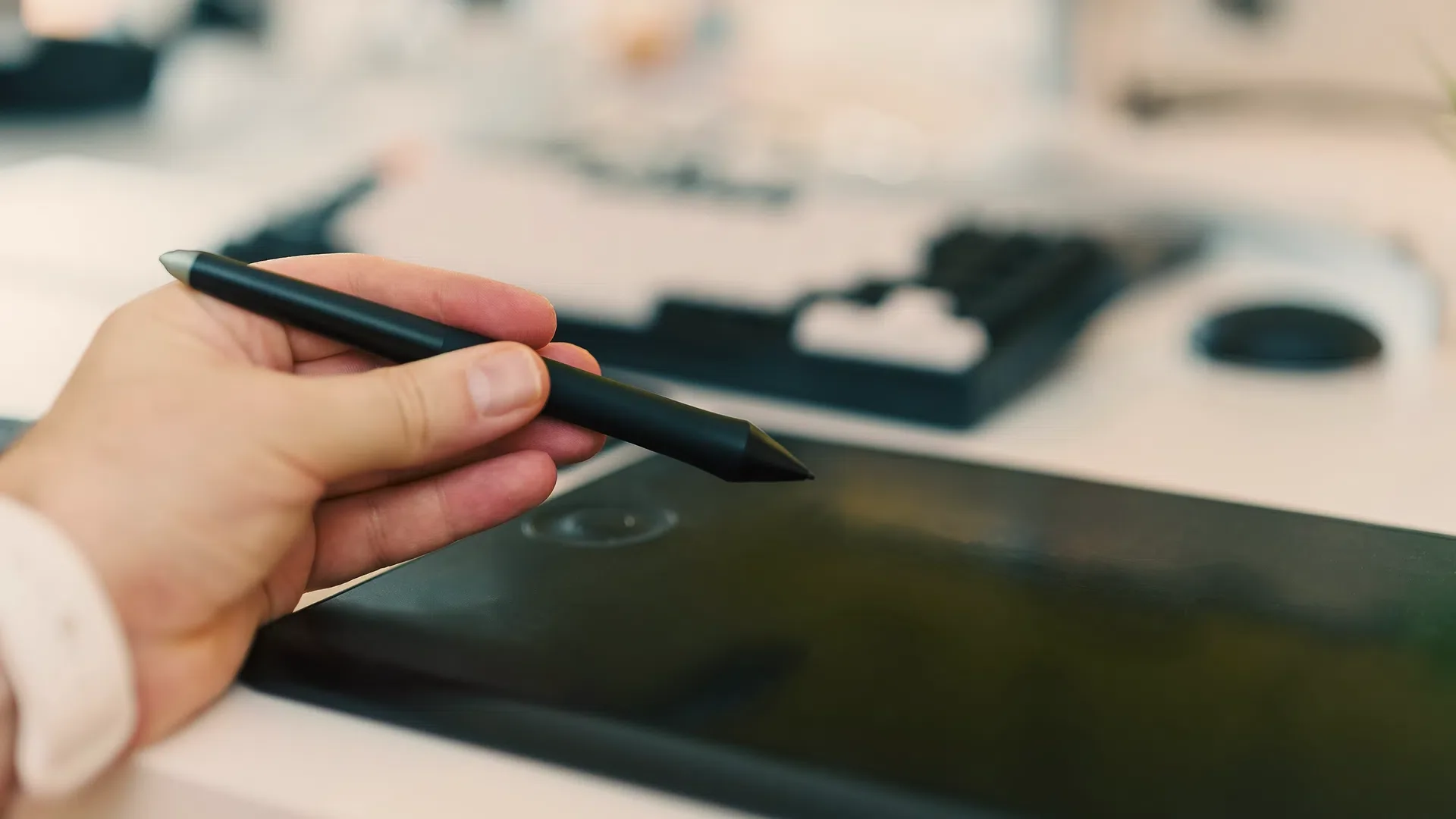
If a child is always drawing, a small LCD writing tablet could become a favourite travel companion. They can invent characters, leave funny messages and play noughts and crosses. Ready to start again? A press of a button clears the drawing.
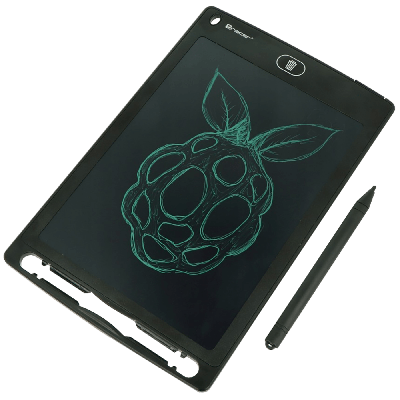
Children who enjoy music and stories may appreciate a pair of kids’ headphones. They can listen to a familiar story on a journey or play their favourite songs while everyone else at home gets on with their day. Pay attention to the fit: the headphones should sit comfortably without squeezing. The model in this selection is designed for children aged 3–8. For a nine-year-old, choose a model with a suitable age recommendation and fit.
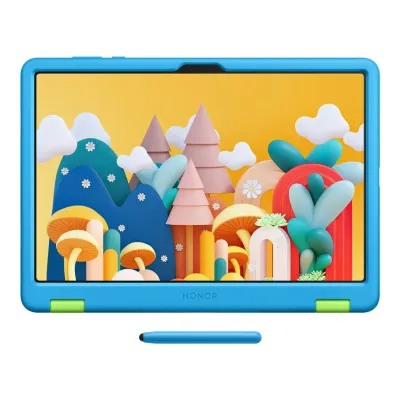
A tablet is a bigger gift that is worth discussing with the parents first. If they were already planning to buy one, you could install the apps they need and add a book to read together before the holiday. Check whether a protective case is included, too: it may be worth buying one straight away.
Gifts for 10-Year-Olds
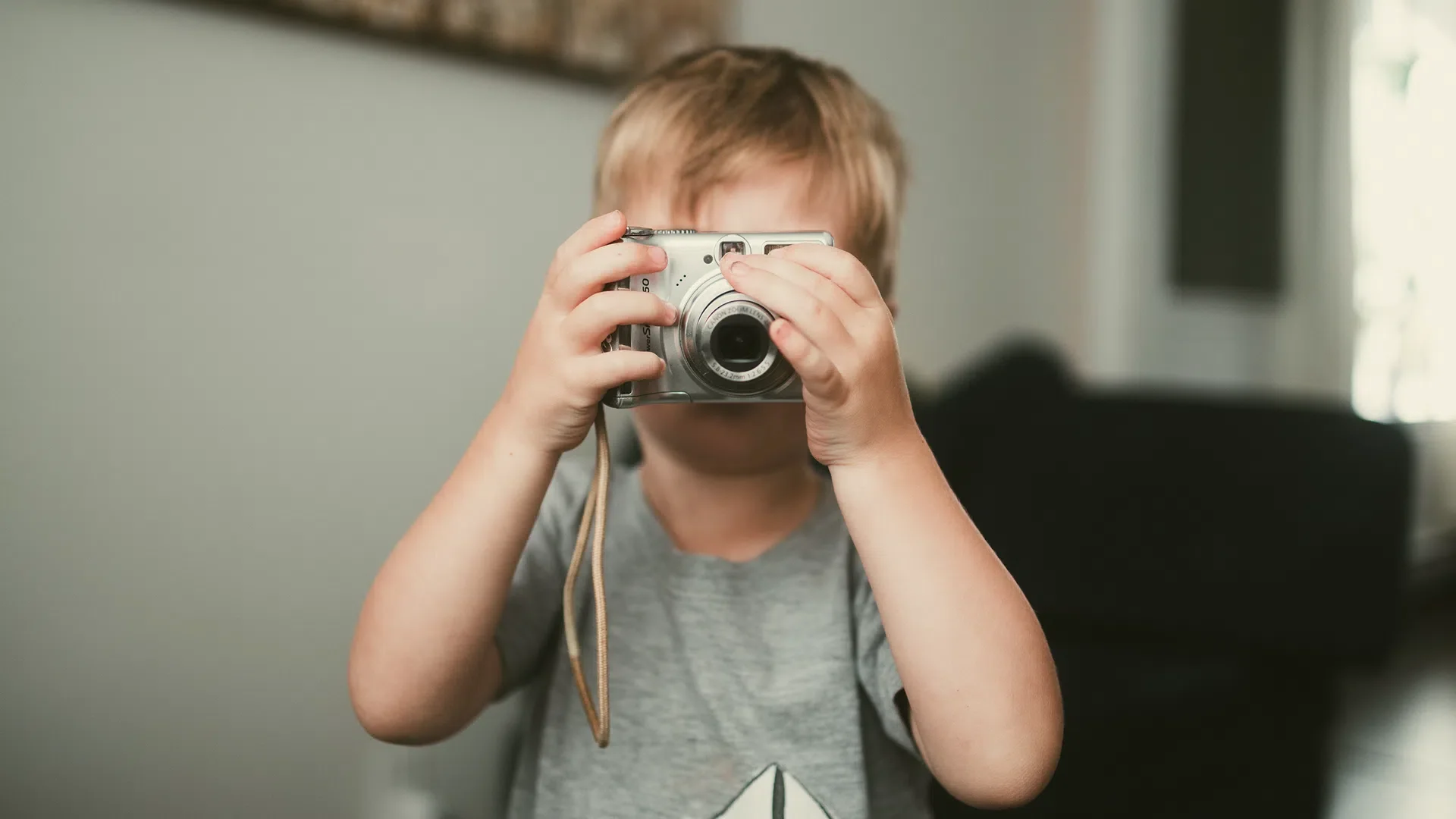
Does the child keep borrowing your phone to photograph the cat, their toys or the first snow? It might be time for a camera of their own. There will be plenty to photograph over the holidays: the decorated tree, family gatherings and presents being unwrapped. The cat, of course, may refuse to pose.
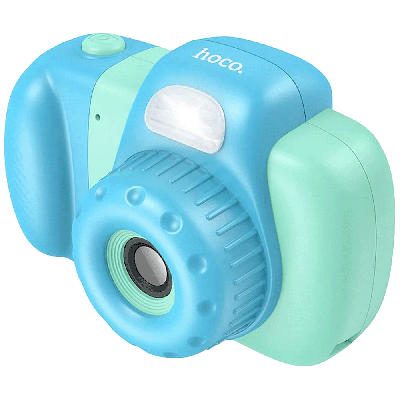
When choosing a first camera, look at how easy it is to use. Can the child take a picture, open the photos and pick their favourites without help? At this stage, straightforward controls are more useful than an impressive megapixel count in the description.
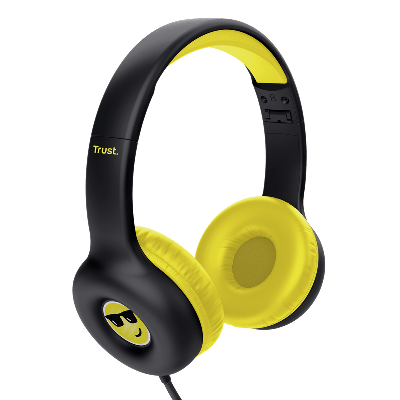
Headphones are a good option for someone who enjoys music or watching videos. A wired pair does not need charging, but check whether the device has a suitable headphone socket or needs an adapter.
Another option is a compact tablet. It can be useful for books, videos and favourite apps if the child is ready for a device of their own. Ask what they would like to do on it: read comics, play games or draw. Their answer will make it easier to work out which features matter.
Gifts for Children Aged 11–12
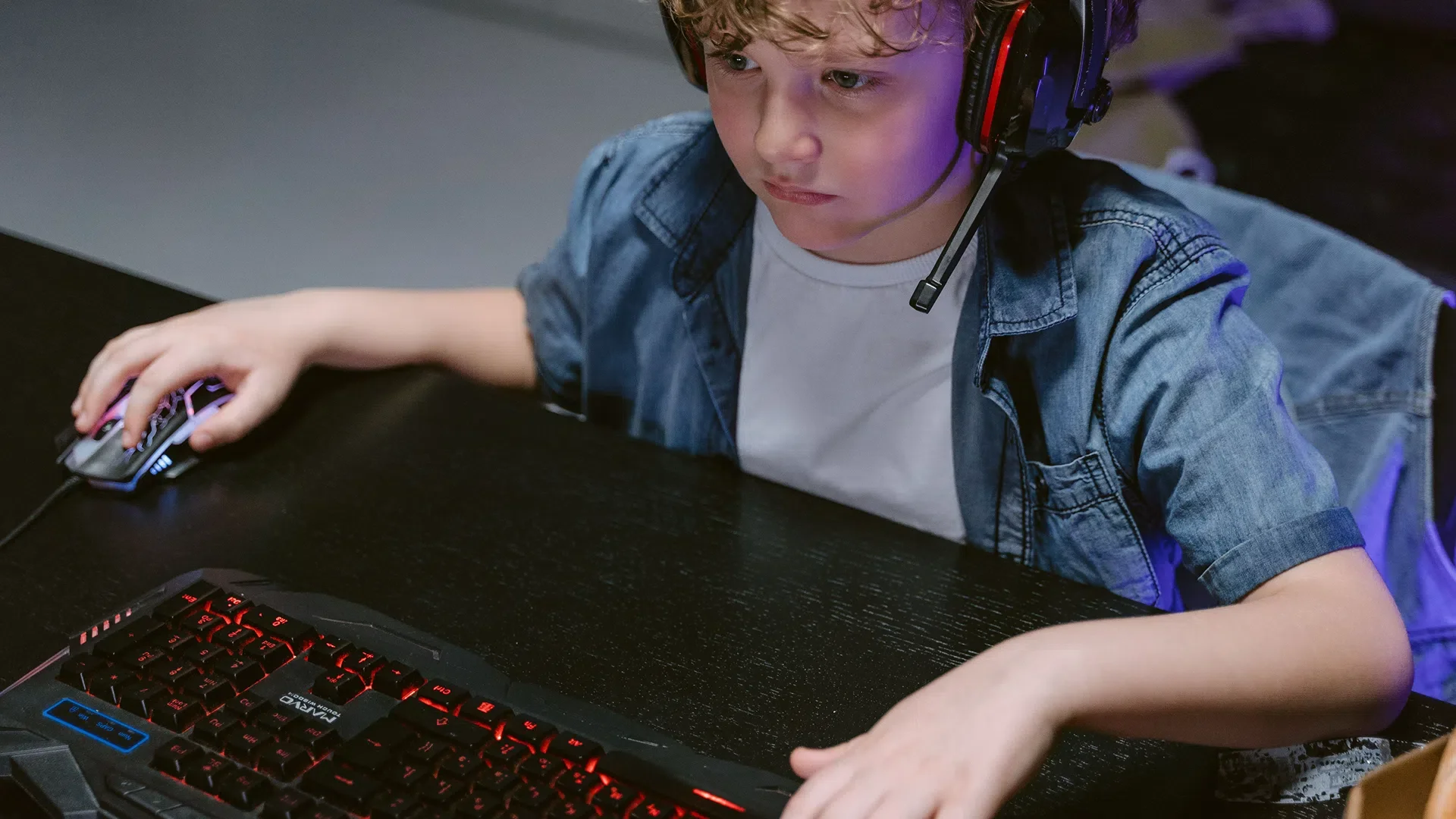
By 11 or 12, children often know which mouse or headphones they would like. Listen out: they may already have mentioned a gift idea. Have they complained about an uncomfortable mouse, having to share headphones with someone at home or their phone screen being too small?
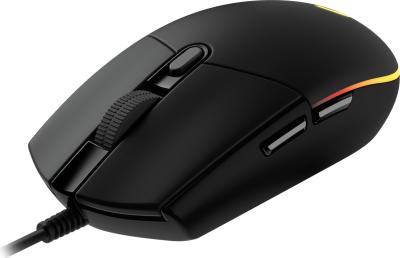
If the child uses a computer for games or other activities, a comfortable mouse could make a good gift. Start with the size and shape: it should fit their hand well. The colour and lighting can be left to the future owner’s taste.
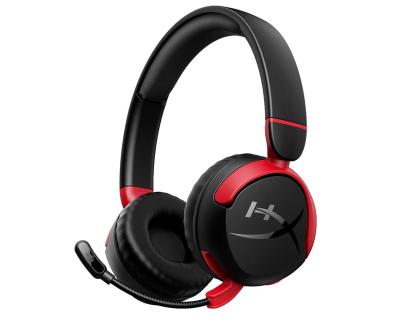
A headset of their own will come in handy for music, games and chatting with friends. Before ordering, find out what they will connect it to: a computer, phone or console. Even a wireless model may need a cable for use with certain consoles.
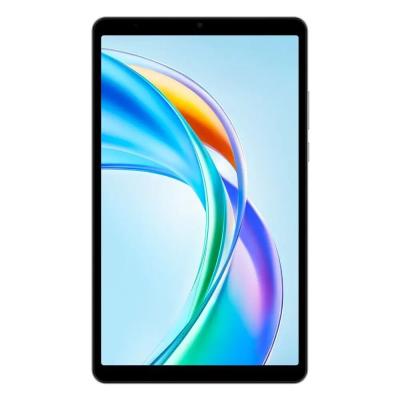
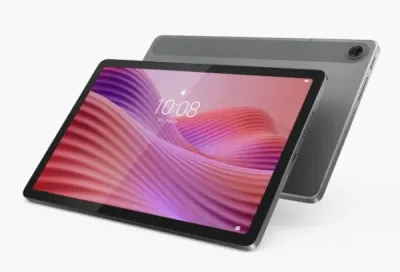
Choose a tablet around what the child plans to use it for every day. For books and learning materials, look for a screen that is comfortable to read on. For photos and apps, check that there is enough storage. If they have been asking for a tablet for a while, talk through these details together. It will be easier to choose a suitable model and the accessories they need.
Gifts for Drawing and First Photos
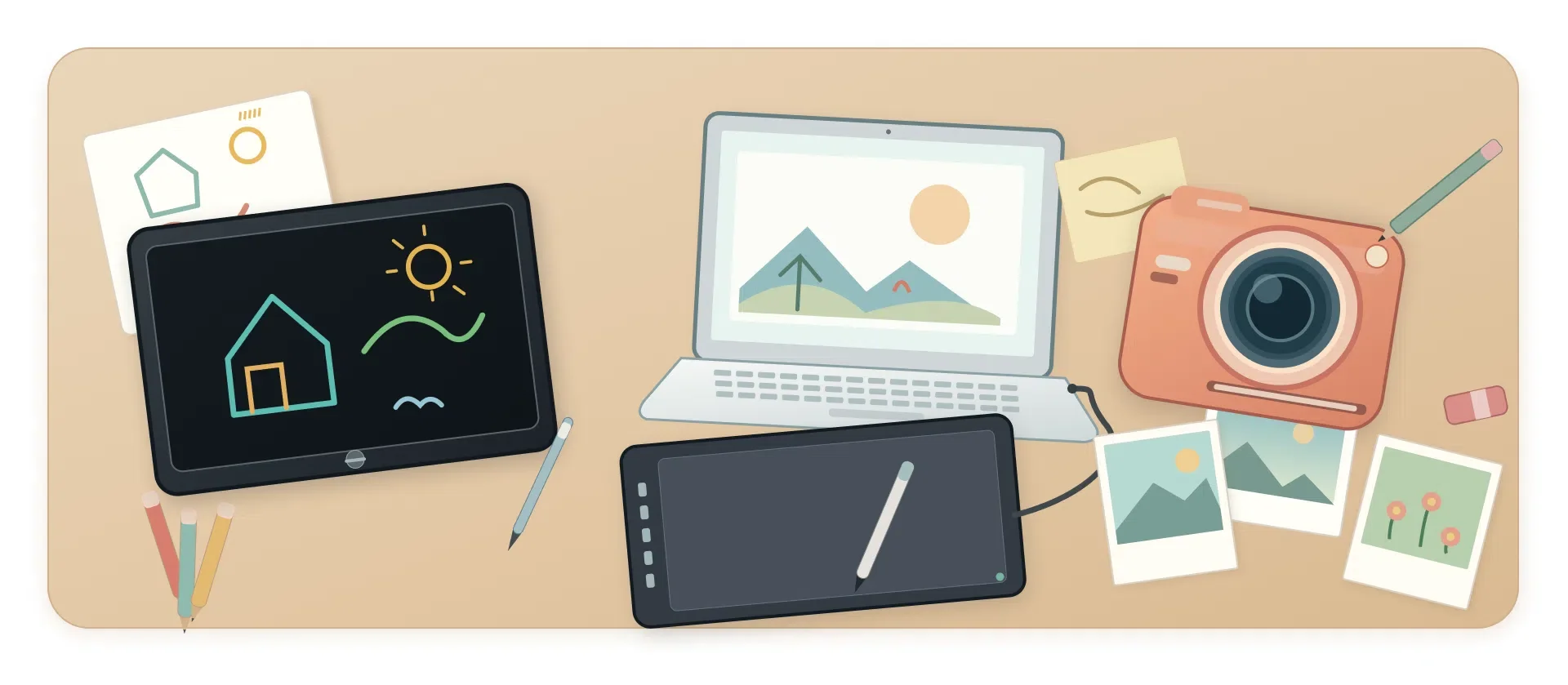
Some children like to sketch something quickly and move straight on to the next idea. Others enjoy working on the details and keeping the finished result. Think about what the child enjoys most: this will help you choose between an LCD writing tablet and a graphics tablet.
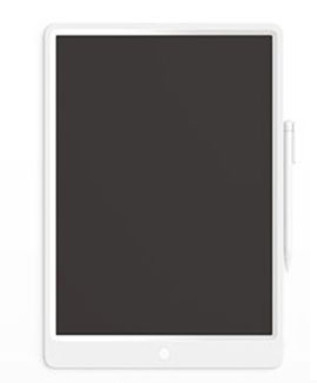
A large LCD writing tablet is useful for freehand sketches, word games and taking turns to draw: one person starts, the other adds to it. Just bear in mind that it cannot save drawings as files. If a picture turns out particularly well, you can photograph it before clearing the screen.
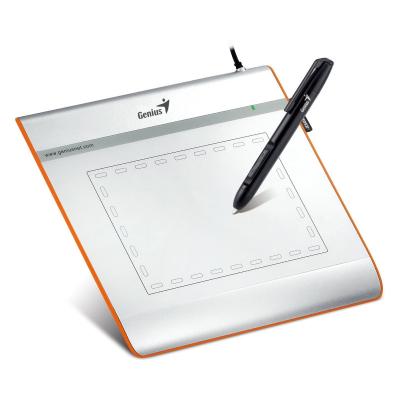
For drawing on a computer, consider a graphics tablet. The child moves a pen across its surface, and the lines appear in a program on the monitor. This takes a little getting used to, so you could spend the first evening trying out the pen together: draw a character, give it a name and have a go at colouring it in. Before buying, check compatibility with the computer and the drawing program the child will use.
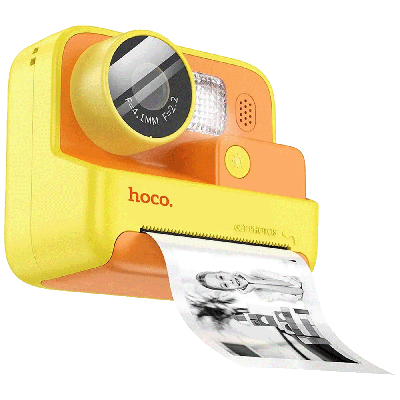
A children’s camera with a built-in printer lets them turn a family photo into a card or start an album of their own. Taking a picture, printing it and thinking up a caption is already an activity for a holiday evening. Check whether paper is included and whether you can buy compatible replacement rolls.
Gifts for Learning, Games and Music
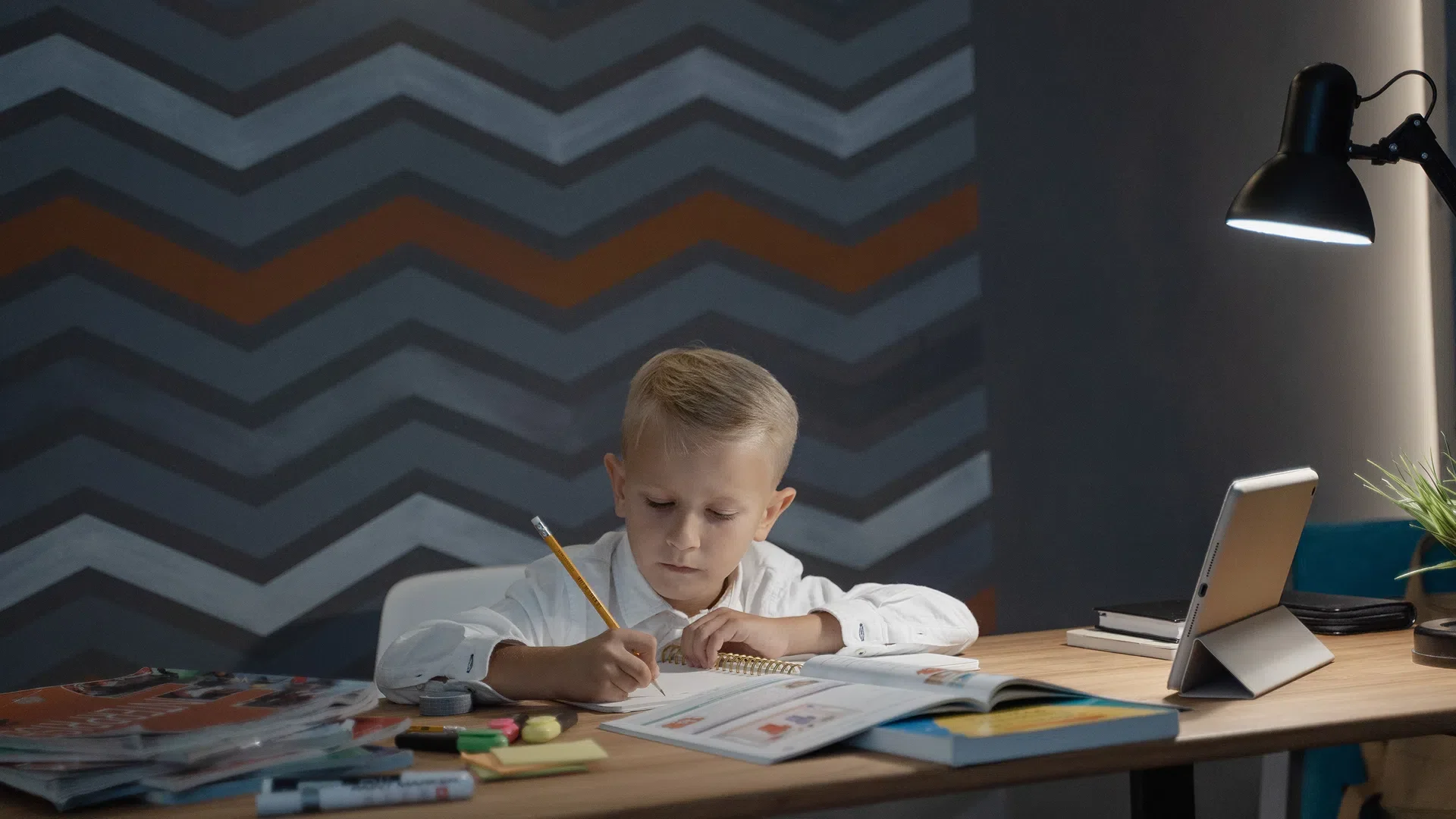
Sometimes the best gift is connected to a simple everyday pleasure: playing a favourite album, settling down with a book or enjoying a game after a walk.
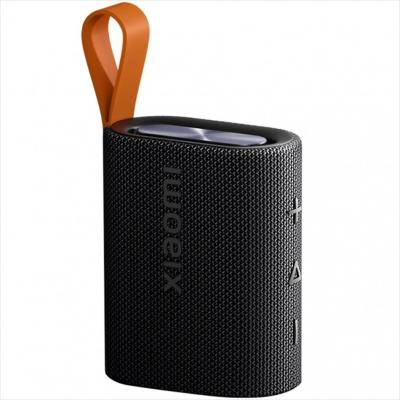
A small Bluetooth speaker is useful for music and audio stories. It is easy to move from room to room or take on a family trip. It can connect to a phone or tablet, so the child does not need a smartphone of their own to enjoy the gift.
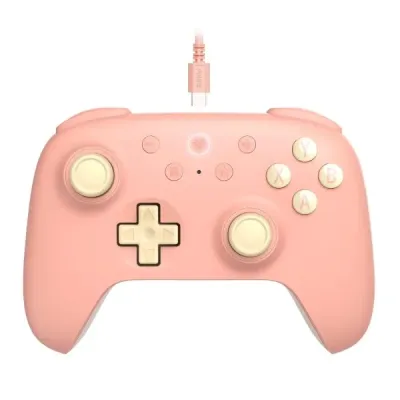
A gamepad could be a good choice for a child who already enjoys playing with a controller. It is especially useful to ask in advance which games they play and on what device. The model in this selection uses a wired connection; check compatibility with both the device and the games before ordering.
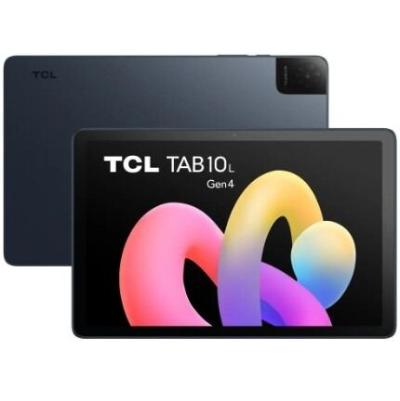
If the tablet will hold photos, books, games and other apps, pay attention to its storage capacity. Get it ready before the holiday: charge it, set it up and add a book the child has been wanting to read. That way, their first experience with the gift can be an activity they enjoy.
If several ideas appeal to you, compare them against the child’s favourite activities.
What the child enjoys | What to consider | What to check |
Making quick sketches | An LCD writing tablet | Size and how drawings are cleared |
Drawing on a computer | A graphics tablet | Compatibility with the computer and drawing program |
Taking photos | A children’s camera | Whether a memory card is needed and how photos are transferred |
Making cards and collages | A camera with a built-in printer | Included accessories and availability of compatible paper |
Listening to music and audio stories | Headphones or a speaker | Ease of use and connection |
Playing games | A mouse or gamepad | Compatibility with the device and games |
A Gift for Their Favourite Activity
Picture the first evening after the celebrations: what will the child want to try straight away? Drawing, a photo shoot or a new game? If you already have an answer, choosing a gift will be easier.
You can compare the suggested products at IT-shop, check their specifications and see what is included. Choose something that suits the child’s interests now, and prepare everything they need to get started.
FAQ
What should I give if I do not know the child’s interests?
Ask the parents what the child is interested in at the moment and what they have been talking about recently. They may have been eyeing up a camera or asking for headphones for journeys. Find out what they already have at home, too, so you do not accidentally buy something almost identical.
What should I check so the gift can be used straight away?
Battery charge, included accessories and connections. A camera may need a memory card, a model with a built-in printer may need paper, and headphones may need an adapter. For a graphics tablet, prepare a computer with a compatible program; for a gamepad, check that the device and game support it. Charge and set up a regular tablet in advance.
When is a tablet a good gift?
When you know what the child needs it for. An LCD writing tablet may be enough for quick drawings, while headphones or a speaker can cover audio stories. If the child wants to read, use apps and keep photos or drawings, a tablet is worth considering. Discuss the purchase with the parents and choose a model that suits those activities.