

Desk Accessories
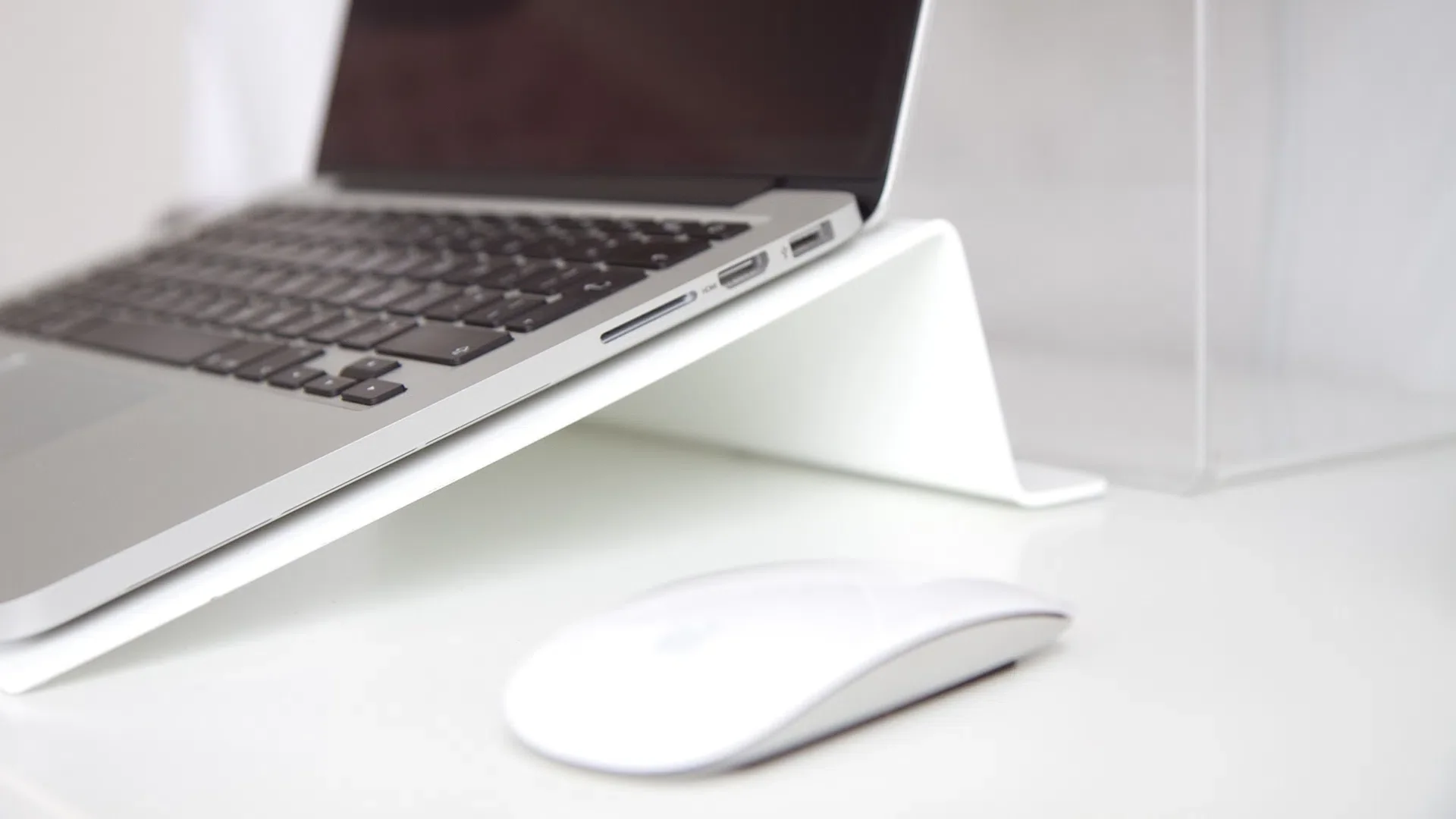
If your colleague uses a separate mouse, take a look at their mouse pad: is there enough room to move, is it comfortable to use, and could it do with replacing?
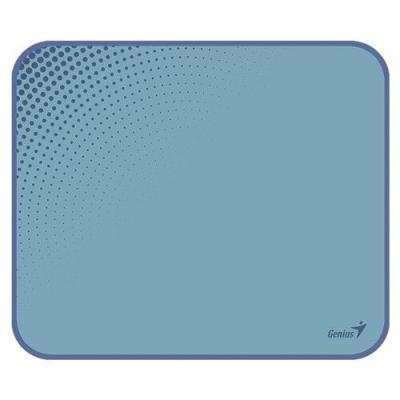
A compact mouse pad is a good choice for a small desk. You can choose a colour that matches the recipient’s laptop, case, or other accessories. If your colleague is used to a large gaming mouse pad, choose a similar size. It is also worth checking their preferred surface.
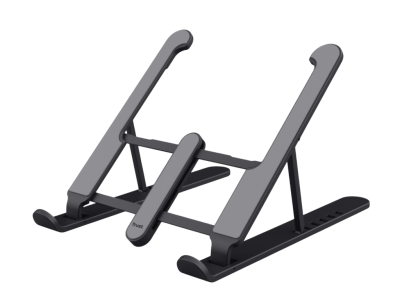
A folding stand can be useful for someone who regularly works on a laptop and carries it between home and the office. Check that the stand supports the device’s size and weight. How your colleague works also matters: do they use a separate keyboard or type directly on the laptop?
If your colleague already has a similar accessory, choose a new one only if you know what they would like to improve. They may want a different size, a more convenient design, or another colour.
Secret Santa Gifts Up to 4,000 Dinars
Up to 1,000 Dinars
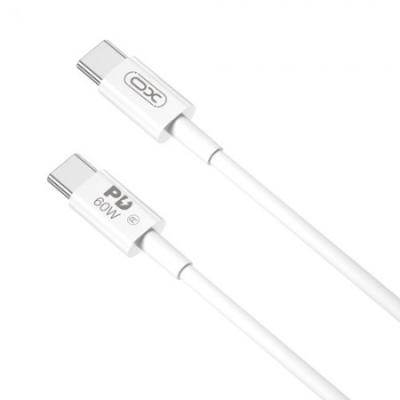
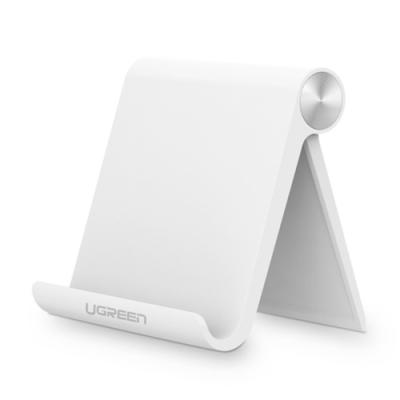
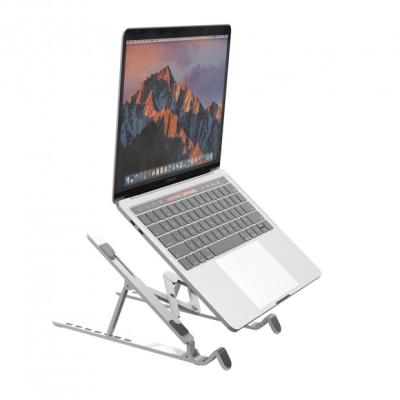
A foldable stand can be useful for a colleague who carries their laptop between home and the office. Before buying, check the supported laptop screen size and the stand’s maximum load. If they often check their phone while working, consider a desktop phone stand. A spare cable is also handy at work if both their phone and charger have USB-C ports.
From 1,000 to 1,500 Dinars
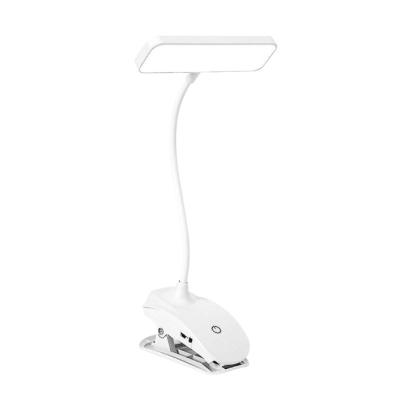
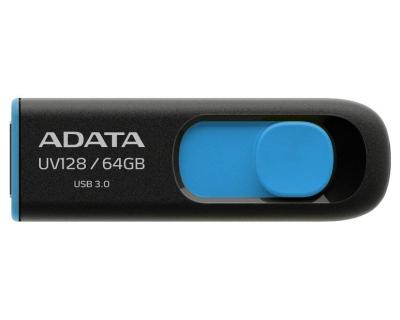
A compact desk lamp is a good choice for a colleague who could use more light at their desk. A 64 GB flash drive is handy for someone who often moves documents between computers. It plugs into a USB-A port. If their laptop only has USB-C ports, they’ll need an adapter. Before buying, check whether the company allows employees to use personal flash drives.
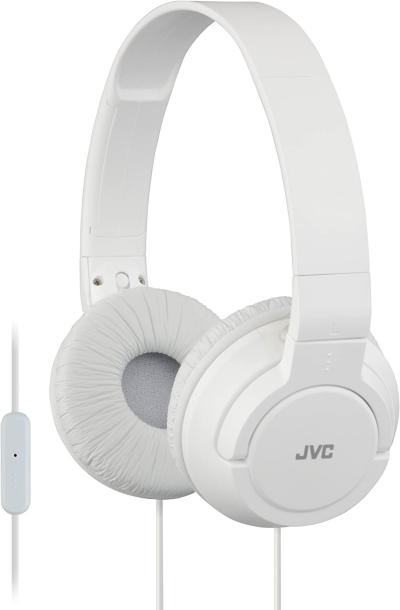
Wired headphones with a microphone are an option for a colleague who spends a lot of time on work calls. They can keep them handy and plug them into their laptop before a call. Check whether the laptop has a combined 3.5 mm headphone and microphone jack.
From 1,500 to 2,000 Dinars
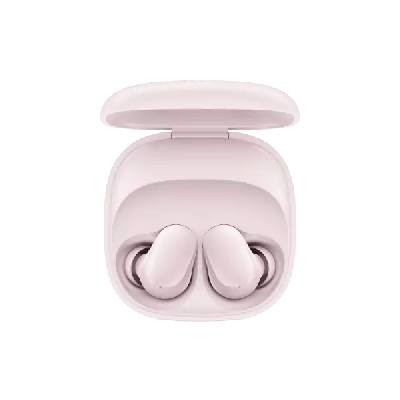
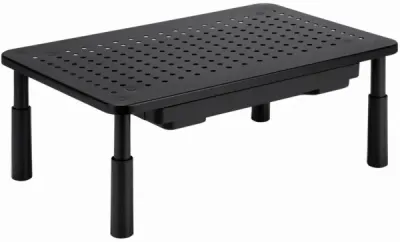
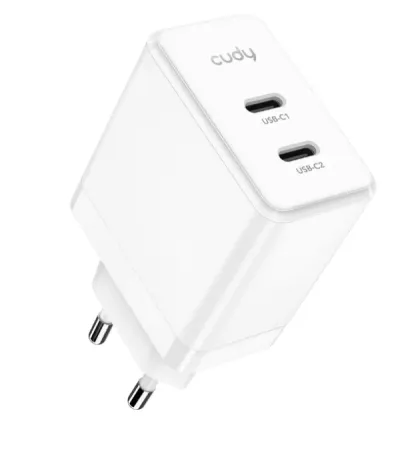
A spare charger is handy to keep at the office. If your colleague often charges two devices at once, look for a model with two ports. Before buying, check which charging standard their phone supports and whether a cable is included. Compact Bluetooth earbuds are a good choice for a colleague who listens to music or podcasts on the way to work. A monitor stand with a drawer helps free up desk space while keeping pens and sticky notes within reach.
From 2,000 to 3,000 Dinars
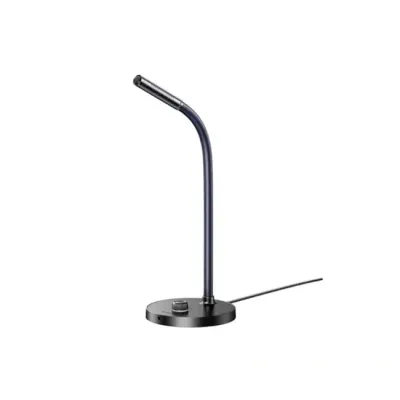
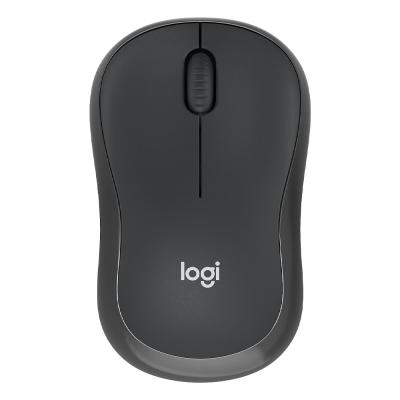
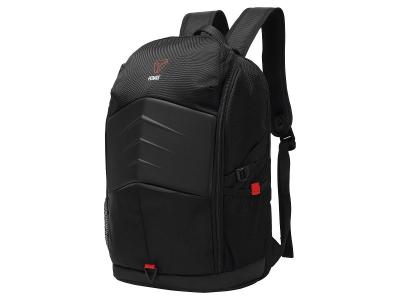
A desktop USB microphone can be useful for regular calls from a desktop computer, while a quiet-click mouse suits a shared office. Check that the computer has a suitable USB port for the microphone and supports Bluetooth for the mouse. If your colleague often carries a laptop, consider a backpack and compare the laptop’s dimensions with those of the compartment.
From 3,000 to 4,000 Dinars
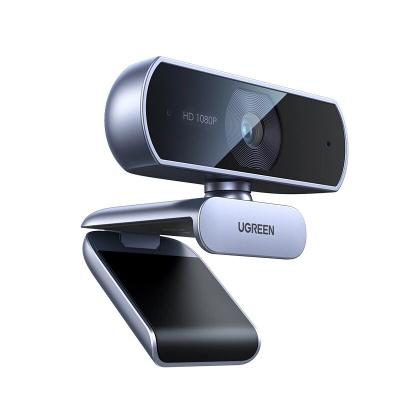
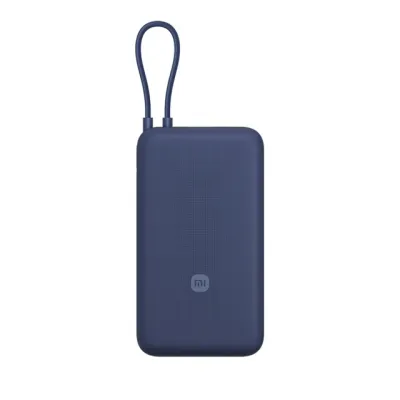
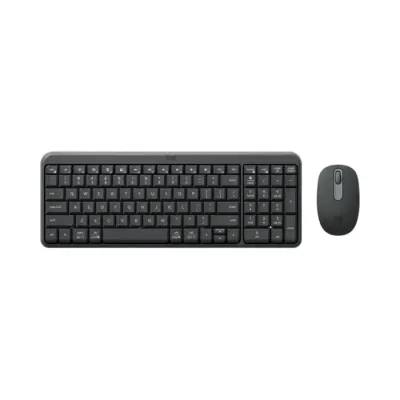
A webcam can be useful for a colleague who often joins video calls from home. For travel, consider a power bank with a built-in cable that fits their phone. If your colleague is setting up a desk, a keyboard and mouse set could be a good choice. Check which keyboard layout they normally use before buying.
A Speaker or USB Hub: When You Know Their Interests
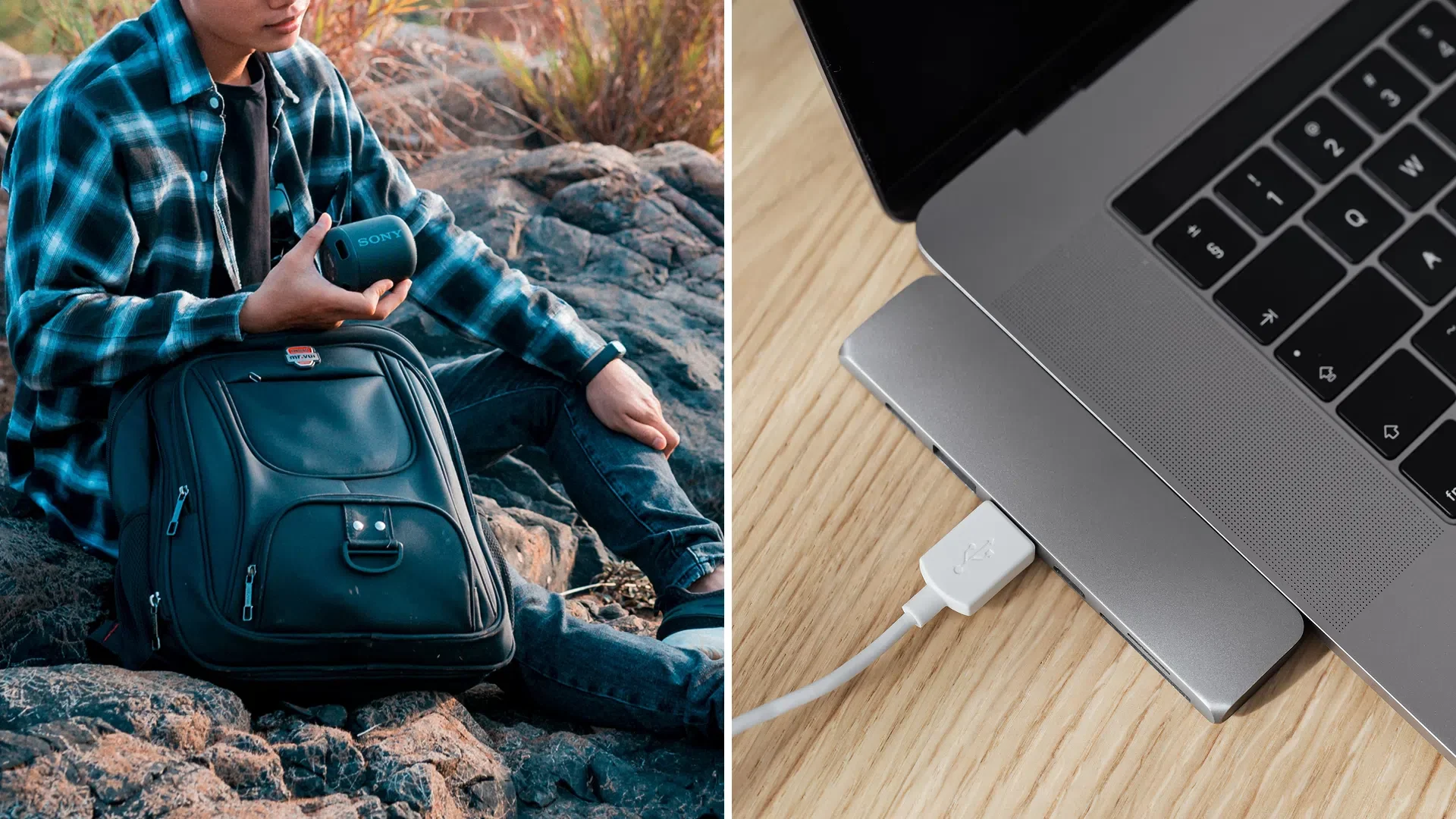
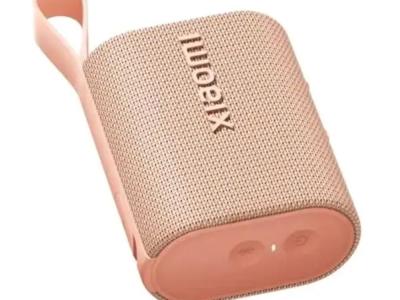
Someone who enjoys music and travelling may appreciate a small Bluetooth speaker. Think about whether your colleague uses a similar device and whether the new one would be convenient to take along.
When choosing a portable speaker, consider its size, weight, charging method, and battery life. Check the volume level used to measure the advertised battery life: it may be shorter at higher volumes. This gift can be useful outside work, while playing music in a shared office is something to discuss with colleagues first.
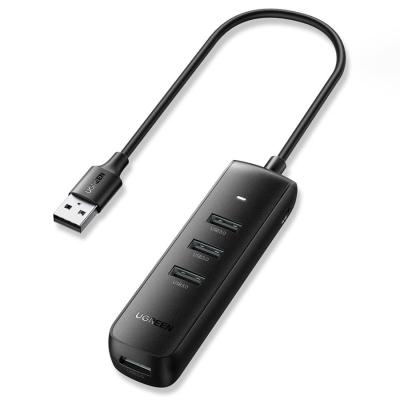
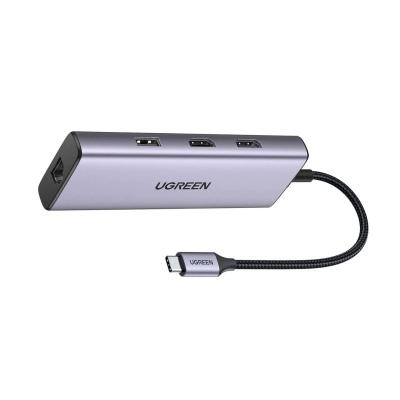
A USB hub can suit someone who regularly needs extra ports for a mouse, keyboard, and other peripherals. A basic hub may be enough for several USB devices. If they need to connect a monitor or a network cable, choose a model with HDMI or Ethernet.
Before buying a hub with HDMI, check whether the laptop’s USB-C port supports video output. Choose the ports according to the devices your colleague actually connects.
Consider a speaker or multifunction hub costing more than 2,000 dinars only if the group has agreed on a higher spending limit in advance.
The Draw and Gift Exchange Rules

Before the draw, agree on the budget, date, and format of the exchange. Clarify whether wrapping and delivery are included in the spending limit, whether joke gifts are welcome, and whether the gift givers’ names will be revealed.
For a traditional draw, write the participants’ names on identical slips of paper and fold them so the names cannot be seen. Each person draws a recipient’s name and keeps it secret. If anyone draws their own name, repeat the draw. Alternatively, use an online service that prevents this from happening.
A short list of two or three gift ideas can make choosing easier. It can include a preferred category, the connector needed, or the model of the device an accessory is intended for. The organiser can also pass on a question without revealing who is buying the gift.
For an office Secret Santa, choose small gifts that are not overly personal. Add a card with a short message or a thank-you for their help.
Taking part in the exchange should be voluntary. Before handing over the gifts, label each package with the recipient’s name to avoid mix-ups.
FAQ
What Can You Give a Colleague You Do Not Know Well?
Ask the organiser to find out what they would like, or think about what your colleague uses every day. For example, a mouse pad could suit someone who works with a mouse. A charger or hub is easier to choose when you know their device model.
Can You Buy a Gift Above the Agreed Spending Limit?
It is best to stick to the group’s agreement: the same rules help everyone feel comfortable. If the item you like is over budget, choose another useful accessory. Any increase in the limit should be discussed with the whole group in advance.
How Can You Check Compatibility Without Spoiling the Surprise?
Ask the organiser to find out the device model and required connectors, or suggest including these details in the wish list. If you cannot get this information, choose a gift that does not require technical details, such as a mouse pad in a suitable size and colour.